-

Key Covers for BMW
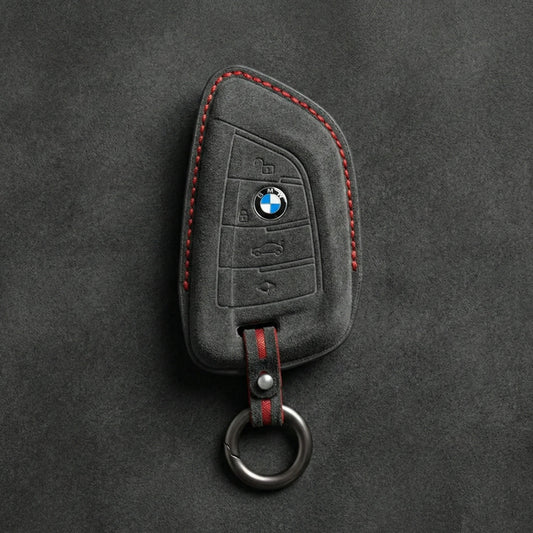
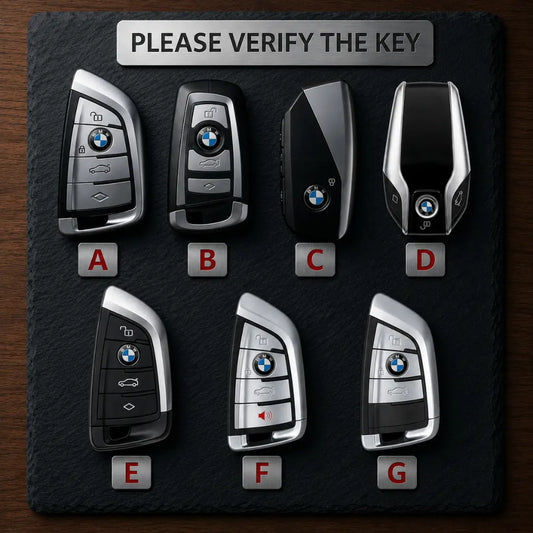
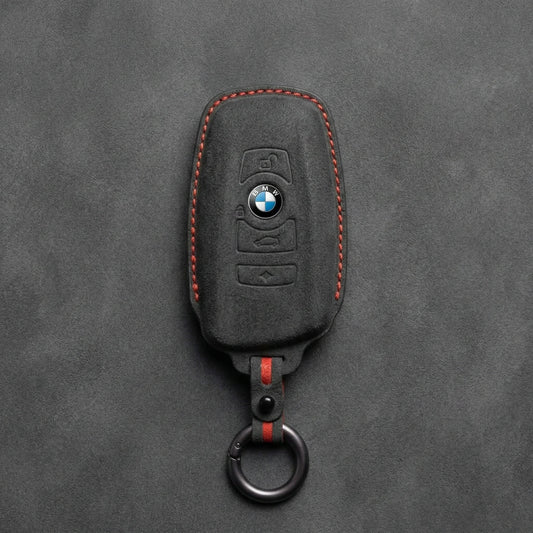
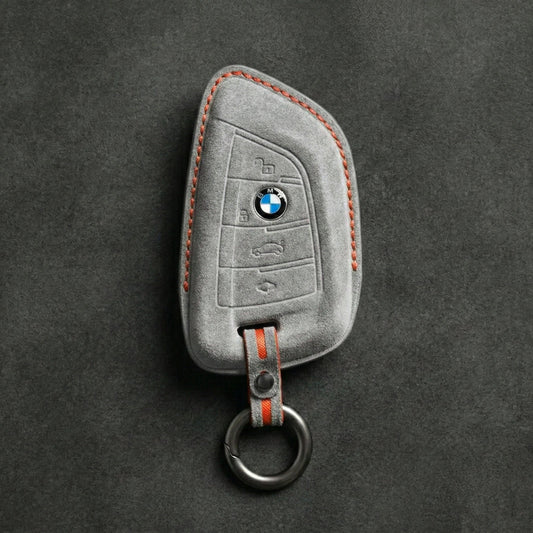
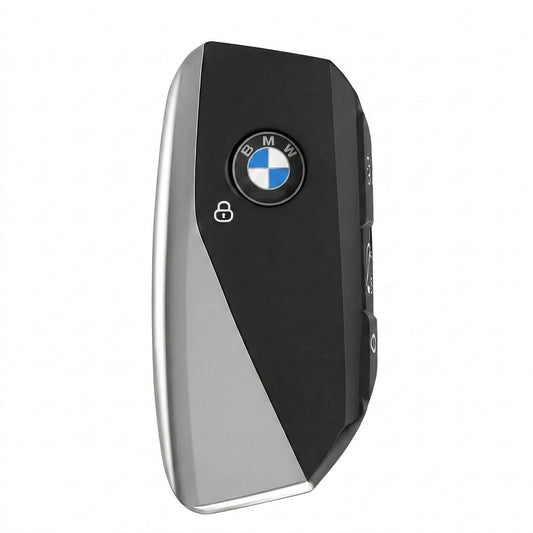
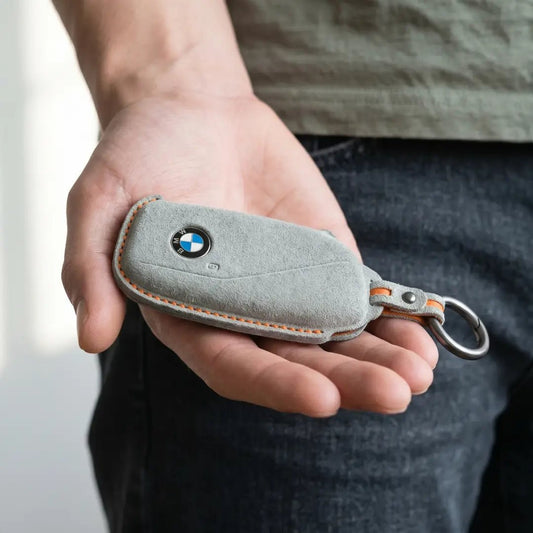
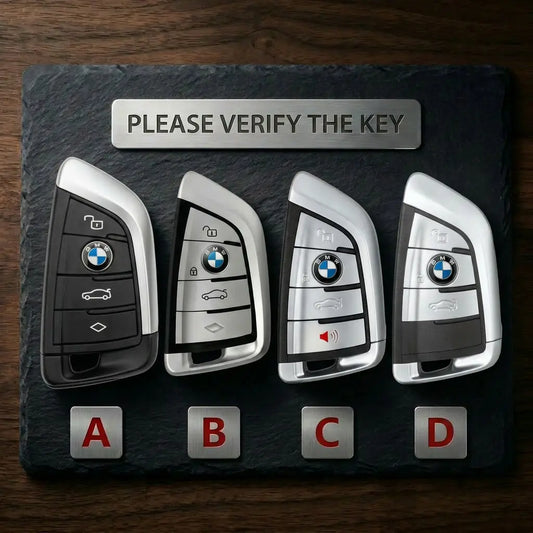
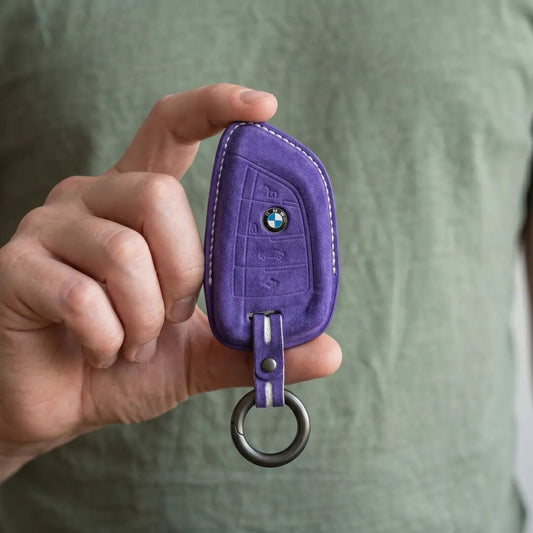
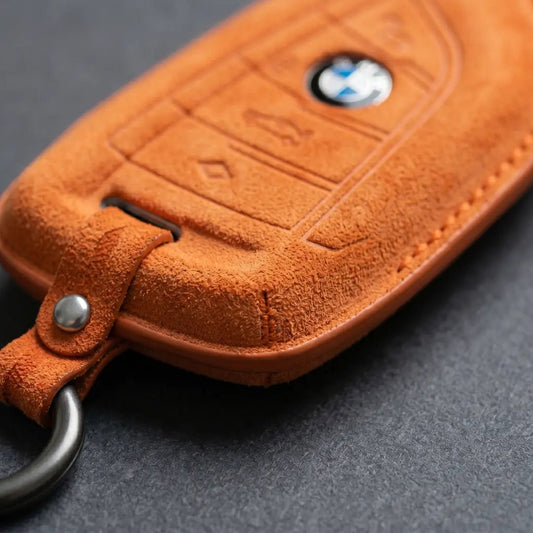
BMW Key CoversAn X5 alone has used three BMW keys: the F-series...
-

Key Covers for Volkswagen
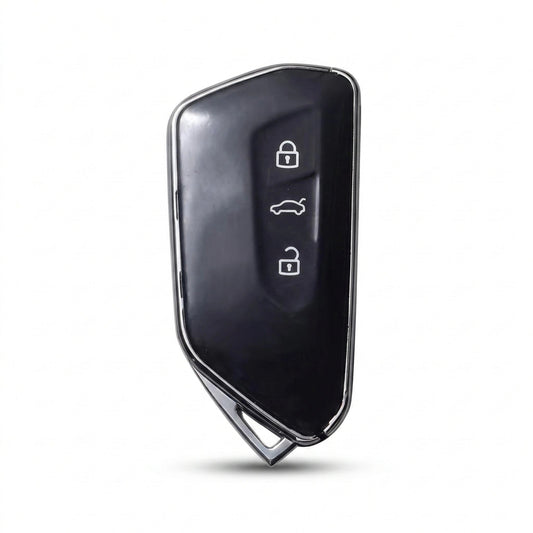
Volkswagen Key CoversVolkswagen has made its folding "switchblade" key in more than...
-

Key Covers for Mercedes-Benz
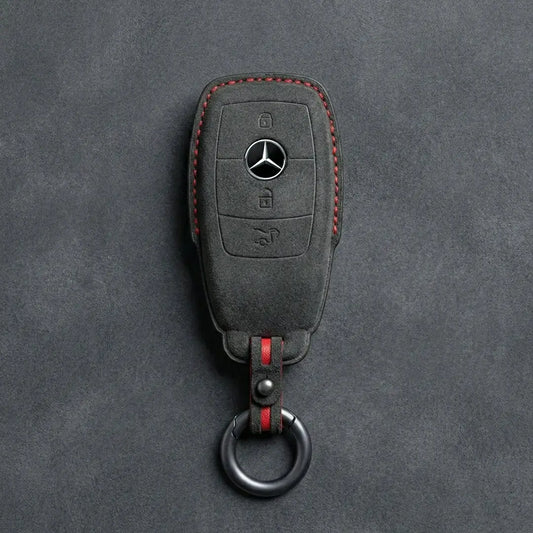
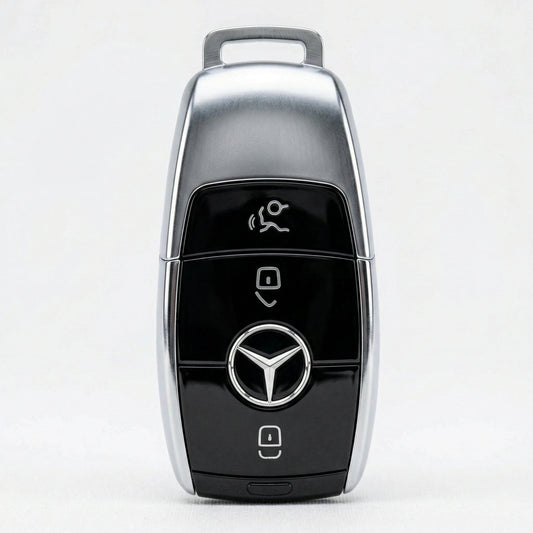
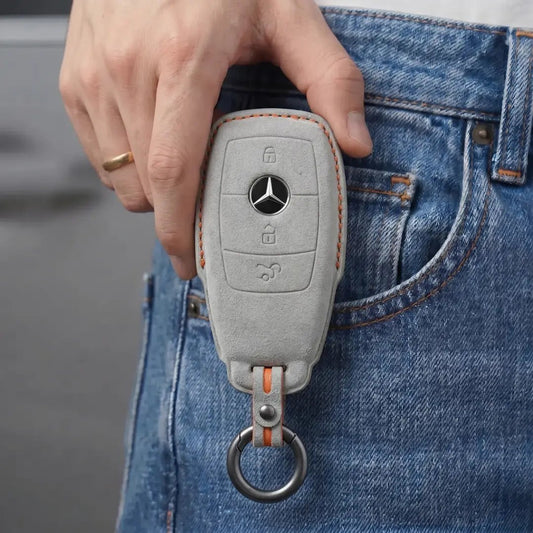
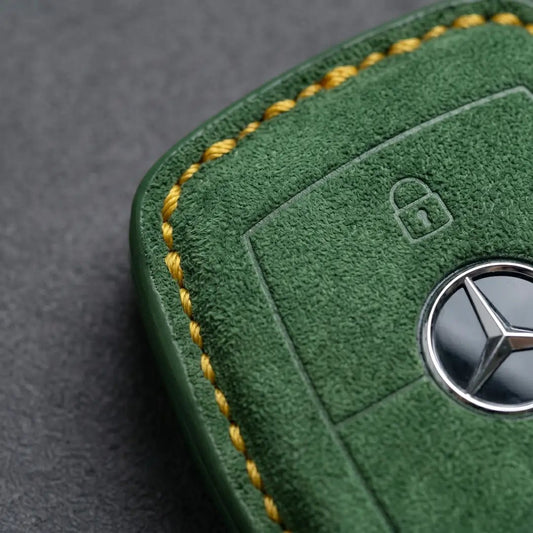
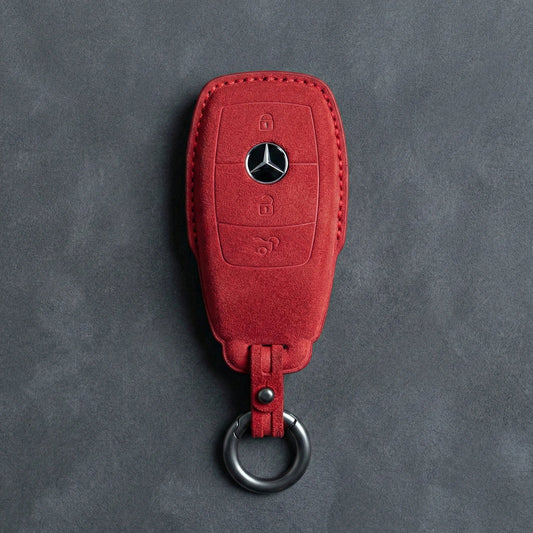
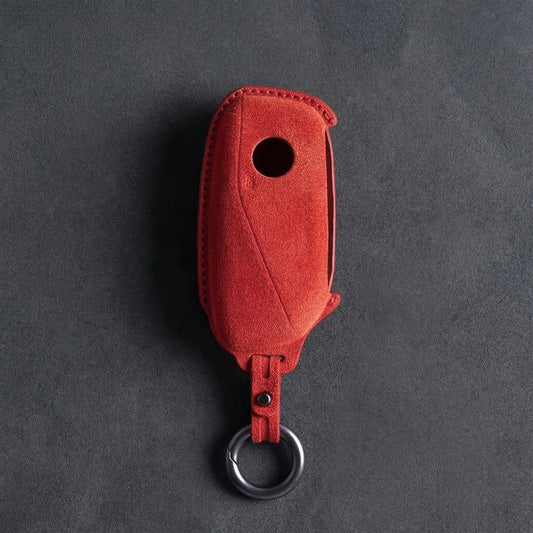
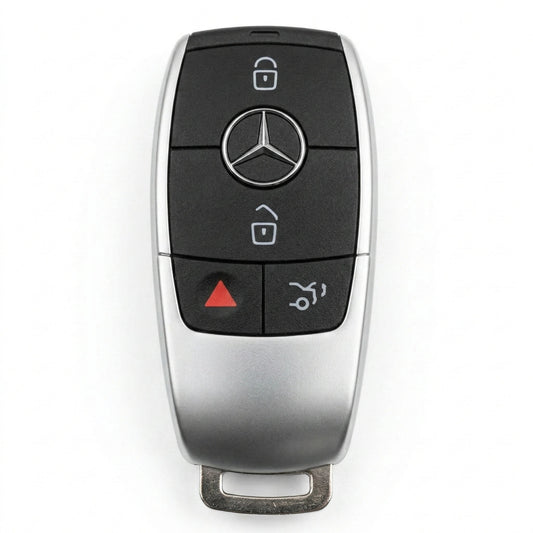
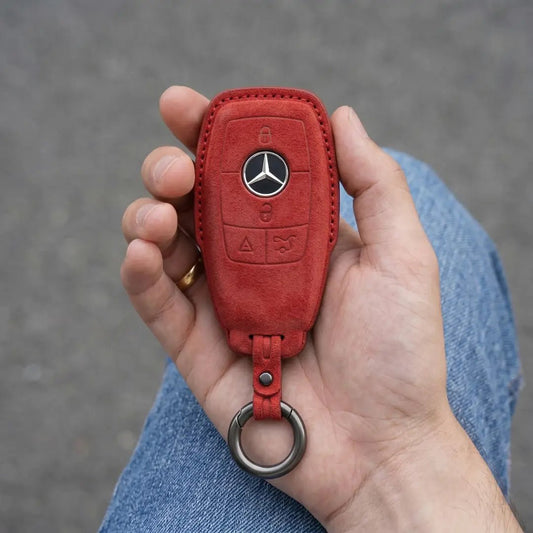
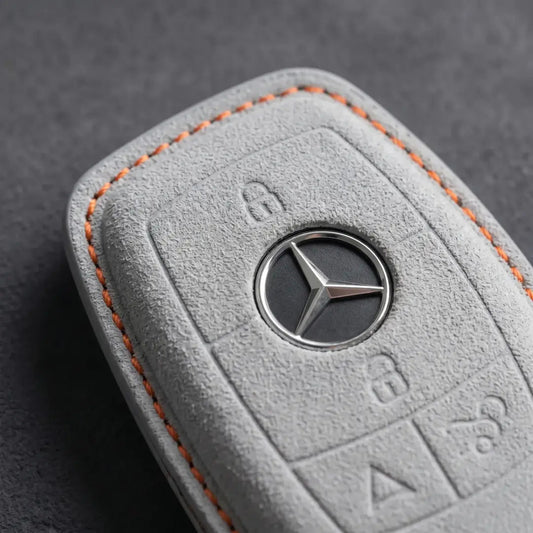
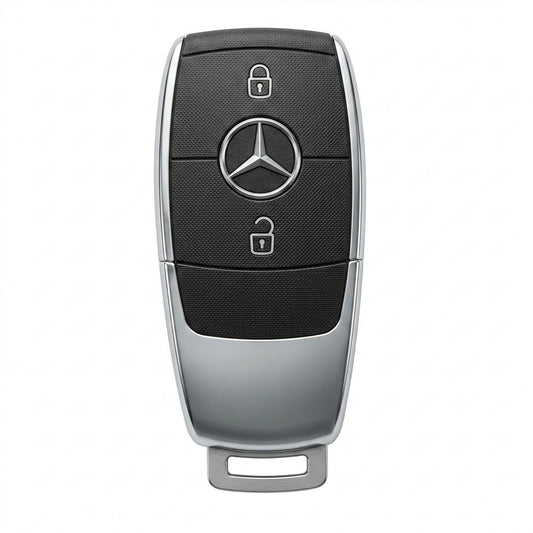
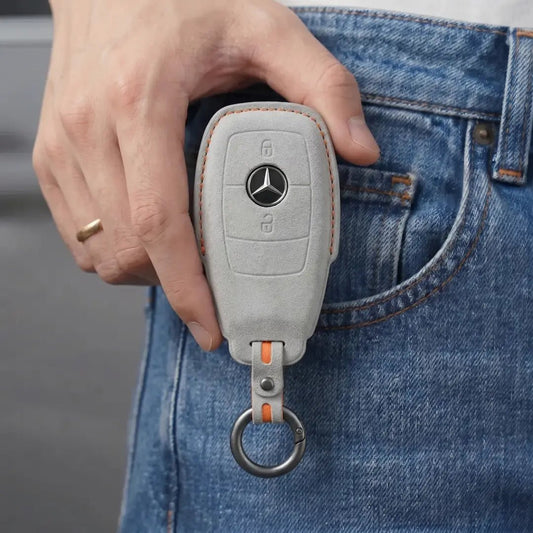
Mercedes-Benz Key CoversStart with the top of your Mercedes-Benz SmartKey. The chrome-sided...
-

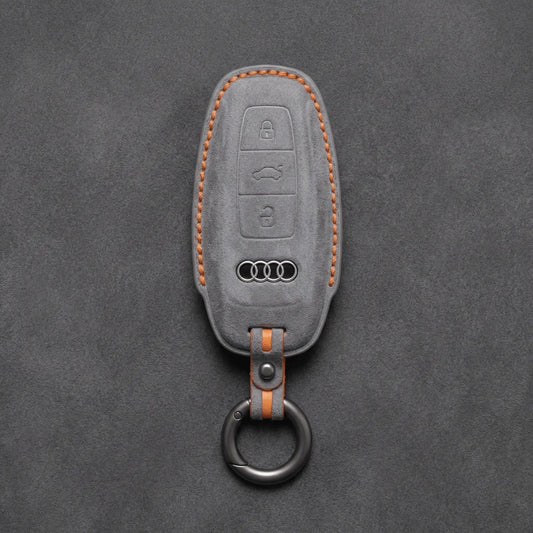
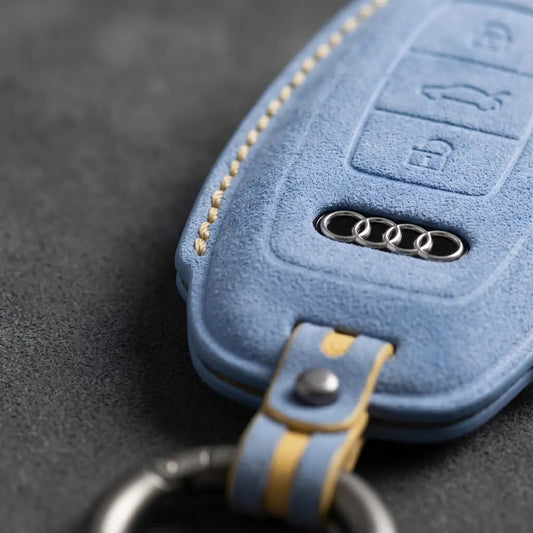
Key Covers for Audi
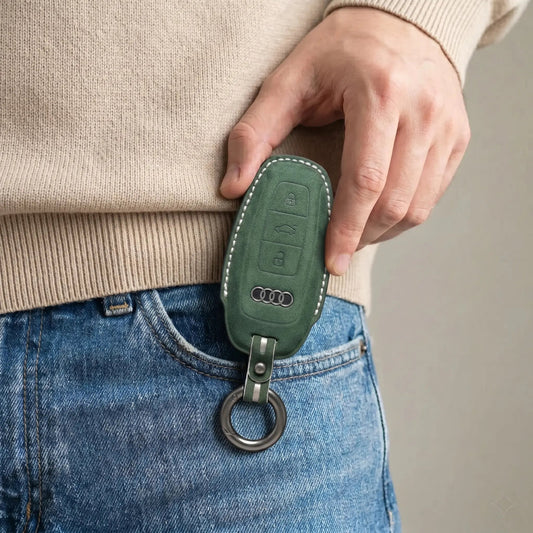
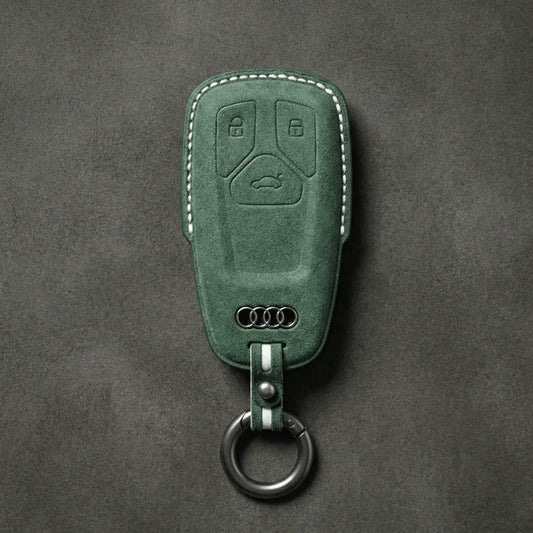
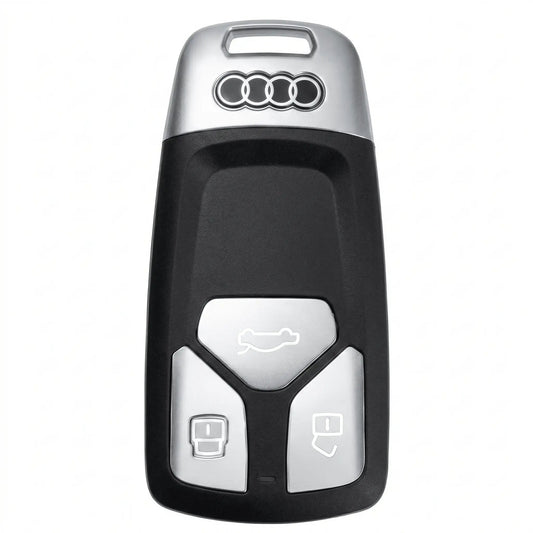
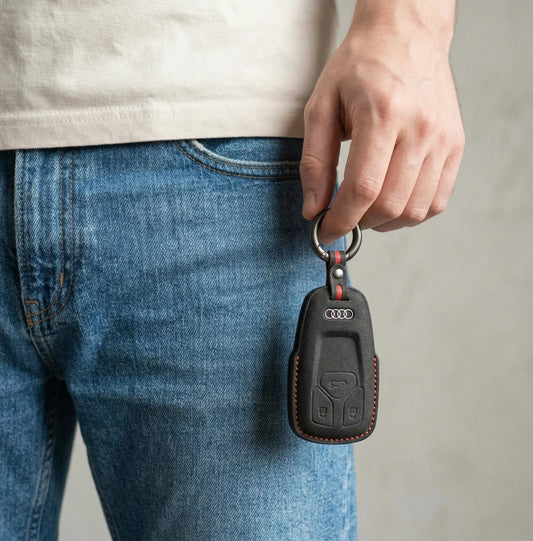
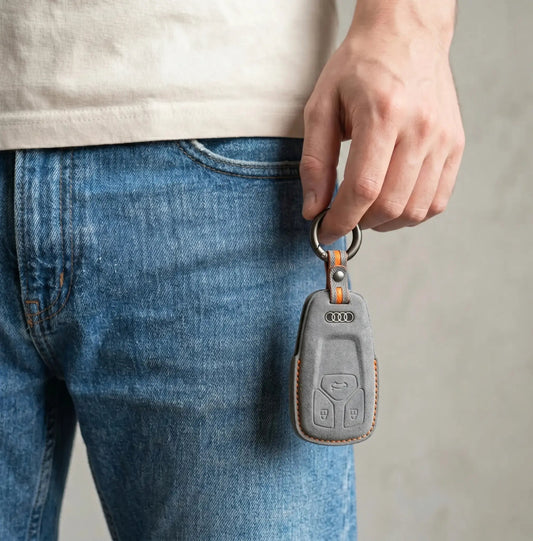
Audi Key CoversWith Audi, the key tells you more than the badge:...
-

Key Covers for Porsche
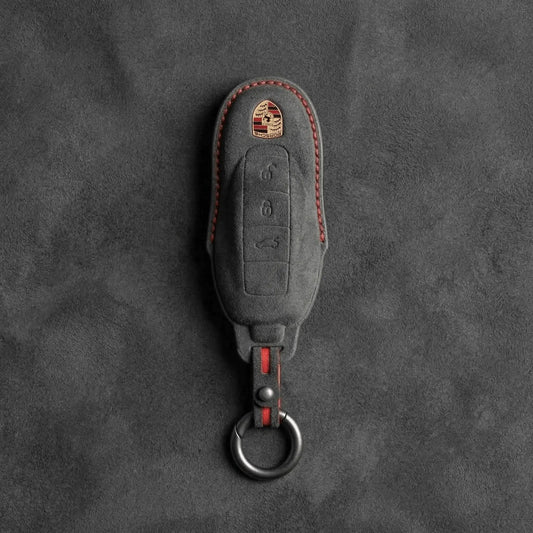
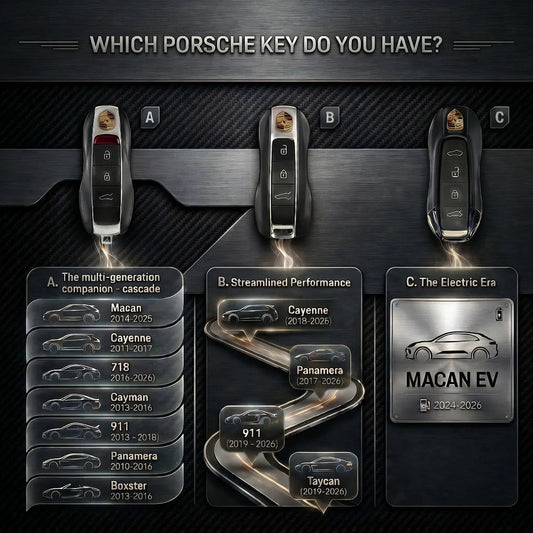
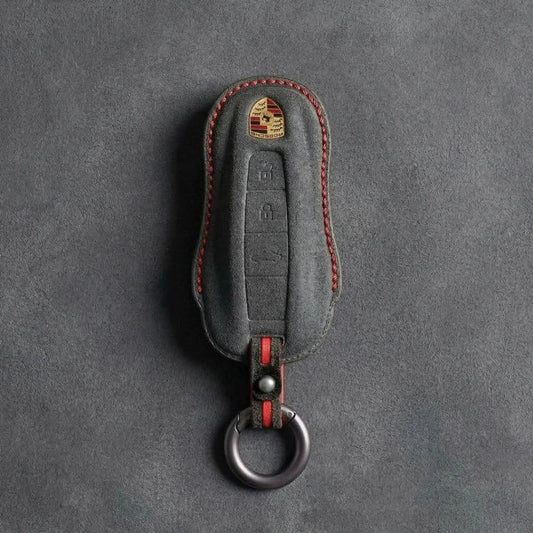
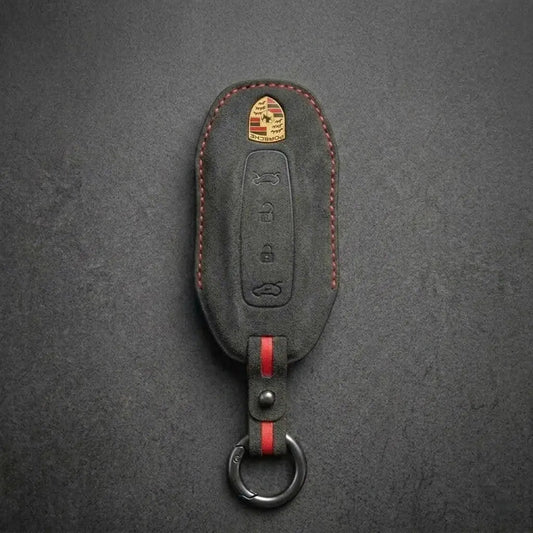
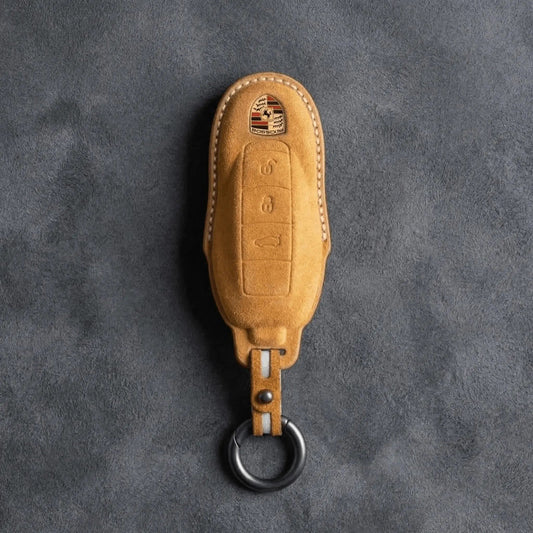
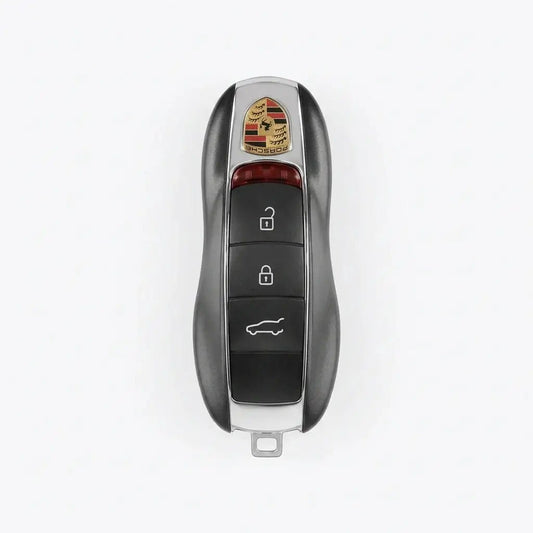
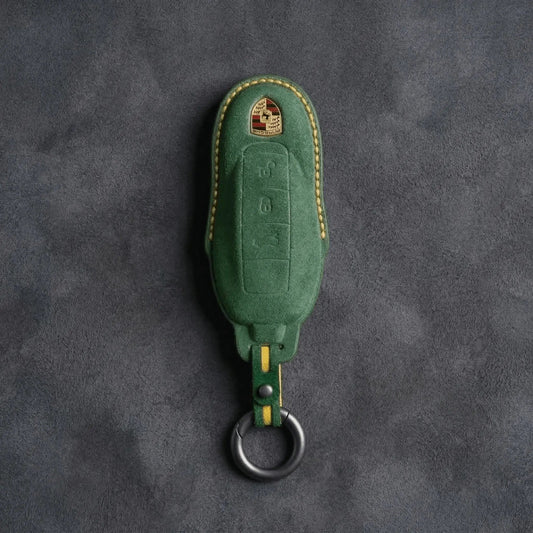
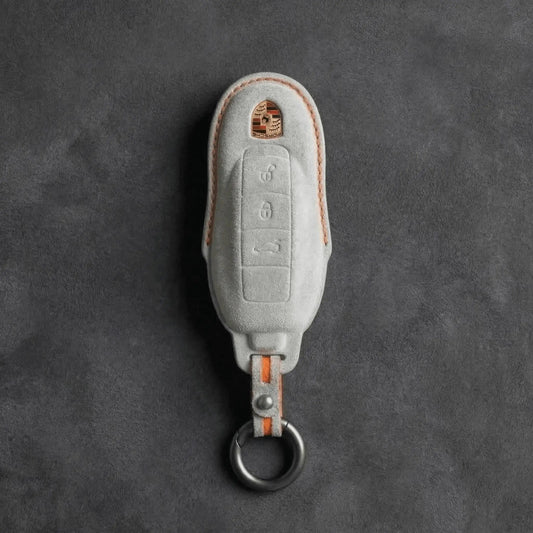
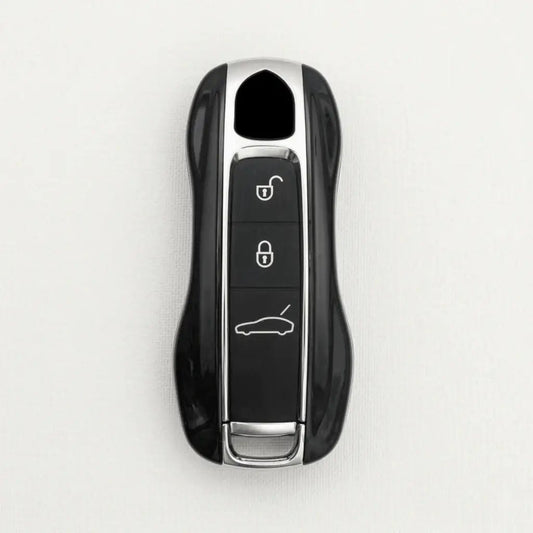
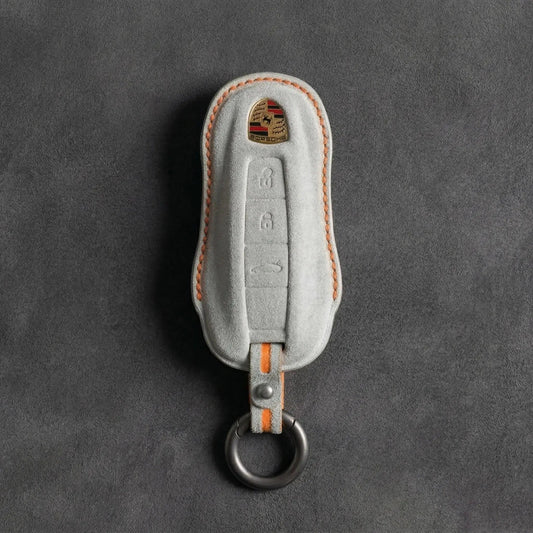
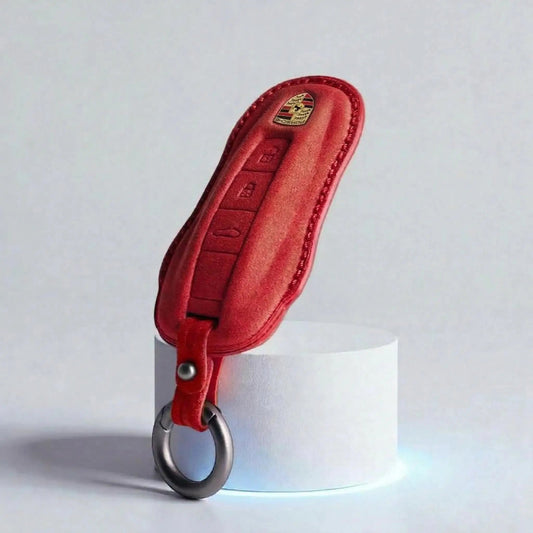
Porsche Key CoversPorsche shapes its keys like a miniature sports car, crest...
-

Key Covers for Ford
Ford Key CoversFord calls its push-button-start key the Intelligent Access key: grab...
-

Key Covers for Skoda
Skoda Key CoversŠkoda keys come in two families: the flip key, with...
-

Key Covers for Cupra
Cupra Key CoversThe quickest way to tell Cupra keys apart is to...
-

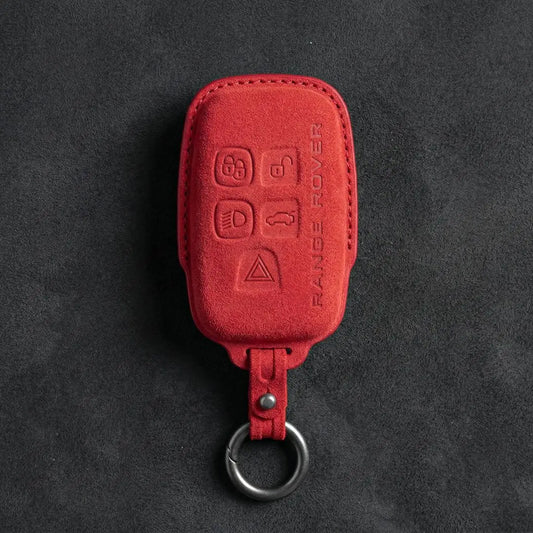
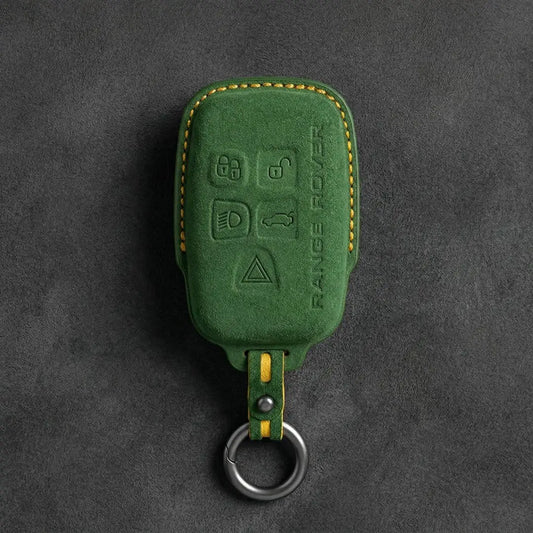
Key Covers for Land Rover
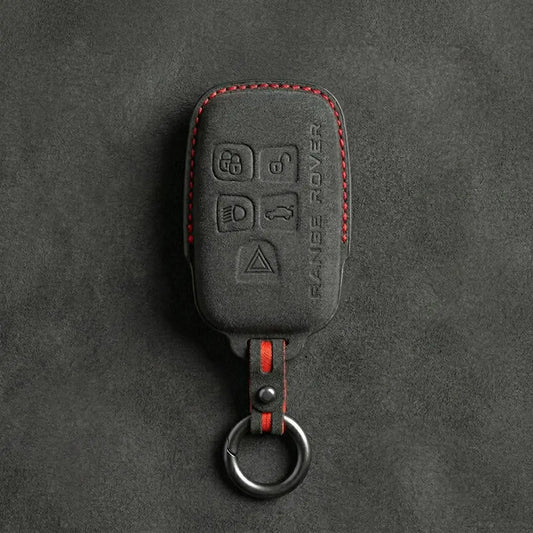
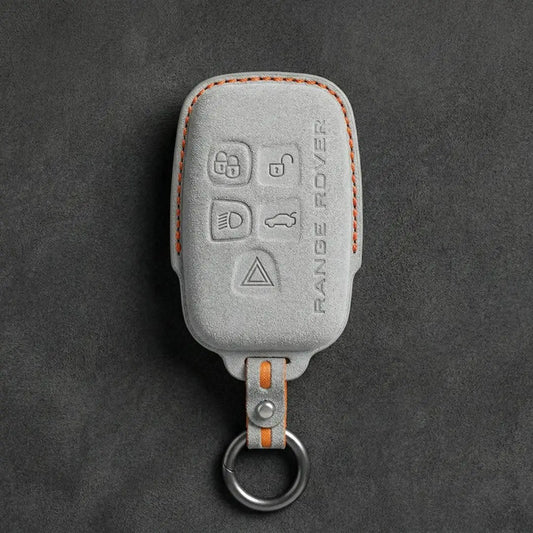
Land Rover Key CoversLand Rover and Range Rover smart keys carry the...
-
Key Covers for MINI Cooper
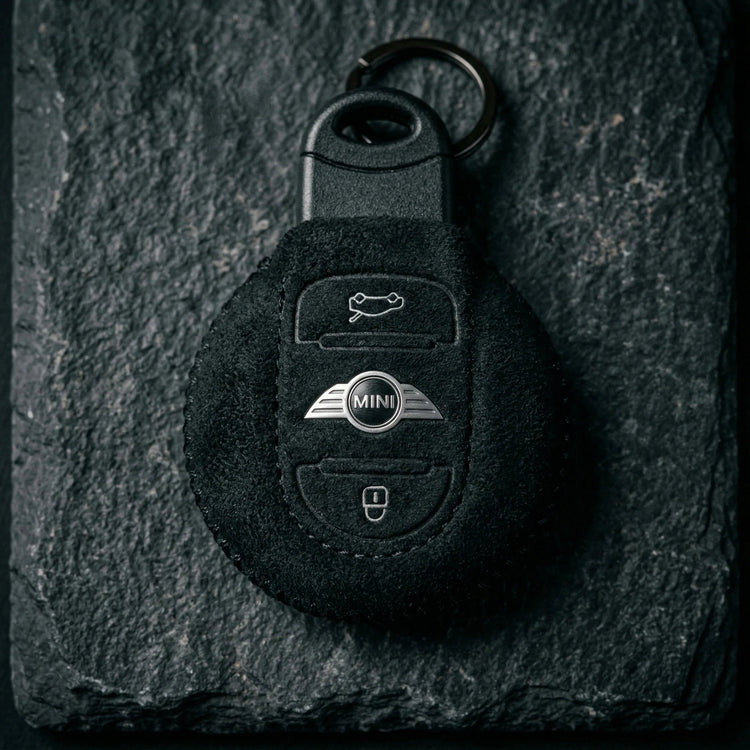
Mini Cooper Key CoversThe first BMW-era MINI borrowed a Rover-designed key; since...
-

Key Covers for Volvo
Volvo Key CoversTo place a Volvo key, look at where its buttons...


Key Covers for Toyota
Covers for Toyota's Geometric flip keys, the Shield, Stealth Shield, Wedge and Contoured smart keys, and the slim Toyota card key.
-
Hand-Stitched Alcantara Key Fob Cover for Toyota – Wedge 3-Button
Regular price 39,00 €Sale price 39,00 € Regular price 49,00 €-20% -
Hand-Stitched Alcantara Key Fob Cover for Toyota – 4-Button Smart Key
Regular price 39,00 €Sale price 39,00 € Regular price -
Hand-Stitched Alcantara Key Fob Cover for Toyota – Stealth Shield
Regular price 39,00 €Sale price 39,00 € Regular price -

ALCANTARA®
Feel the difference
-
Hand-Stitched Alcantara Key Fob Cover for Toyota – Contoured Smart Key
Regular price 39,00 €Sale price 39,00 € Regular price -
Hand-Stitched Alcantara Key Fob Cover for Toyota – Modern Block Remote
Regular price 39,00 €Sale price 39,00 € Regular price -
Hand-Stitched Alcantara Key Fob Cover for Toyota – Geometric Flip Key 3-Button
Regular price 39,00 €Sale price 39,00 € Regular price 49,00 €-20% -
Hand-Stitched Alcantara Key Fob Cover for Toyota – NFC Card Key
Regular price 39,00 €Sale price 39,00 € Regular price -
Hand-Stitched Alcantara Key Fob Cover for Toyota – Classic Block Remote
Regular price 39,00 €Sale price 39,00 € Regular price -
Hand-Stitched Alcantara Key Fob Cover for Toyota – Classic 3 Button Block Remote
Regular price 39,00 €Sale price 39,00 € Regular price -
Hand-Stitched Alcantara Key Fob Cover for Toyota – Shield 2-Button
Regular price 39,00 €Sale price 39,00 € Regular price -
Hand-Stitched Alcantara Key Fob Cover for Toyota – Shield 3-Button
Regular price 39,00 €Sale price 39,00 € Regular price -
Hand-Stitched Alcantara Key Fob Cover for Toyota – 3-Button Smart Key
Regular price 39,00 €Sale price 39,00 € Regular price -

ALCANTARA®
Emphasize the premium feel
-
Hand-Stitched Alcantara Key Fob Cover for Toyota – Geometric Flip Key 4-Button
Regular price 39,00 €Sale price 39,00 € Regular price 49,00 €-20% -
Hand-Stitched Alcantara Key Fob Cover for Toyota – Geometric Panic Flip Key
Regular price 39,00 €Sale price 39,00 € Regular price 49,00 €-20% -
Hand-Stitched Alcantara Key Fob Cover for Toyota – Wedge 2-Button
Regular price 39,00 €Sale price 39,00 € Regular price -
Hand-Stitched Alcantara Key Fob Cover for Toyota – Geometric Flip Key 2-Button
Regular price 39,00 €Sale price 39,00 € Regular price -
Hand-Stitched Alcantara Key Fob Cover for Toyota – Classic 2 Button Block Remote
Regular price 39,00 €Sale price 39,00 € Regular price



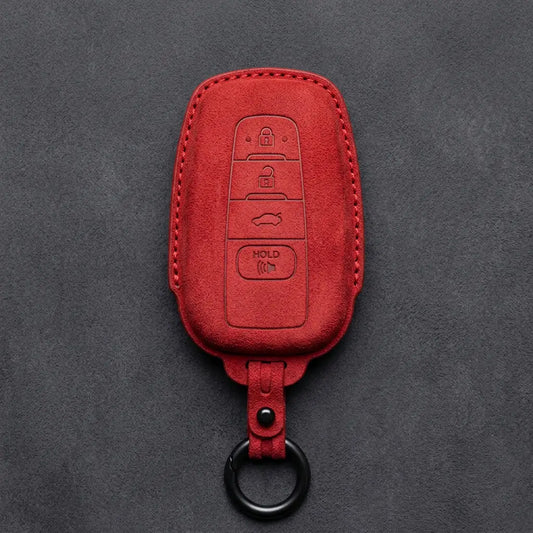
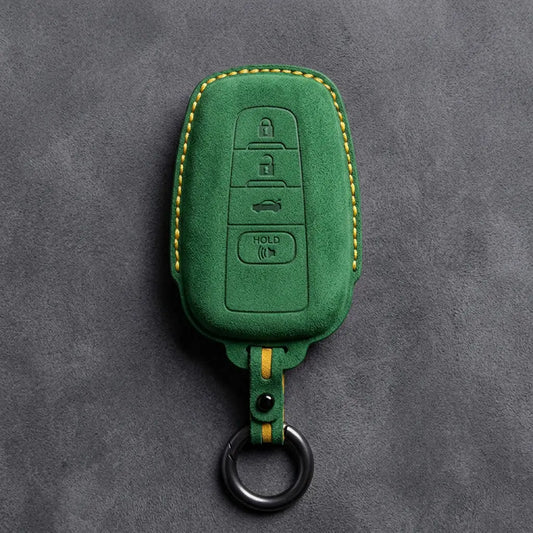


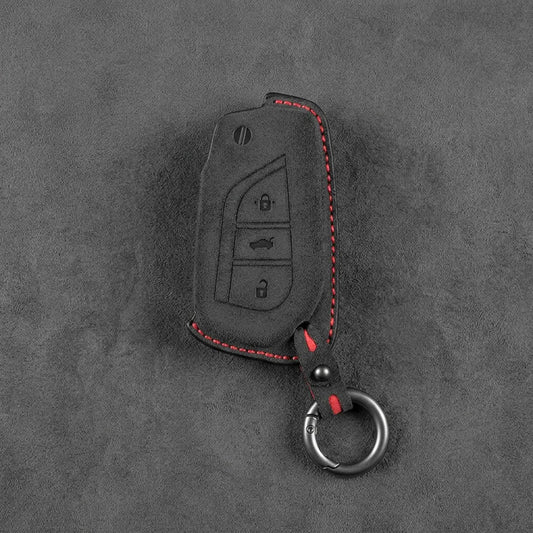
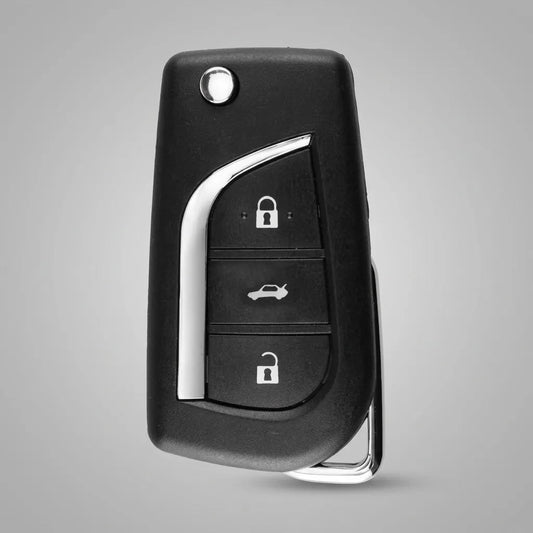
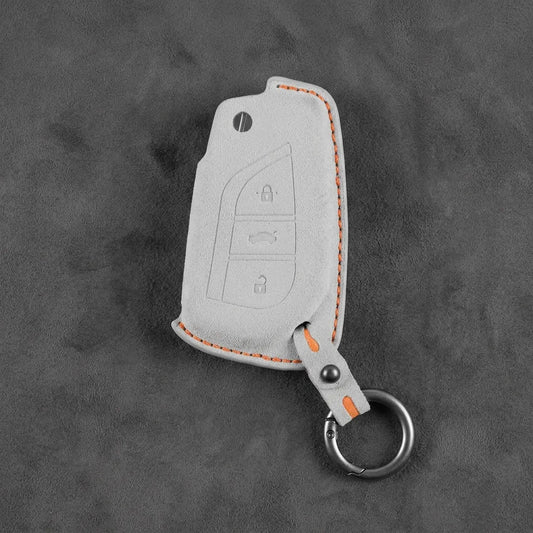
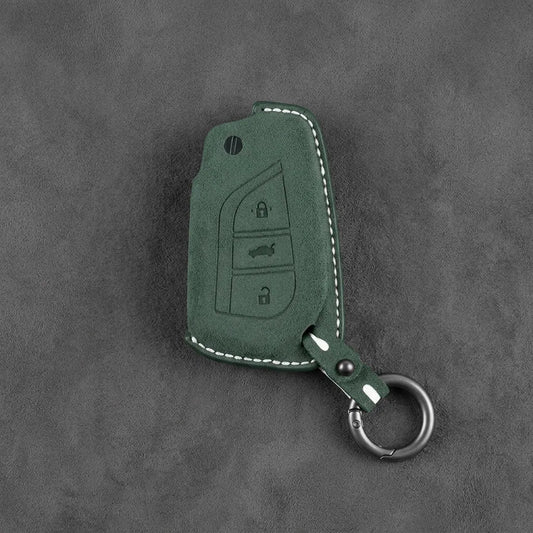
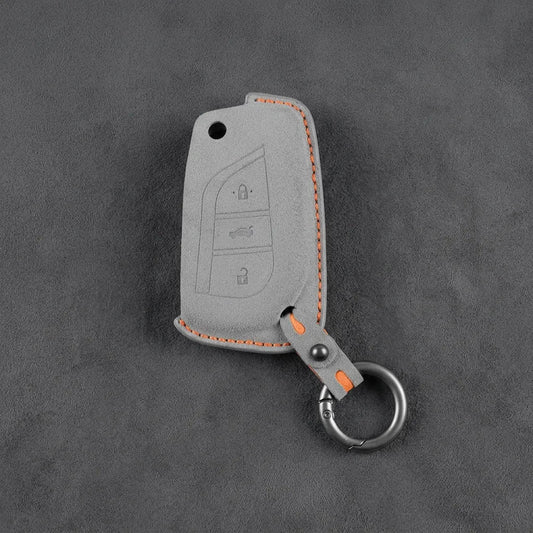
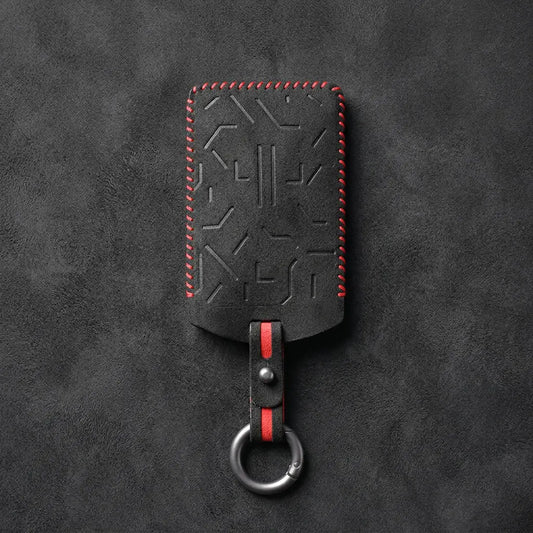




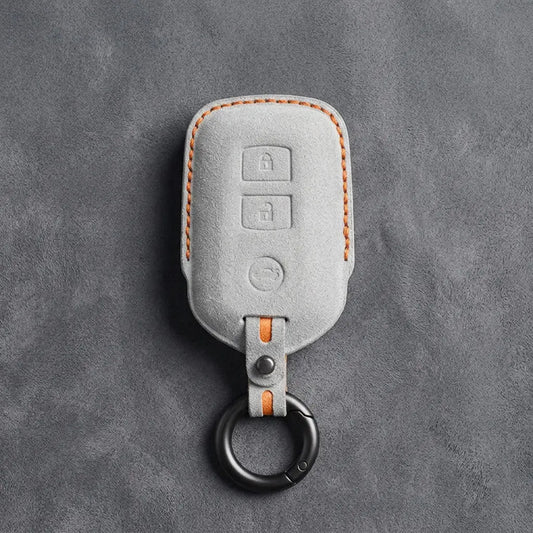
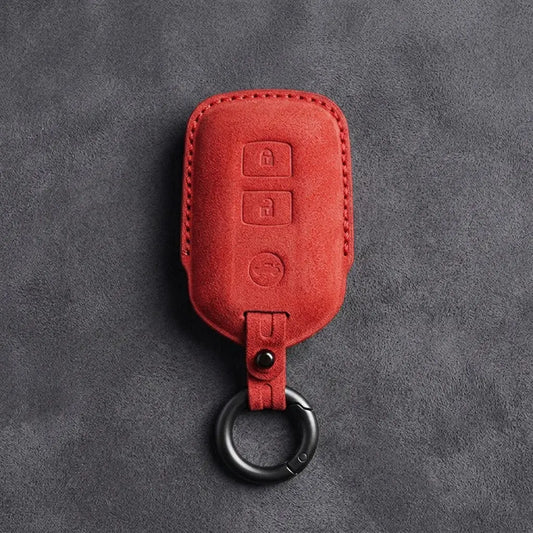
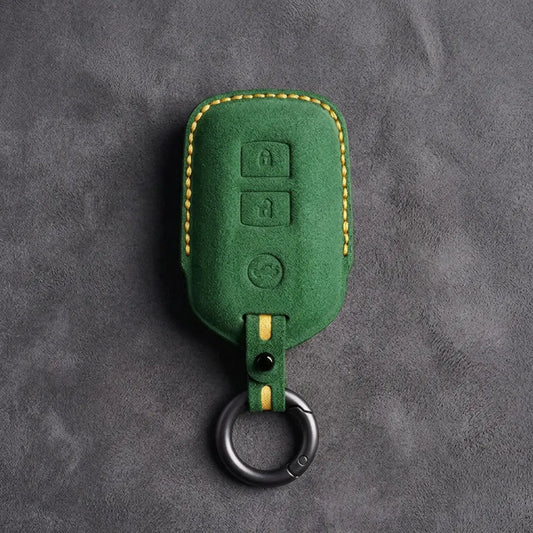
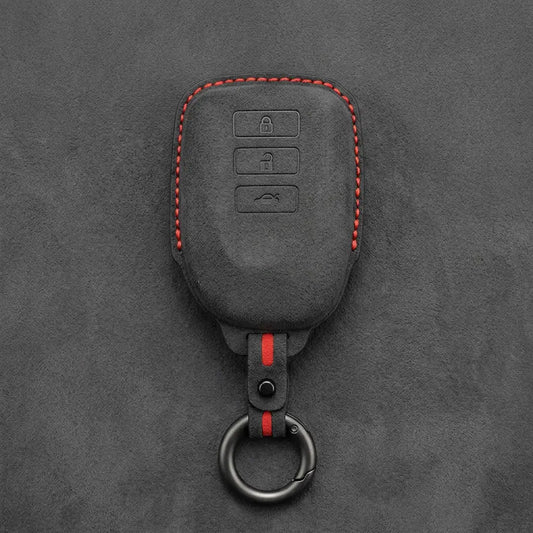
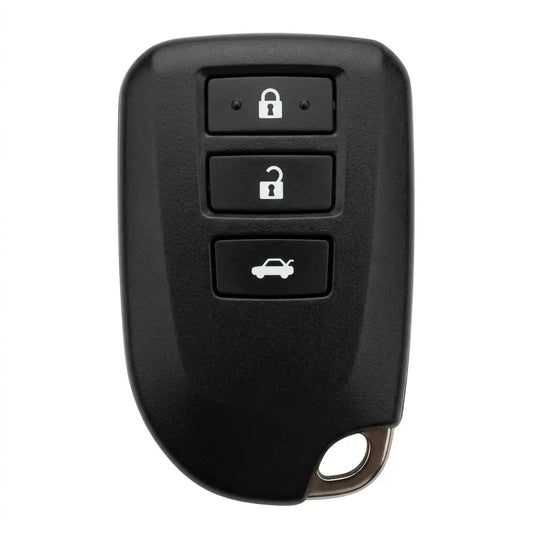
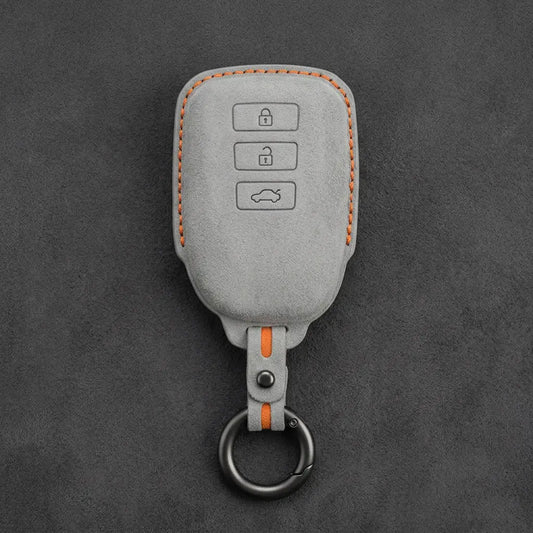
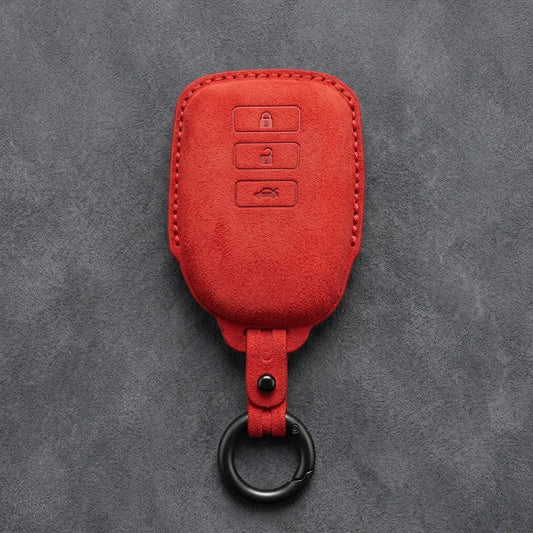
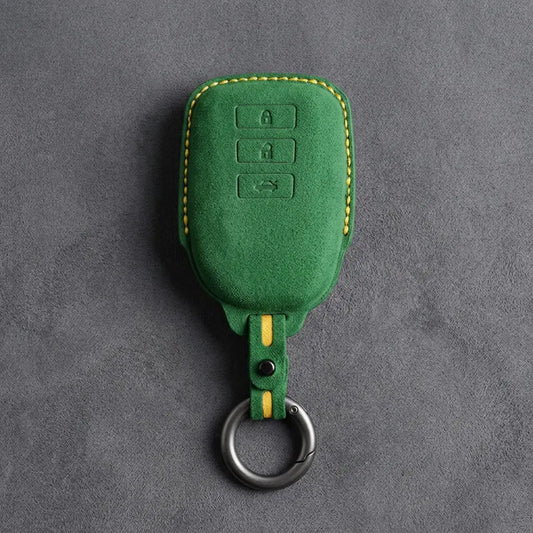
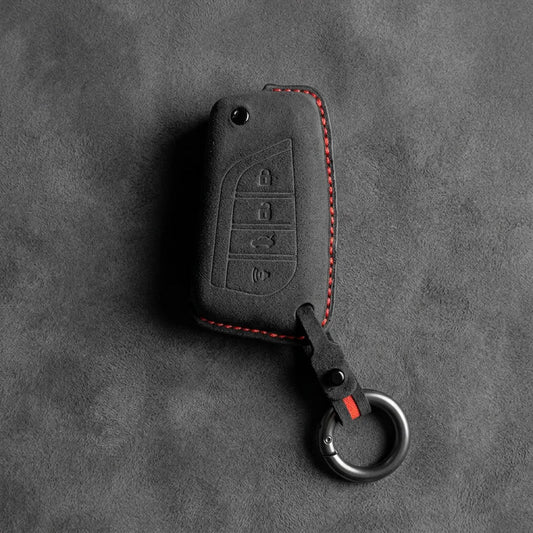
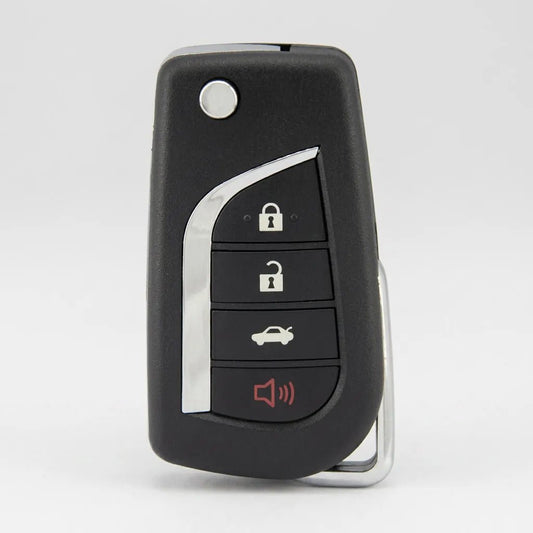
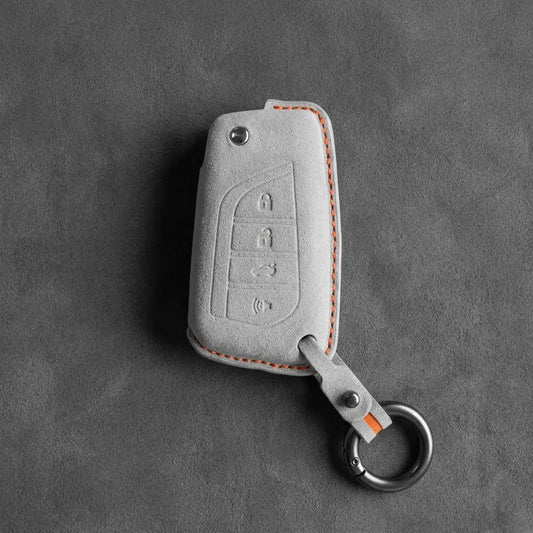
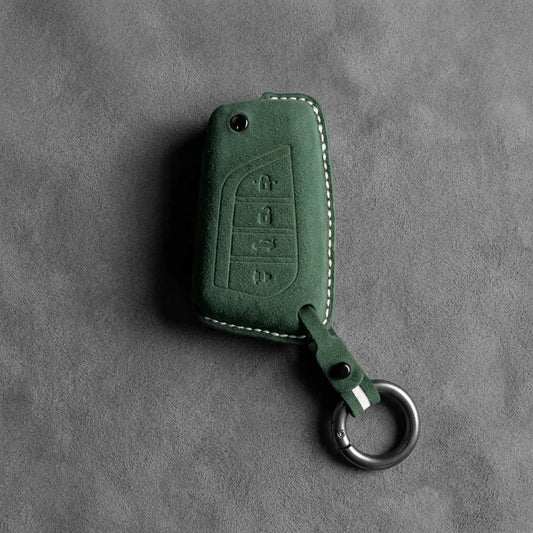
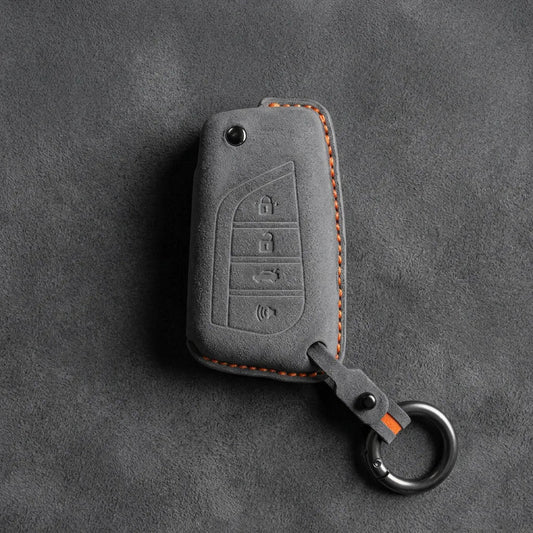
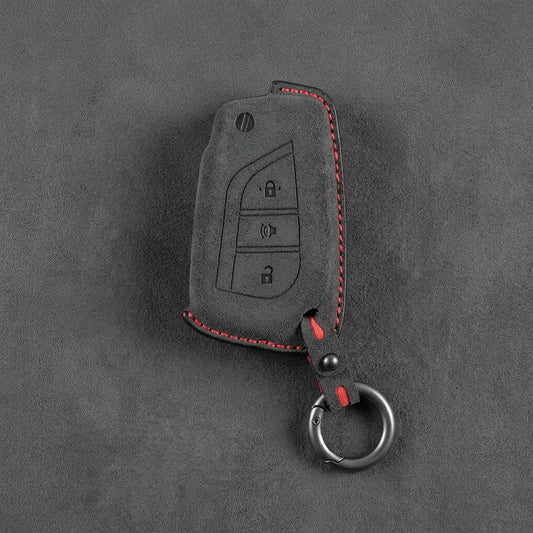
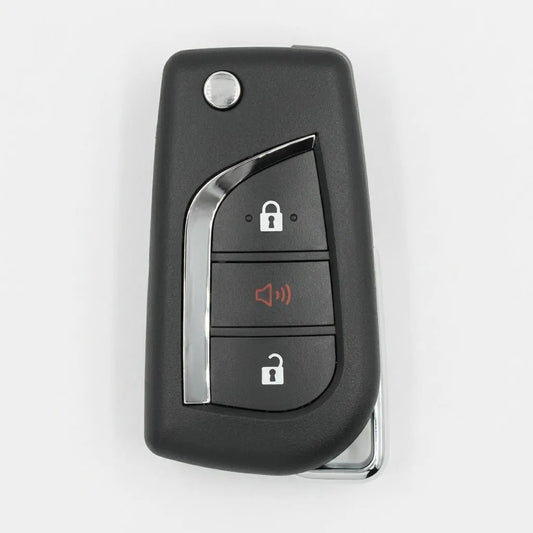
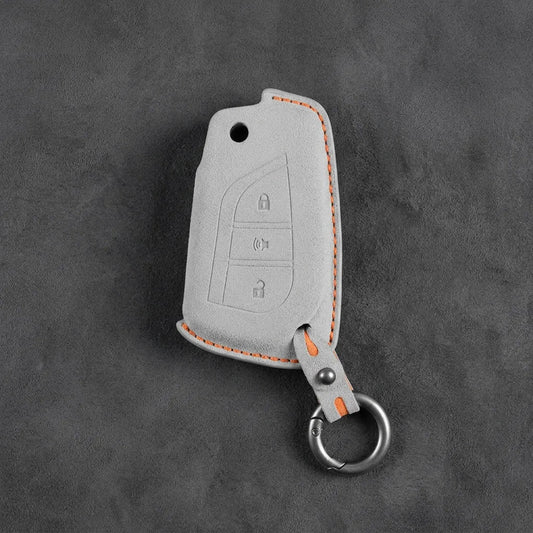
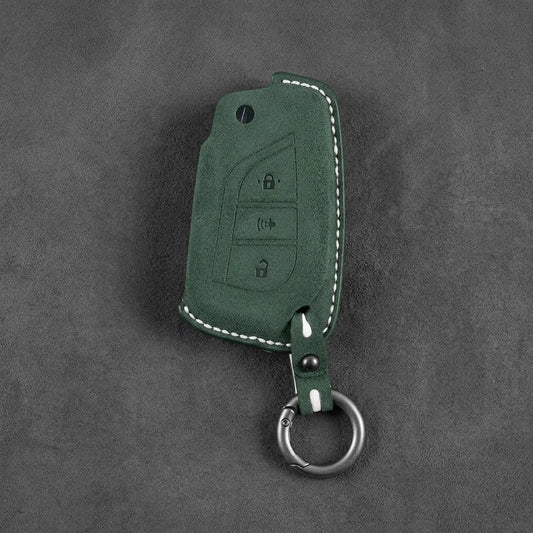
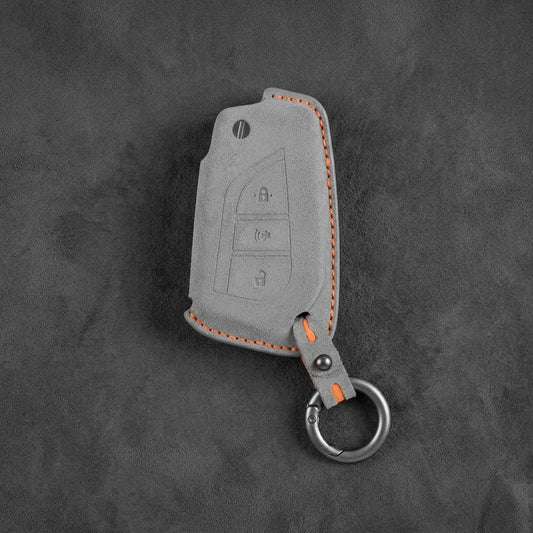


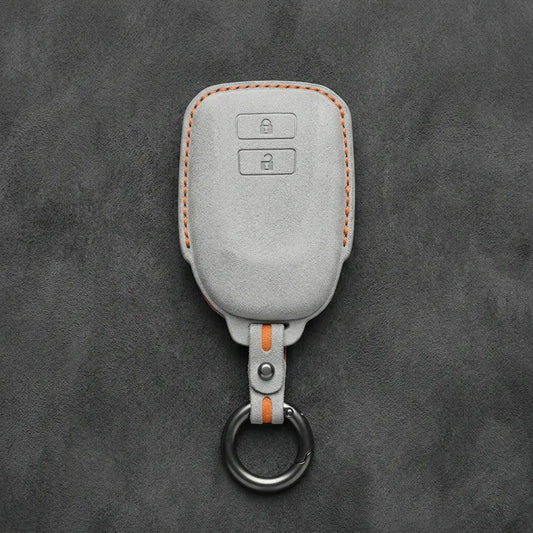


Toyota Key Covers
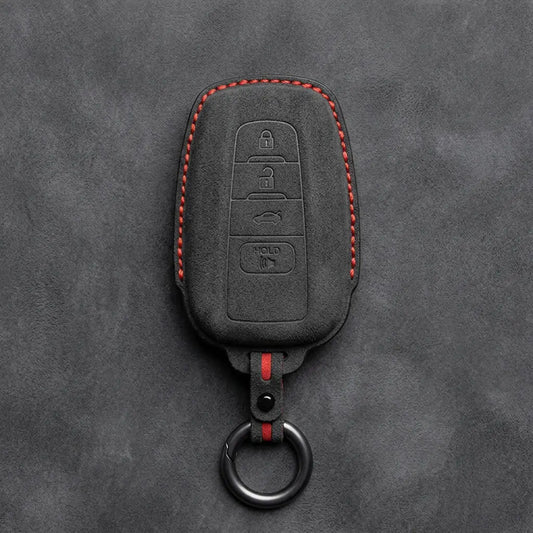
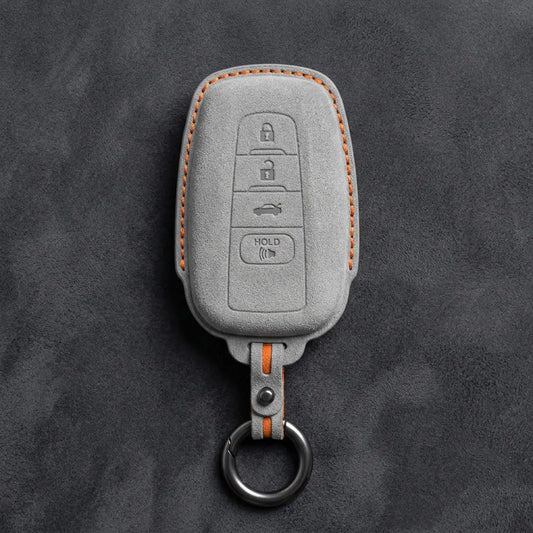
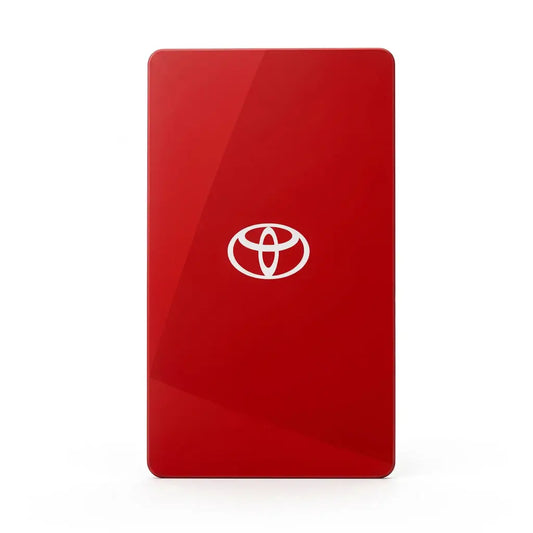
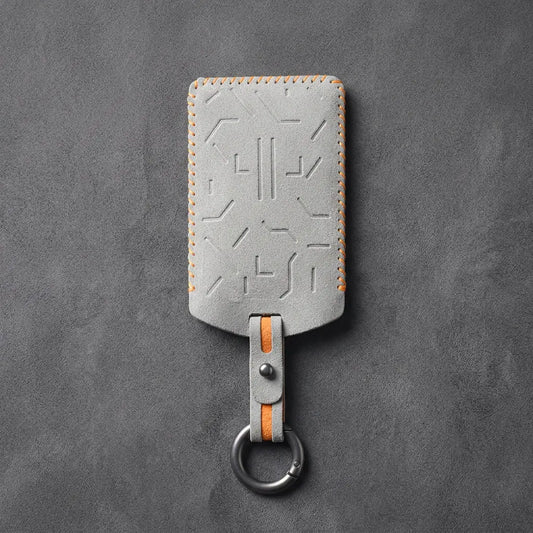
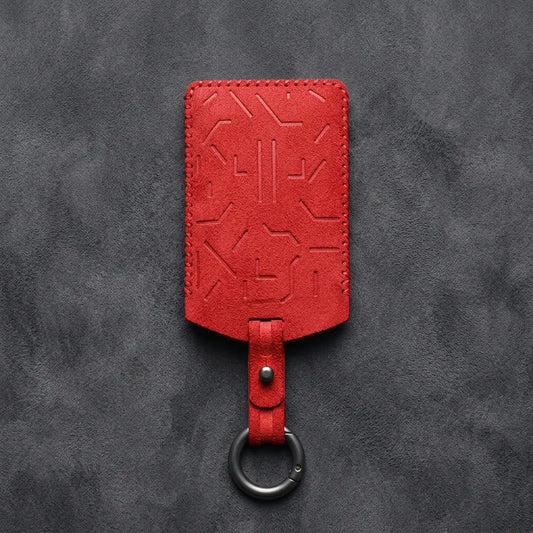
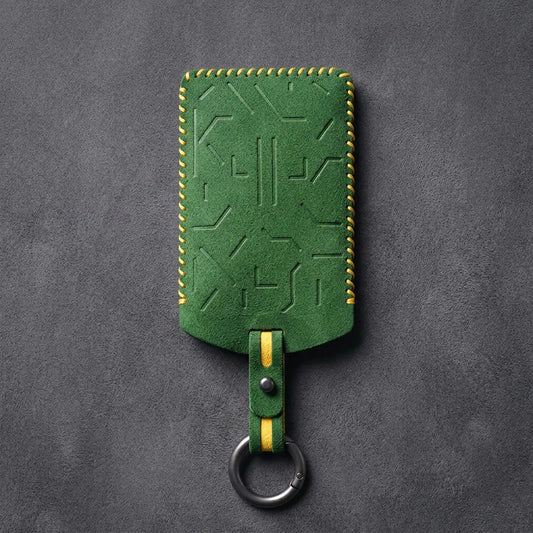
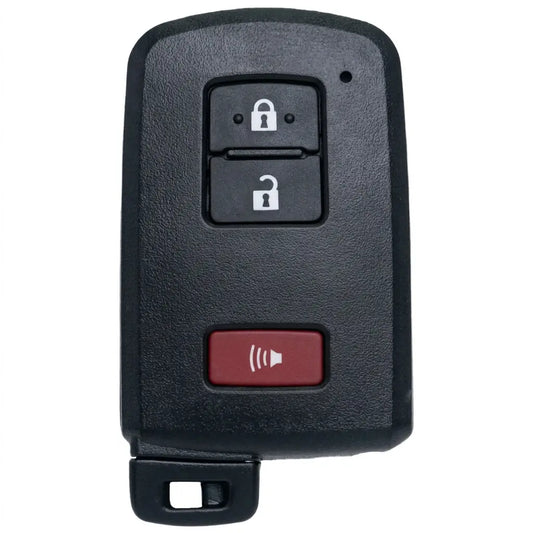
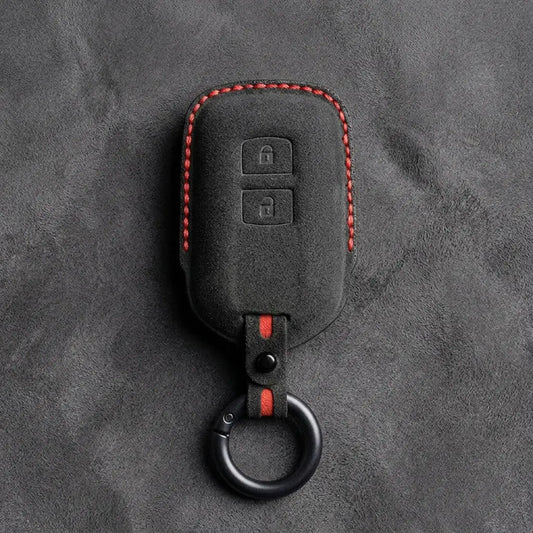
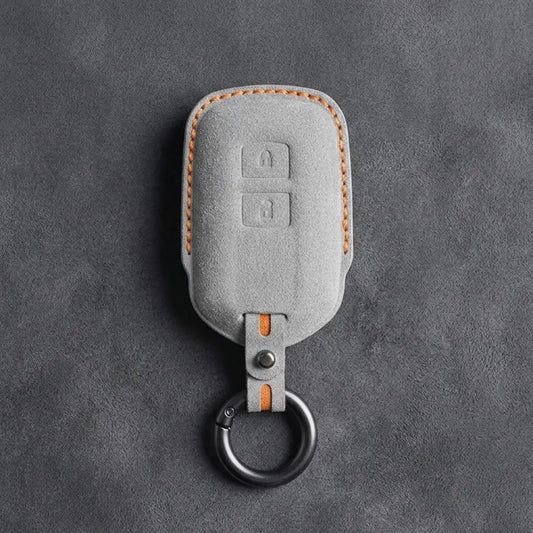
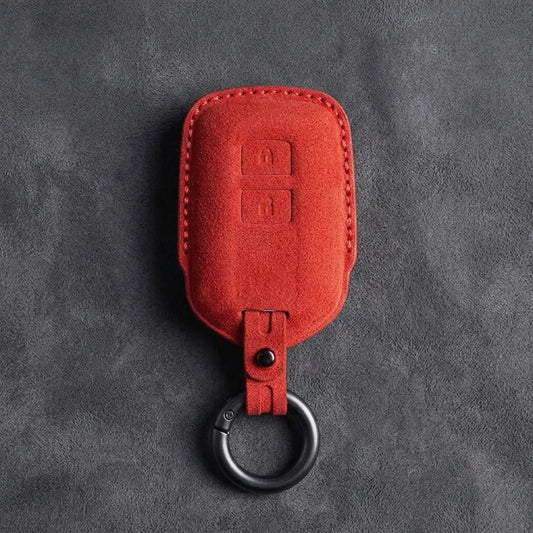
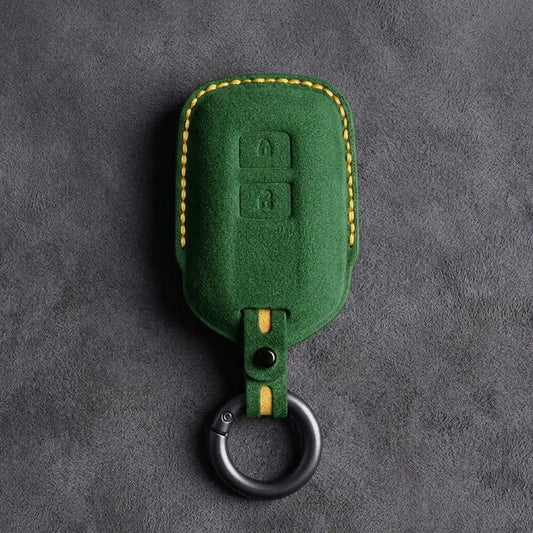
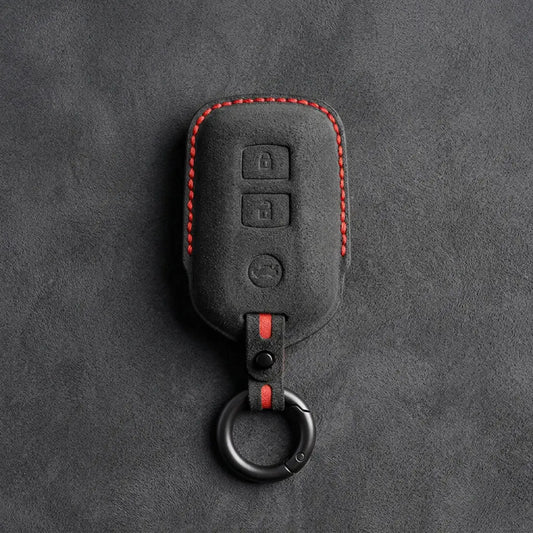
Toyota's Prius manual calls the smart key the "electronic key": it unlocks the doors once you're within about 0.7 m of a door handle, and only needs to be inside the car for the start button to work. Twelve covers here fit its various outlines, four fit the Geometric flip key with its swing-out blade, and one fits the card key. Every cover is made from Alcantara and sewn by hand.
Toyota key outlines and the cover for each
| Key | How to spot it | Buttons |
|---|---|---|
| Geometric flip key: 2-Button · 3-Button · Panic · 4-Button | Blade swings out; silver boomerang-shaped trim | Lock, unlock · lock, unlock, boot · lock, panic, unlock · lock, unlock, boot, panic |
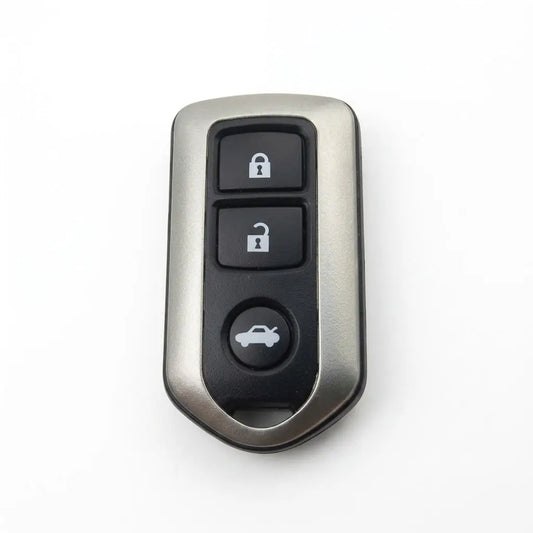
| Shield: 2-Button · 3-Button | Broad shoulders tapering to a shield-shaped base; 2-button in textured matte black, 3-button with a champagne-silver frame | Lock, unlock · lock and unlock above a round boot button |
| Stealth Shield | Tapered, with a red panic button (key type A or B) | A: four · B: three |
| Wedge: 2-Button · 3-Button | Angular black smart key with chrome sides and the Toyota badge below the buttons | Lock, unlock · lock, unlock, boot |
| Contoured Smart Key | Glossy black (key type A or B) | A: three · B: two |
| Smart Key: 3-Button · 4-Button | The 4-button key has the Toyota badge below its buttons | Three, or four (with panic) |
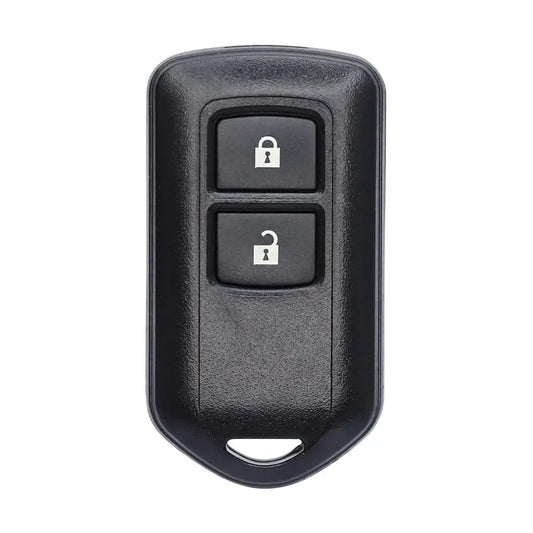
| Modern Block Remote | Rounded key with a silver face, two oval buttons and a small black tab at the bottom left | Lock, unlock |
| Classic Block Remote: 2-Button · 3-Button | Plain rectangle in textured matte black; lock and unlock on a raised square pad, emergency-key tab at the bottom-left corner; the 3-button adds a red panic button below the pad | Lock, unlock · lock, unlock, panic |
| Classic 2 Button Block Remote | Textured black with a rounded outline; lock and unlock stacked near the top, chrome emergency-key tip at the bottom-right corner | Lock, unlock |
| NFC Card Key | Flat, credit-card-sized | None |
Telling Toyota's smart keys apart
A blade that swings out means a Geometric flip key. On a smart key, one detail usually points to a single cover: a red panic button, a silver frame, glossy black plastic or the badge below the buttons. A plain black rectangle with lock and unlock on a raised square pad and a black tab at the bottom-left corner is a Classic Block Remote: the 3-button one if a red panic button sits below the pad, otherwise the 2-button one. A textured black key with a chrome key tip at the bottom-right corner is the Classic 2 Button Block Remote. A black 2-button key with chrome sides and the badge below its buttons is the Wedge 2-Button, and a rounded key with a silver face is the Modern Block Remote. Our product pages list the RAV4 under thirteen of the seventeen covers, so the model name won't settle it.
If the electronic key's battery runs down
- Starting: the Prius manual says to touch the Toyota emblem side of the key to the power switch, then press it with your foot on the brake.
- Getting in: Toyota UK says most of its smart keys hold a mechanical key, released by a small button or switch, for a lock cylinder usually hidden behind a small panel on the driver's door handle.
- Making it last: Toyota UK puts key battery life at one to two years; the Prius key takes a CR2032. A battery-saving mode (the key's indicator flashes four times) switches the smart key system off until any button is pressed.
Where fitted, Smart Digital Key lets a phone with the MyToyota app lock, unlock and start the car, though Toyota still advises carrying the smart key or key card as a backup.
Still unsure? Send a photo of the key's front on WhatsApp (+370 63170051) or to info@vietiki.com, and we'll tell you which cover fits.
 Fitting guide
Toyota Key Fob Types Side by Side: 19 Keys, Each With Its Own Cover
Compare your key with real photos
Fitting guide
Toyota Key Fob Types Side by Side: 19 Keys, Each With Its Own Cover
Compare your key with real photos
Recommended for you
-
Hand-Stitched Alcantara Key Fob Cover for Audi – All Types
Regular price 39,00 €Sale price 39,00 € Regular price 49,00 €-20% Bestseller -
Hand-Stitched Alcantara Key Fob Cover for BMW – All Types
Regular price 39,00 €Sale price 39,00 € Regular price 49,00 €-20% Bestseller -
Alcantara Key Fob Cover for Mercedes-Benz – Teardrop
Regular price 39,00 €Sale price 39,00 € Regular price 49,00 €-20% Bestseller -
Hand-Stitched Alcantara Key Fob Cover for Porsche – All types
Regular price 39,00 €Sale price 39,00 € Regular priceBestseller -
Hand-Stitched Alcantara Key Fob Cover for Audi – Geometric 3-Button Smart Fob
Regular price 39,00 €Sale price 39,00 € Regular price 49,00 €-20% Bestseller -
Hand-Stitched Alcantara Key Fob Cover for BMW – Side-Button Wedge
Regular price 39,00 €Sale price 39,00 € Regular price 49,00 €-20% Bestseller -
Alcantara Key Fob Cover for Mercedes-Benz – Chrome SmartKey 4-Button
Regular price 39,00 €Sale price 39,00 € Regular price 49,00 €-20% Bestseller -
Hand-Stitched Alcantara Key Fob Cover for BMW – Wide-Slot Blade
Regular price 39,00 €Sale price 39,00 € Regular price 49,00 €-20% Bestseller -
Hand-Stitched Alcantara Key Fob Cover for Volkswagen – Asymmetrical Style
Regular price 39,00 €Sale price 39,00 € Regular price 49,00 €-20% Bestseller -
Hand-Stitched Alcantara Key Fob Cover for Land Rover – Rectangular 5-Button
Regular price 39,00 €Sale price 39,00 € Regular priceBestseller -
Hand-Stitched Alcantara Key Fob Cover for Audi – Shield Smart Key
Regular price 42,00 €Sale price 42,00 € Regular price 49,00 €-14% Bestseller -
Hand-Stitched Alcantara Key Fob Cover for Range Rover – Block 5-Button
Regular price 39,00 €Sale price 39,00 € Regular priceBestseller -
Hand-Stitched Alcantara Key Fob Cover for Audi – Aero 3-Button Smart Fob
Regular price 39,00 €Sale price 39,00 € Regular price 49,00 €-20% Bestseller -
Alcantara Key Fob Cover for Mercedes-Benz – Contemporary 2-Button
Regular price 39,00 €Sale price 39,00 € Regular price 49,00 €-20% Bestseller -
Hand-Stitched Alcantara Key Fob Cover for Porsche – Classic Car-Shape
Regular price 39,00 €Sale price 39,00 € Regular price 49,00 €-20% Bestseller -
Hand-Stitched Alcantara Key Fob Cover for Porsche – Signature Car-Shape
Regular price 39,00 €Sale price 39,00 € Regular price 49,00 €-20% Bestseller