Key Covers for Honda
Hand-stitched Alcantara covers for the Honda flip key, the Dimple-Base smart key and 3-, 4- and 5-button smart keys for the Civic, CR-V, HR-V, Accord and ZR-V.


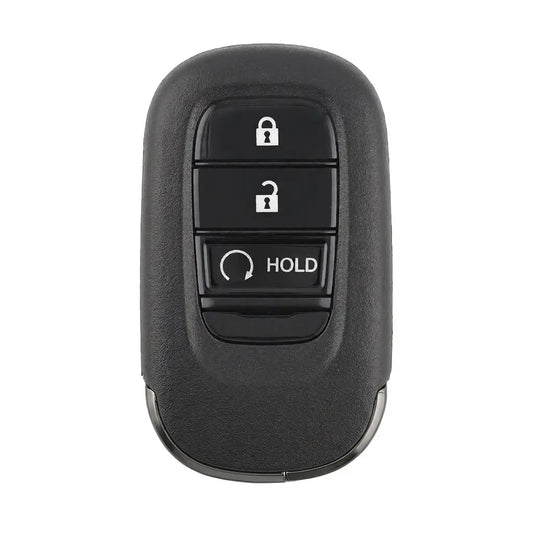


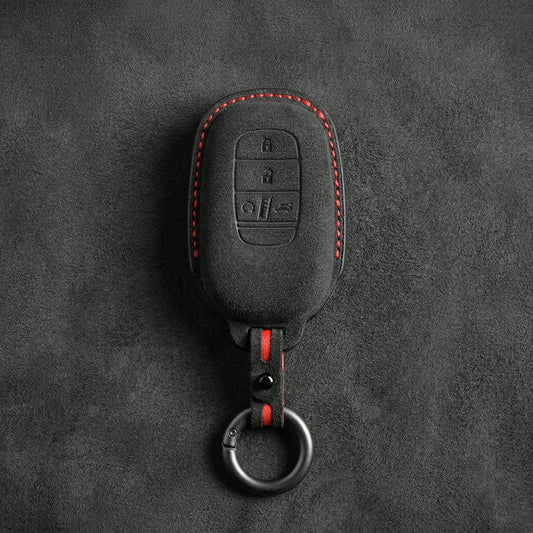
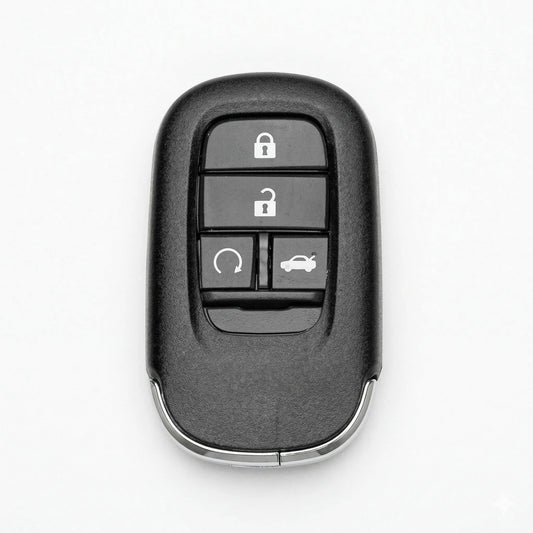

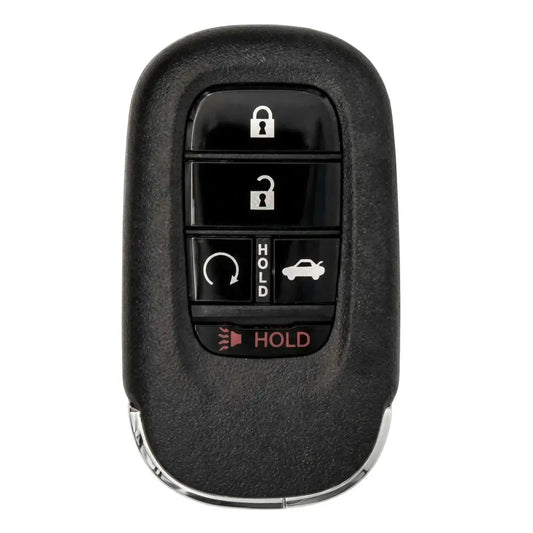


Honda Key Covers
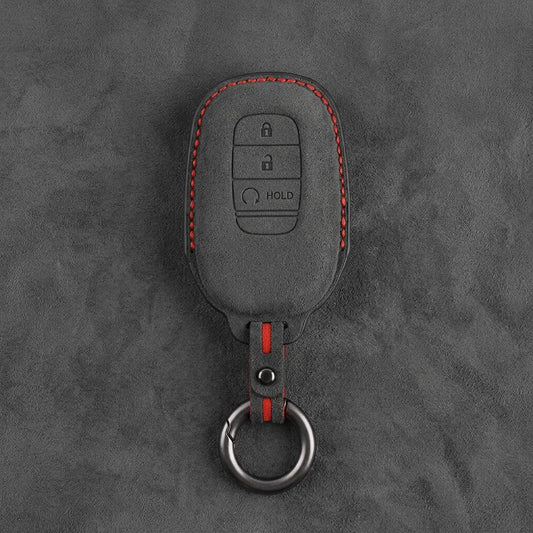
For a Honda key cover, the button layout matters more than the model name. Honda smart keys, which work with Smart Entry and push-button start from your pocket, carry two to five buttons depending on model and market: lock and unlock, plus trunk, panic or remote engine start. The Odyssey's adds buttons for the power sliding doors. Each smart key cover here is cut for one layout, and the flip key, whose metal blade springs out at the press of a release button, has its own. All six covers are hand-stitched Alcantara.
| Key | What to look for | Models |
|---|---|---|
| Flip Key | Fold-out metal blade; lock, unlock, trunk. The cover leaves the release button open | Jazz, HR-V, Civic, CR-V, Accord |
| Dimple-Base Remote | Rounded-rectangular smart key with small dimples on the lower face. Options: A 4-button with remote start, B 3-button, C 3-button with remote start, D 2-button, E with sliding-door buttons | Civic, Accord, CR-V, HR-V, Pilot; option E for the Odyssey |
| Smart Key 3-Button | Lock, unlock, remote engine start | Civic, Accord, CR-V, HR-V, Pilot |
| Smart Key 3-Button Trunk Release | Lock, unlock, trunk or tailgate | Civic, Accord, HR-V, ZR-V |
| Smart Key 4-Button | Lock, unlock, remote start, trunk | Civic, Accord, CR-V, Pilot |
| Smart Key 5-Button | Lock, unlock, remote start, trunk, panic | Accord, Civic, CR-V, Pilot, Passport |
Reading your Honda key
- A metal blade swings out when you press the button on the head: Flip Key.
- No blade, but small dimples on the lower face: Dimple-Base Remote, option A to E by your buttons.
- Otherwise match your buttons to the table. Remote engine start is the one marked HOLD.
Some layouts appear twice, such as three buttons with remote start (Dimple-Base C or Smart Key 3-Button). If yours does, or you are unsure, send a photo of the key on WhatsApp (+370 63170051) or to info@vietiki.com and we will tell you which cover fits.
The H logo, the HOLD button and the hidden keyhole
- Flat key battery. Honda's owner's manual says to press ENGINE START/STOP and, while it flashes, touch its centre with the H logo on the remote, buttons facing you. When it beeps and stays lit, press it again with your foot on the brake (or the clutch on a manual).
- Remote start. Honda's quick-start guide: press Lock, then within 5 seconds press and hold the engine button. The engine switches itself off after 10 minutes of idling.
- No keyhole in sight. The eleventh-generation Civic's driver's door handle has no visible keyhole or smart entry button. To unlock by hand, take the built-in key out of the fob, lift the handle and use the keyhole hidden behind it.
 Buying guide
Car Key Fob Covers: The Complete Guide to Key Types, Materials and Fit
How to choose the right cover for your key
Recommended for you
 -21%Bestseller
 -21%Bestseller
 -21%Bestseller
 -21%Bestseller
 -21%Bestseller

 -21%Bestseller
 -21%Bestseller
 -14%Bestseller
 -21%Bestseller
 -21%Bestseller

 -21%Bestseller
 -21%Bestseller
 -21%Bestseller