-

Key Covers for BMW
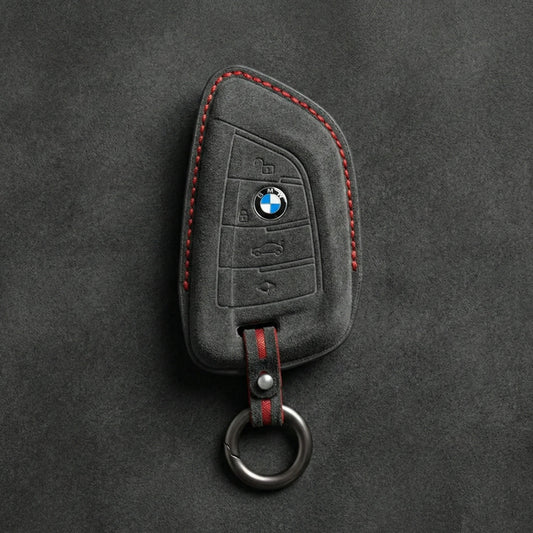
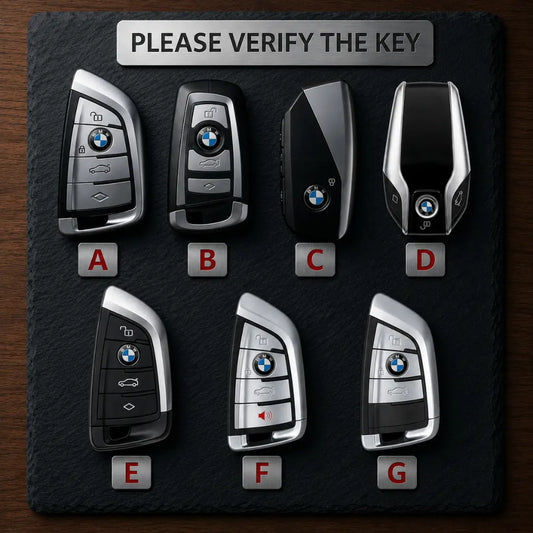
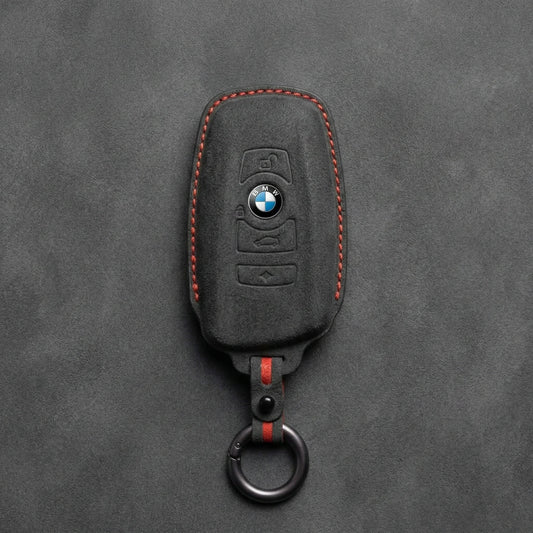
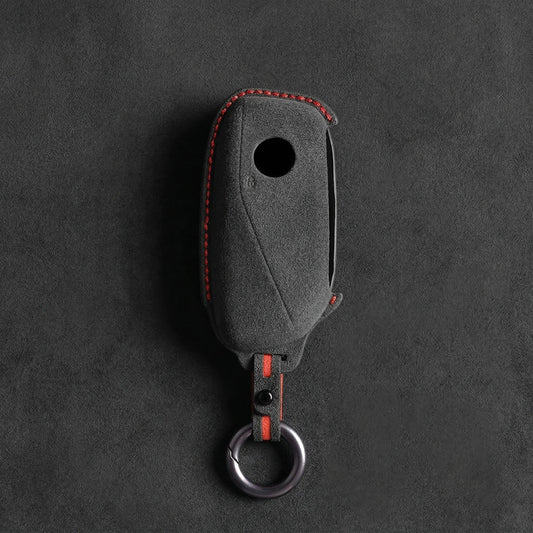
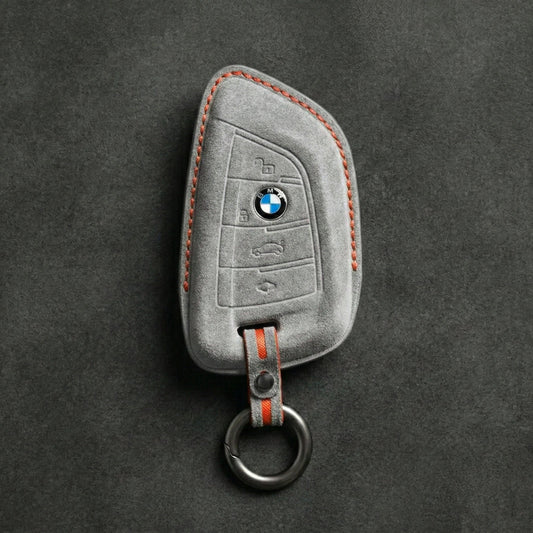
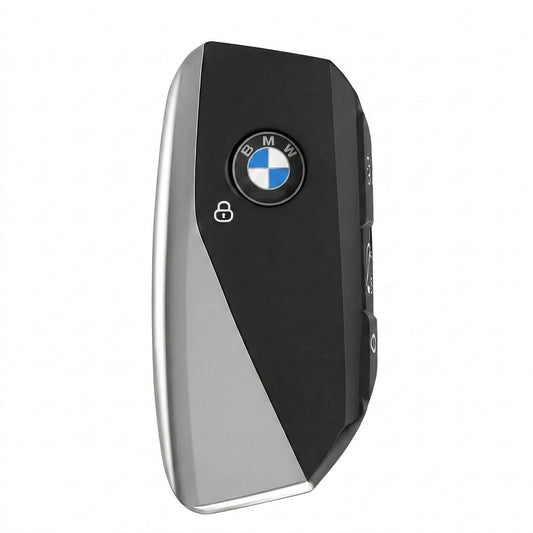
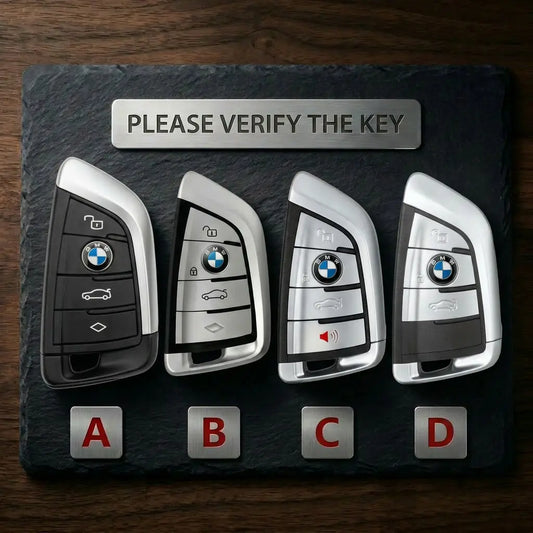
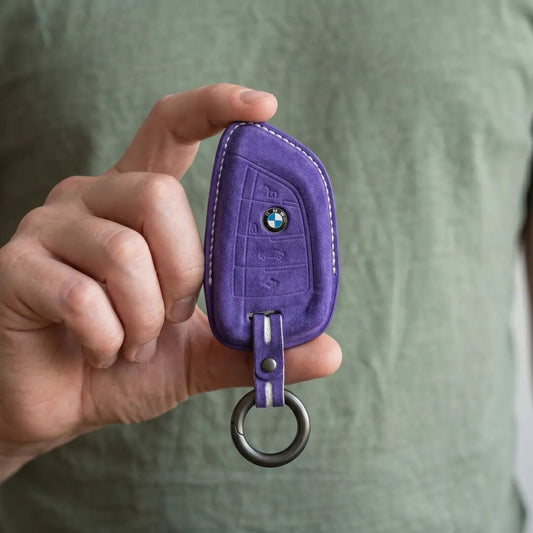
BMW Key CoversAn X5 alone has used three BMW keys: the F-series...
-

Key Covers for Volkswagen
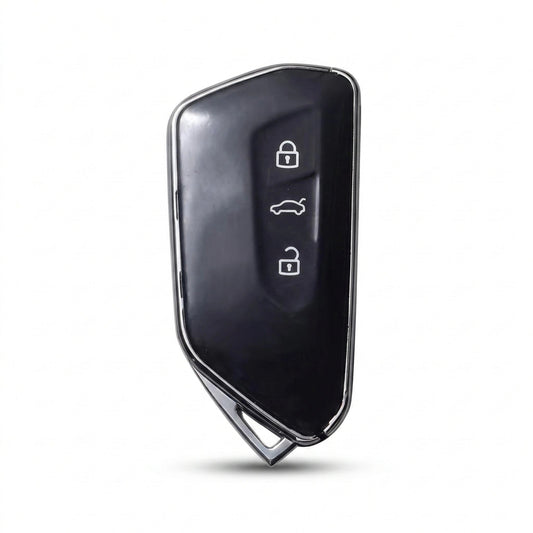
Volkswagen Key CoversVolkswagen has made its folding "switchblade" key in more than...
-

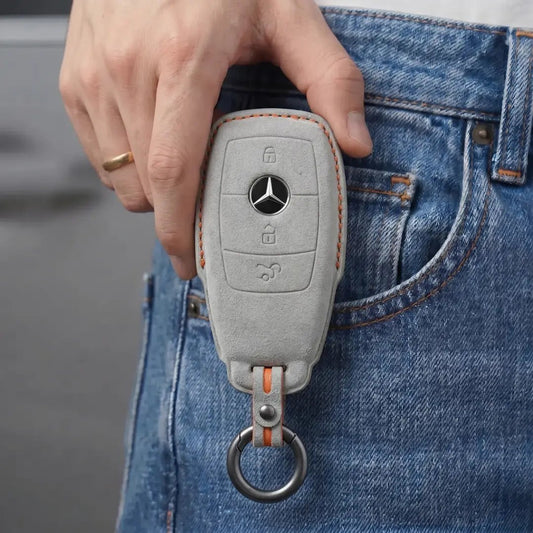
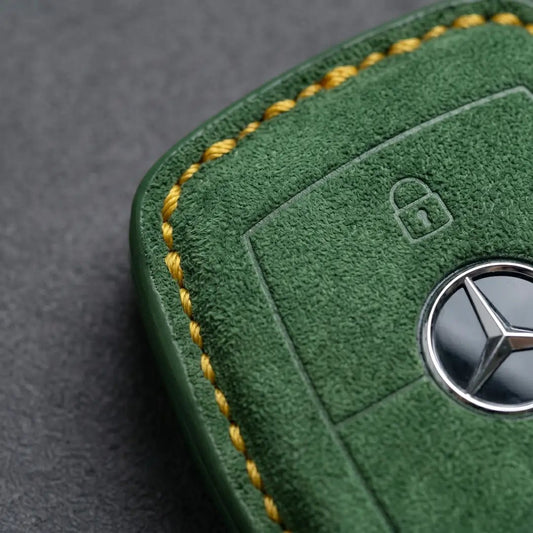
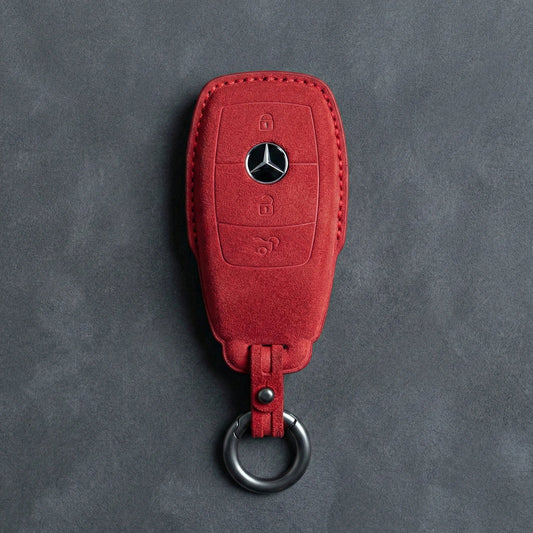
Key Covers for Mercedes-Benz
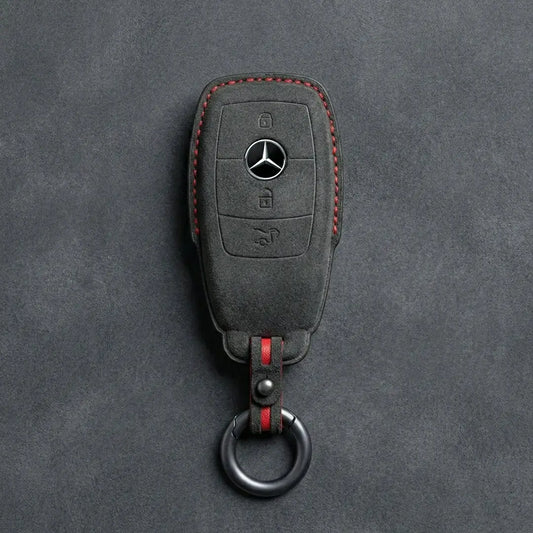
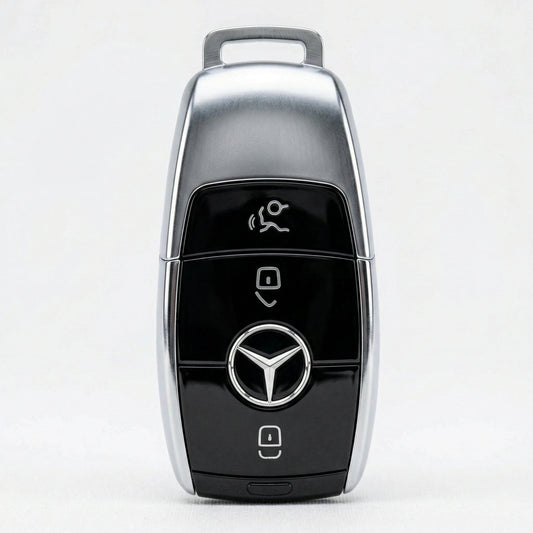
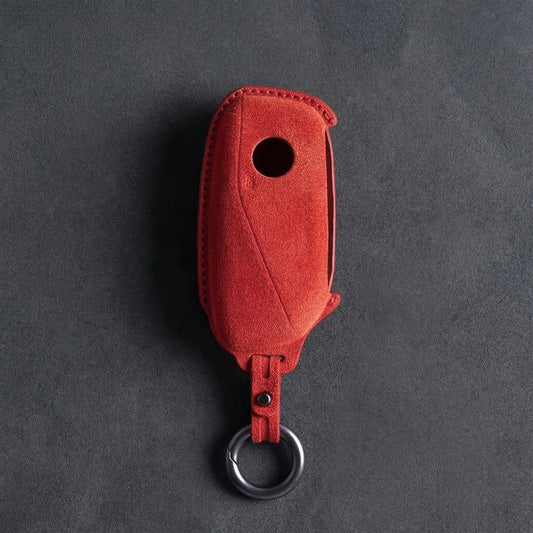
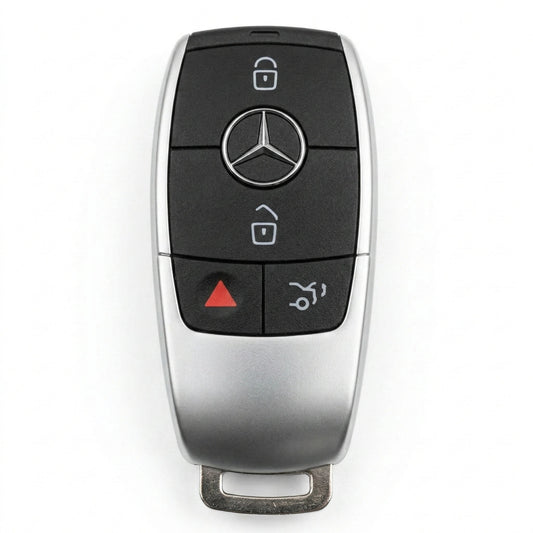
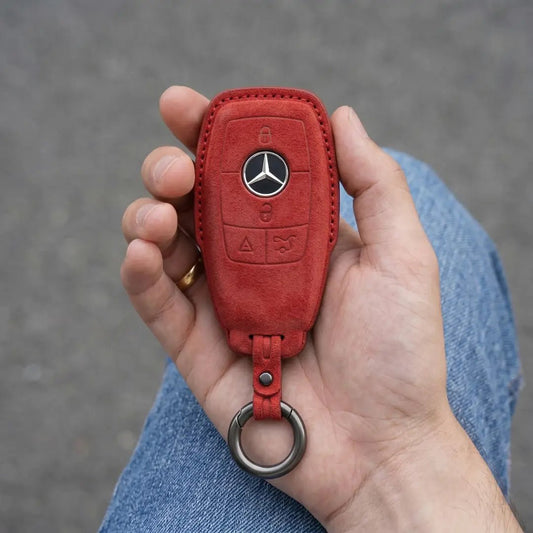
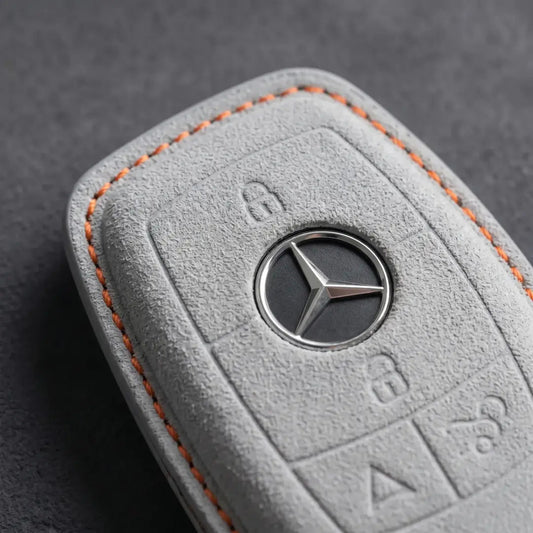
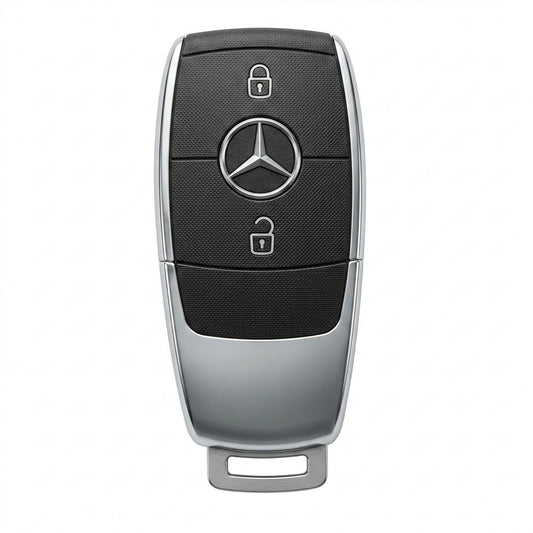
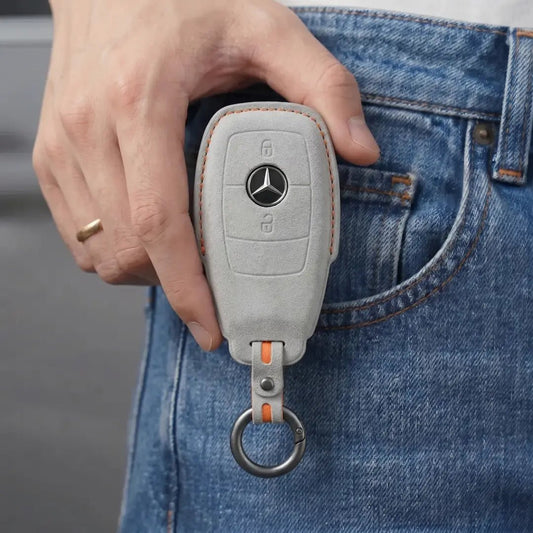
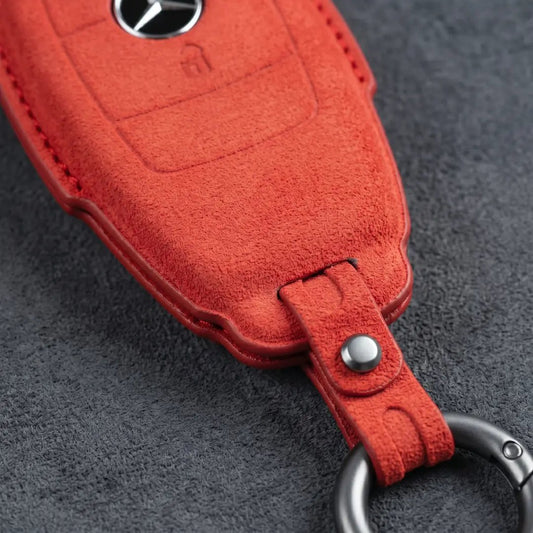
Mercedes-Benz Key CoversStart with the top of your Mercedes-Benz SmartKey. The chrome-sided...
-

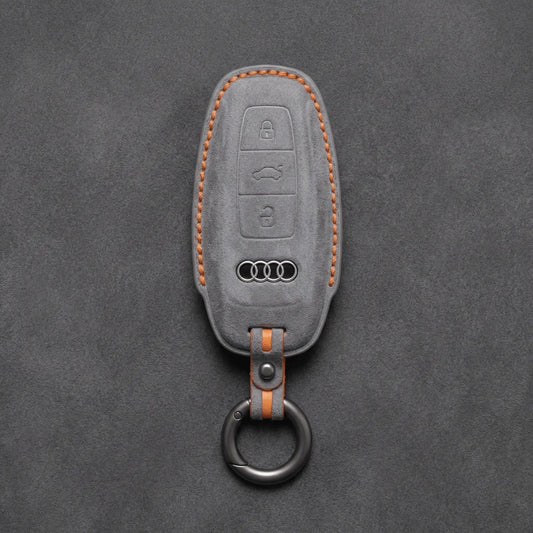
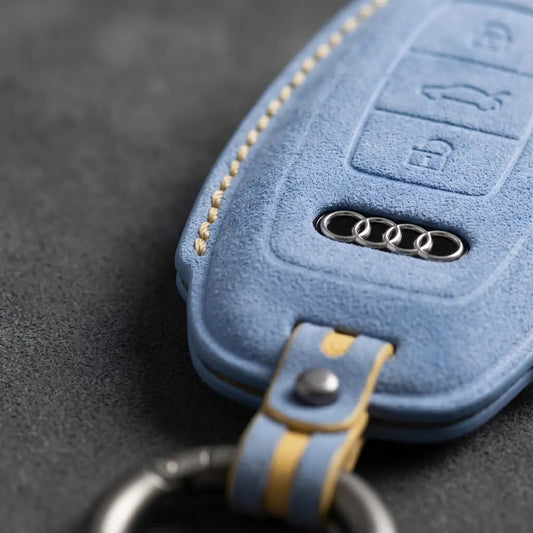
Key Covers for Audi
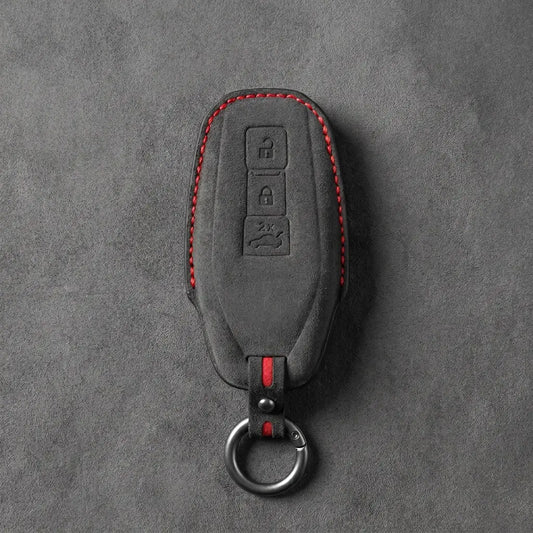
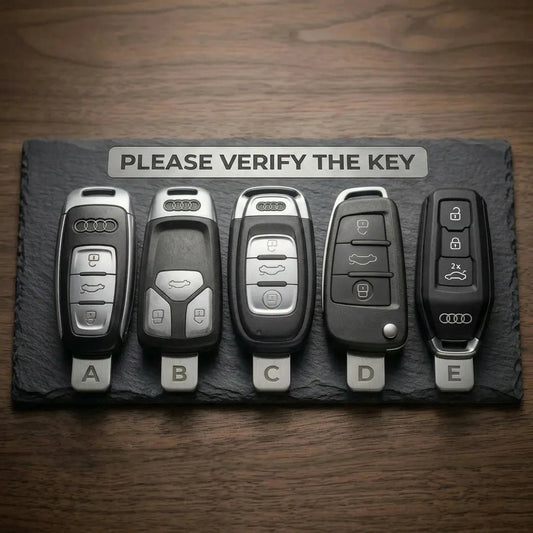
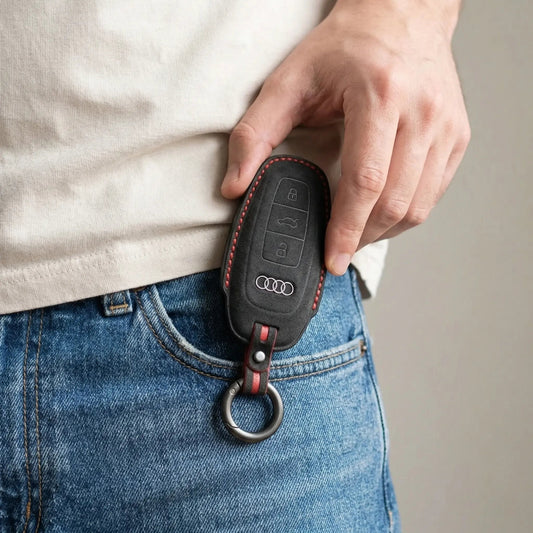
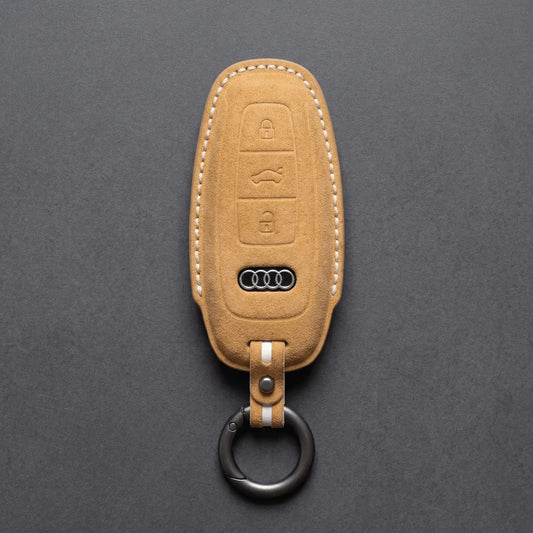
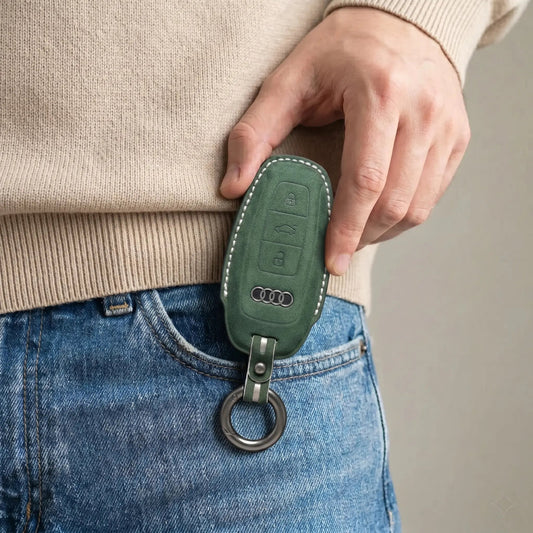
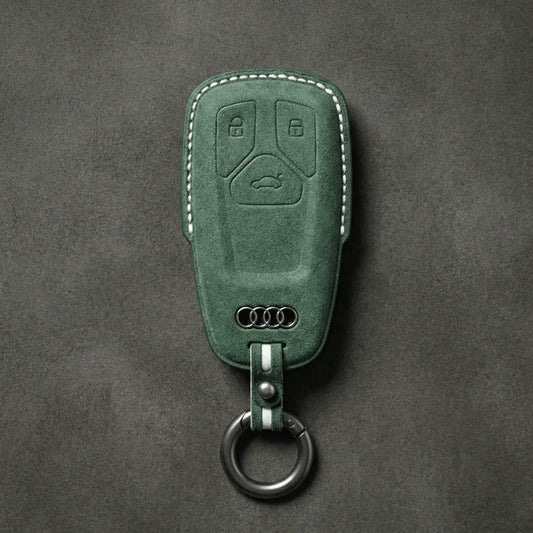
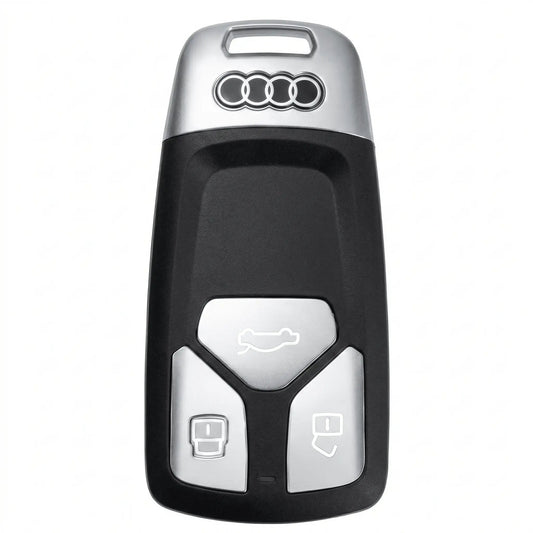
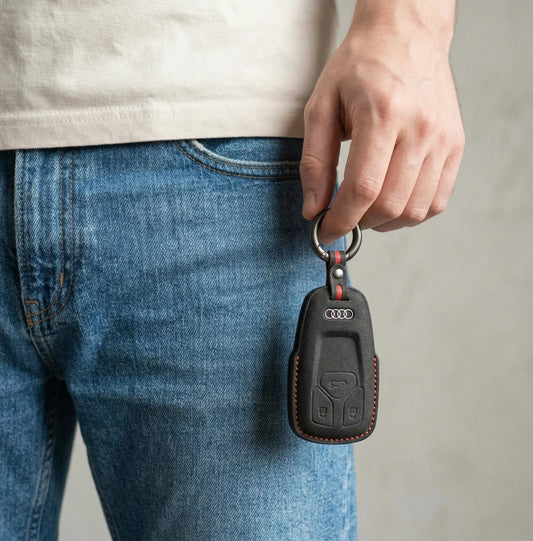
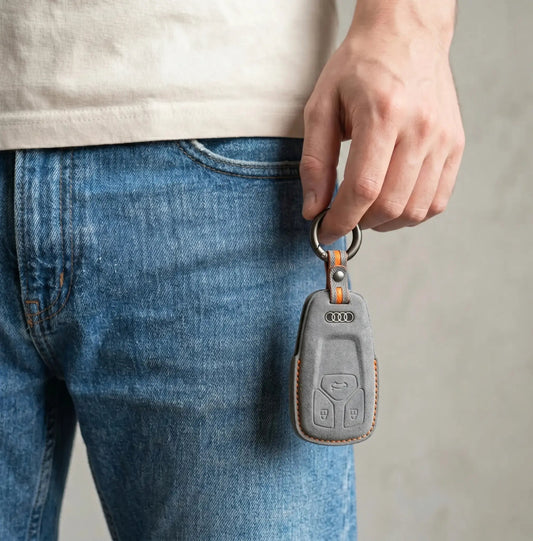
Audi Key CoversWith Audi, the key tells you more than the badge:...
-

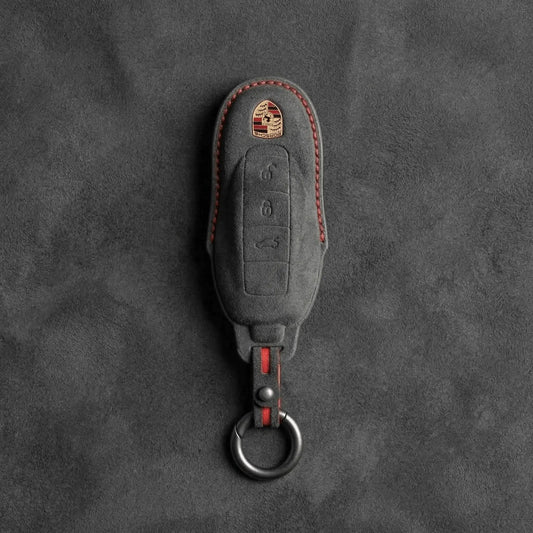
Key Covers for Porsche
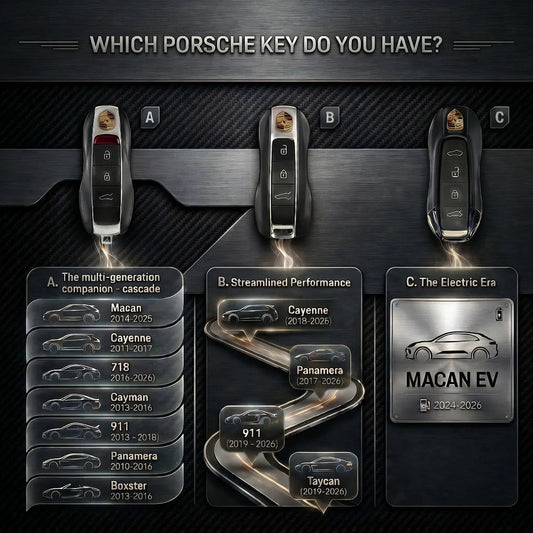
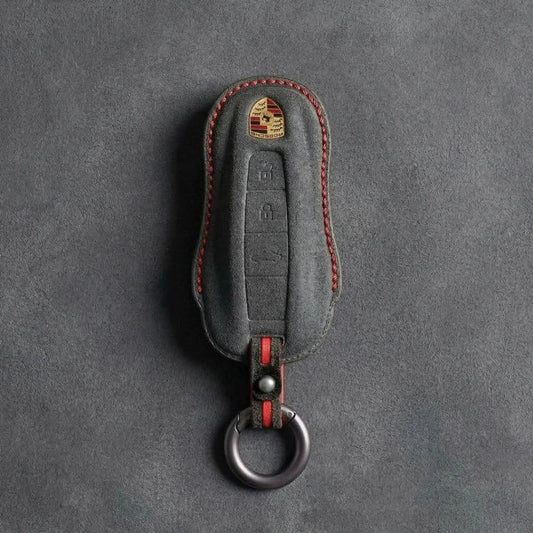
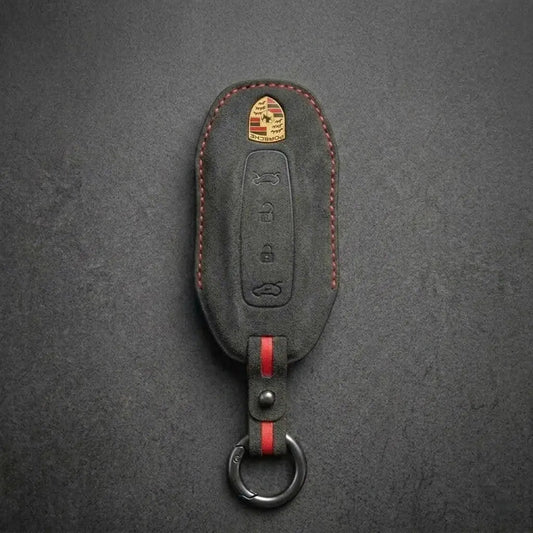
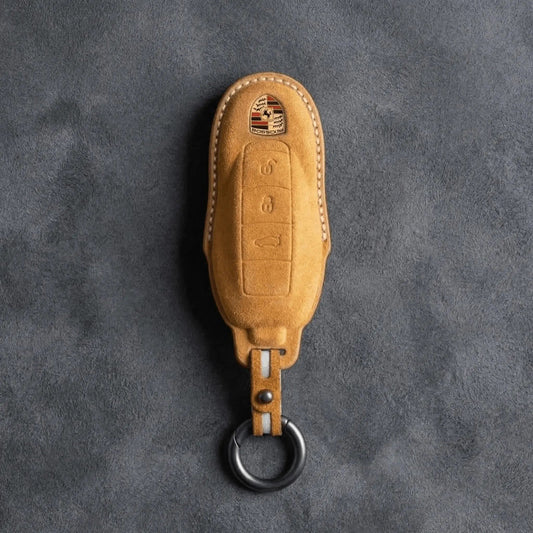
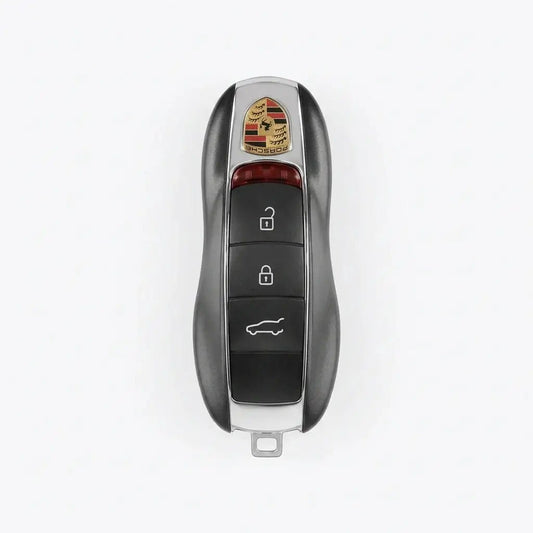
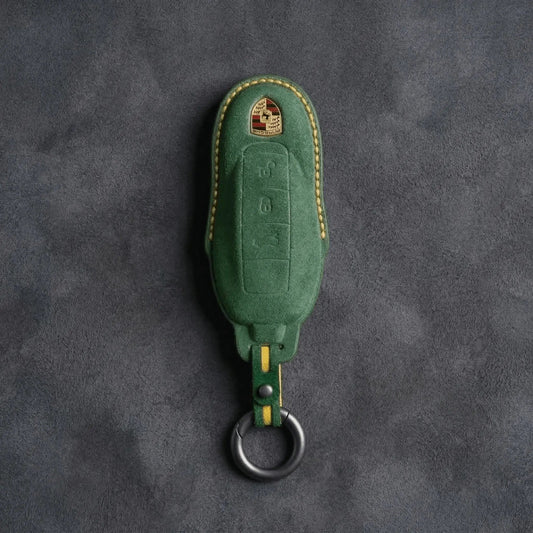
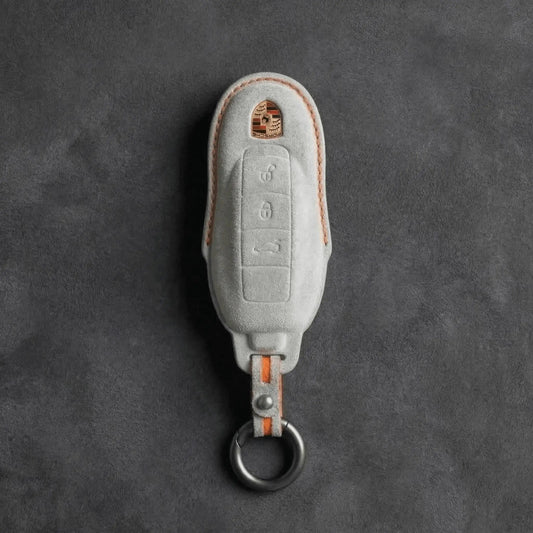
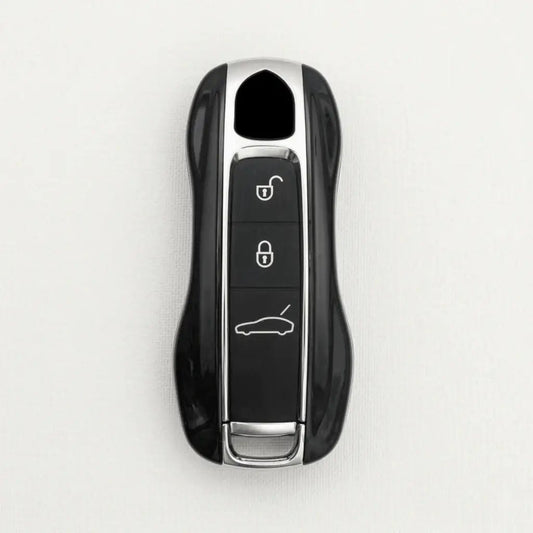
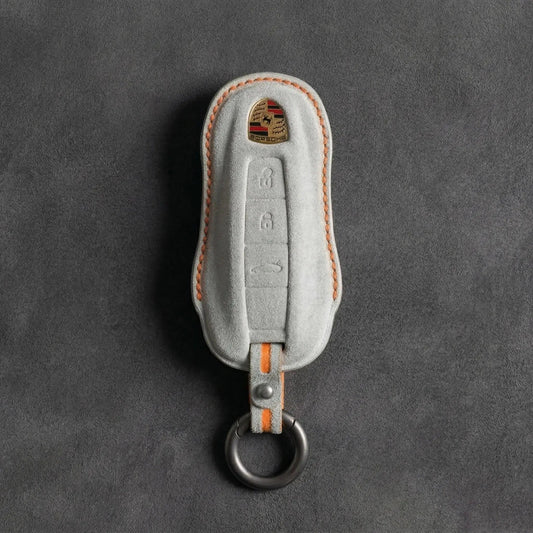
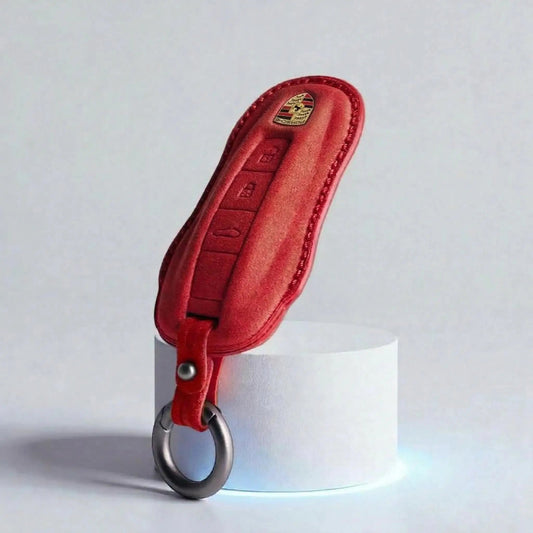
Porsche Key CoversPorsche shapes its keys like a miniature sports car, crest...
-

Key Covers for Ford
Ford Key CoversFord calls its push-button-start key the Intelligent Access key: grab...
-

Key Covers for Skoda
Skoda Key CoversŠkoda keys come in two families: the flip key, with...
-

Key Covers for Cupra
Cupra Key CoversThe quickest way to tell Cupra keys apart is to...
-

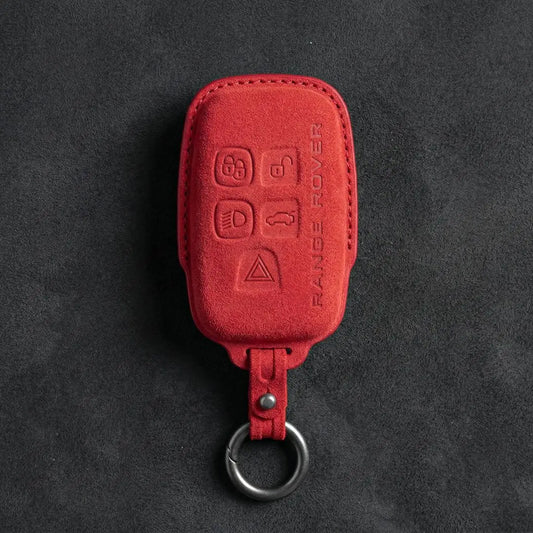
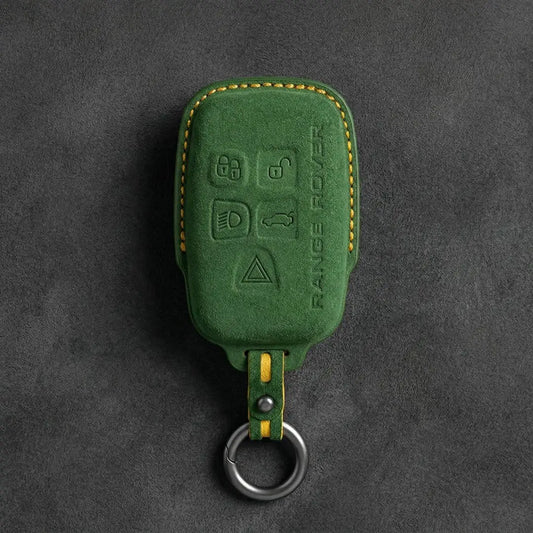
Key Covers for Land Rover
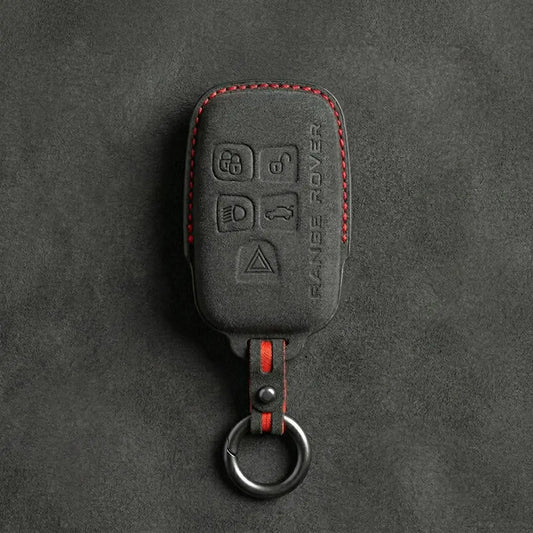
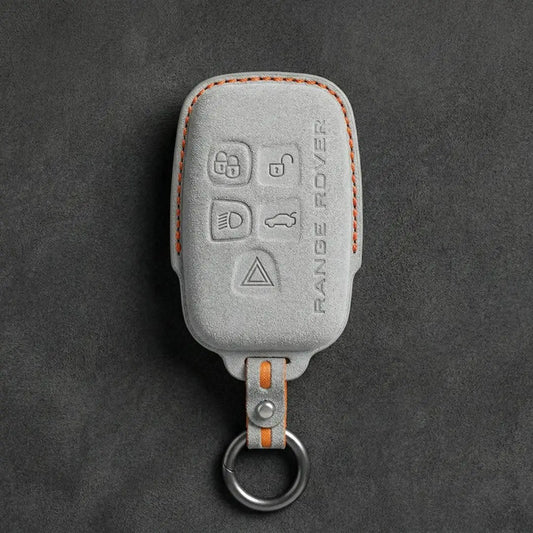
Land Rover Key CoversLand Rover and Range Rover smart keys carry the...
-
Key Covers for MINI Cooper
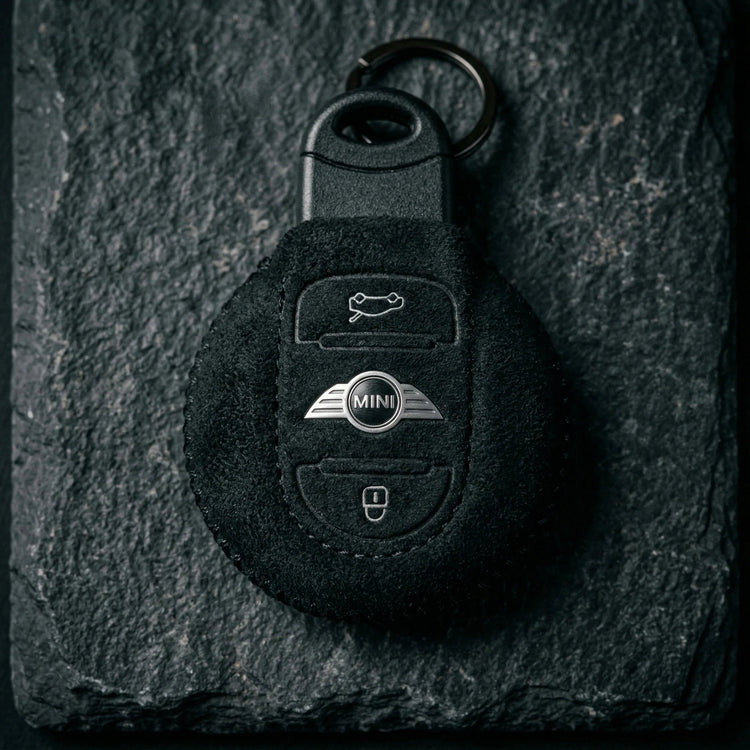
Mini Cooper Key CoversThe first BMW-era MINI borrowed a Rover-designed key; since...
-

Key Covers for Volvo
Volvo Key CoversTo place a Volvo key, look at where its buttons...


Key Covers for Mazda
Alcantara and carbon fibre covers for Mazda's vertical smart key, including the 2-button version, and for the side-button key of the Mazda3 and CX-30.
-
Hand-Stitched Alcantara Key Fob Cover for Mazda – Side-Button Series
Regular price 39,00 €Sale price 39,00 € Regular price -
Hand-Stitched Alcantara Key Fob Cover for Mazda – Vertical Smart Key
Regular price 39,00 €Sale price 39,00 € Regular price -
Hand-Stitched Alcantara Key Fob Cover for Mazda – Smart Key 2-Button
Regular price 39,00 €Sale price 39,00 € Regular price -

ALCANTARA®
Feel the difference
-
Carbon Key Fob Cover for Mazda – Vertical Smart Key
Regular price 59,00 €Sale price 59,00 € Regular price


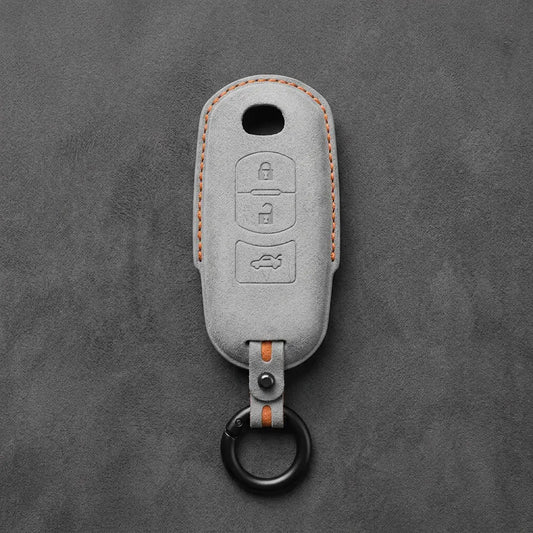
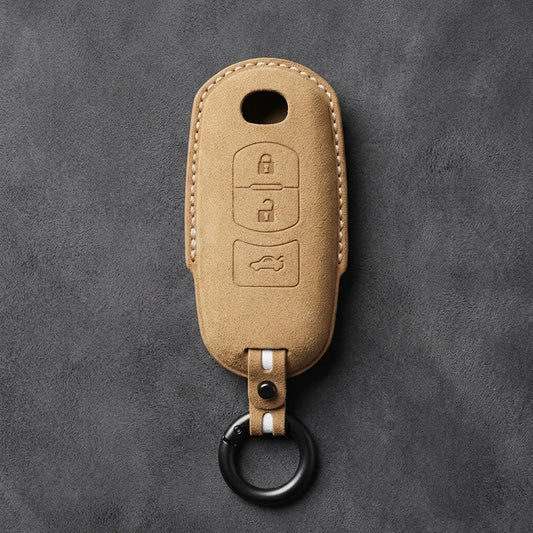
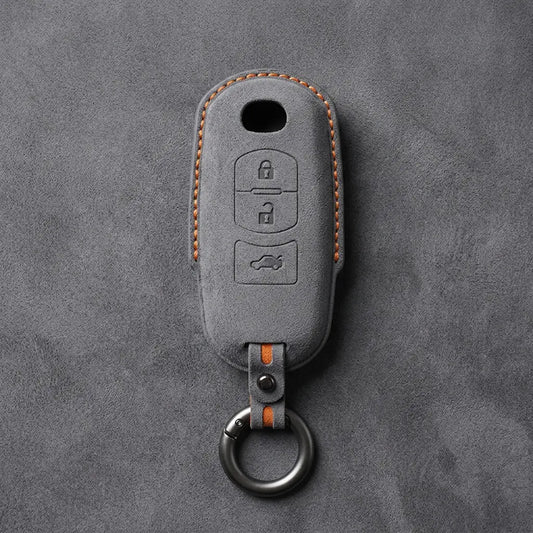


Mazda Key Covers
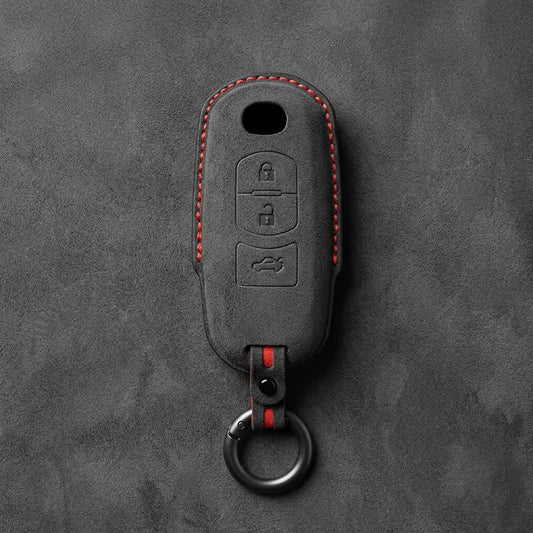
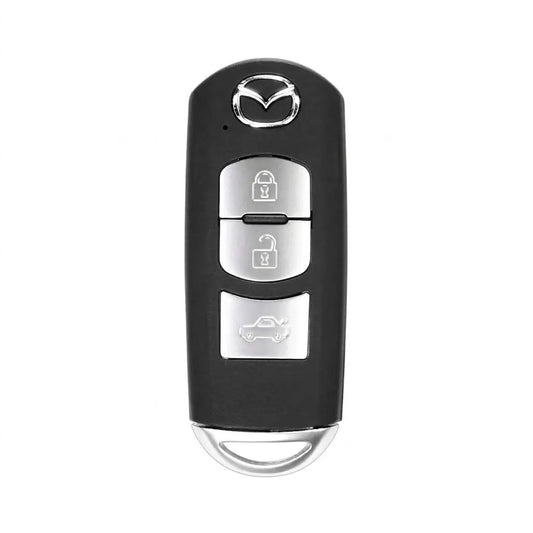
Mazda moved the buttons. Its vertical smart key has them stacked down the face under a round Mazda emblem; the newer key used on the fourth-generation Mazda3 and the CX-30 keeps a bare face with only the emblem and puts the buttons along one edge. Three covers here fit the vertical key (two hand-stitched Alcantara, one carbon fibre shell); one Alcantara cover fits the side-button key. All four leave the emblem uncovered, and on a Mazda that matters (see below).
Which Mazda smart key is yours?
| Key | How to spot it | Cover details |
|---|---|---|
| Vertical smart key: Alcantara · carbon fibre | Buttons in a column on the face, emblem at the top | Alcantara: button column pressed in. Carbon fibre: two-piece snap-on shell, open front, for the 3-button key (lock, unlock, boot), with or without vents |
| Vertical 2-button smart key: Alcantara | Rounded teardrop outline, just lock and unlock | Both buttons pressed into the cover, window for the emblem |
| Side-button smart key: Alcantara | Bare face with the emblem, buttons on the edge | Choose key type A (3 buttons) or B (4 buttons) |
Face first, then count
- Buttons on the edge: the Side-Button cover. Count them to pick type A or B.
- Two buttons on the face: the 2-Button cover.
- More than two on the face: the Alcantara Vertical Smart Key cover (check the factory-key photo on its page), or the carbon fibre shell if yours is the 3-button key with lock, unlock and boot.
Go by the key rather than the car: Mazda's CX-5 manual shows two different key designs, each with its own battery (CR2025 or CR2032) and its own way of releasing the auxiliary key.
Power-saving mode and the emblem trick
- Buttons work, keyless doesn't: the key may be in power-saving mode, which switches off Advanced Keyless Entry and push-button start to spare the battery. Mazda's manual: press lock four times within three seconds, then hold lock for 1.5 seconds while the indicator light is on. The same sequence switches it back.
- Flat key battery: press the brake (or clutch), hold the key so the centre of its emblem lines up with the centre of the start button, wait for the green light, then press the button.
- Range: the MX-5 manual gives about 80 cm around the doors and boot. A key left on the dashboard, in the console box or beside a phone can end up locked inside.
Not sure which one you have? Take one picture of the button side and one of the profile, and message them to us on WhatsApp (+370 63170051) or to info@vietiki.com; we'll point you to the right cover.
 Buying guide
Car Key Fob Covers: The Complete Guide to Key Types, Materials and Fit
How to choose the right cover for your key
Buying guide
Car Key Fob Covers: The Complete Guide to Key Types, Materials and Fit
How to choose the right cover for your key
Recommended for you
-
Hand-Stitched Alcantara Key Fob Cover for Audi – All Types
Regular price 39,00 €Sale price 39,00 € Regular price 49,00 €-20% Bestseller -
Hand-Stitched Alcantara Key Fob Cover for BMW – All Types
Regular price 39,00 €Sale price 39,00 € Regular price 49,00 €-20% Bestseller -
Alcantara Key Fob Cover for Mercedes-Benz – Teardrop
Regular price 39,00 €Sale price 39,00 € Regular price 49,00 €-20% Bestseller -
Hand-Stitched Alcantara Key Fob Cover for Porsche – All types
Regular price 39,00 €Sale price 39,00 € Regular priceBestseller -
Hand-Stitched Alcantara Key Fob Cover for Audi – Geometric 3-Button Smart Fob
Regular price 39,00 €Sale price 39,00 € Regular price 49,00 €-20% Bestseller -
Hand-Stitched Alcantara Key Fob Cover for BMW – Side-Button Wedge
Regular price 39,00 €Sale price 39,00 € Regular price 49,00 €-20% Bestseller -
Alcantara Key Fob Cover for Mercedes-Benz – Chrome SmartKey 4-Button
Regular price 39,00 €Sale price 39,00 € Regular price 49,00 €-20% Bestseller -
Hand-Stitched Alcantara Key Fob Cover for BMW – Wide-Slot Blade
Regular price 39,00 €Sale price 39,00 € Regular price 49,00 €-20% Bestseller -
Hand-Stitched Alcantara Key Fob Cover for Volkswagen – Asymmetrical Style
Regular price 39,00 €Sale price 39,00 € Regular price 49,00 €-20% Bestseller -
Hand-Stitched Alcantara Key Fob Cover for Land Rover – Rectangular 5-Button
Regular price 39,00 €Sale price 39,00 € Regular priceBestseller -
Hand-Stitched Alcantara Key Fob Cover for Audi – Shield Smart Key
Regular price 42,00 €Sale price 42,00 € Regular price 49,00 €-14% Bestseller -
Hand-Stitched Alcantara Key Fob Cover for Range Rover – Block 5-Button
Regular price 39,00 €Sale price 39,00 € Regular priceBestseller -
Hand-Stitched Alcantara Key Fob Cover for Audi – Aero 3-Button Smart Fob
Regular price 39,00 €Sale price 39,00 € Regular price 49,00 €-20% Bestseller -
Alcantara Key Fob Cover for Mercedes-Benz – Contemporary 2-Button
Regular price 39,00 €Sale price 39,00 € Regular price 49,00 €-20% Bestseller -
Hand-Stitched Alcantara Key Fob Cover for Porsche – Classic Car-Shape
Regular price 39,00 €Sale price 39,00 € Regular price 49,00 €-20% Bestseller -
Hand-Stitched Alcantara Key Fob Cover for Porsche – Signature Car-Shape
Regular price 39,00 €Sale price 39,00 € Regular price 49,00 €-20% Bestseller