-

Key Covers for BMW
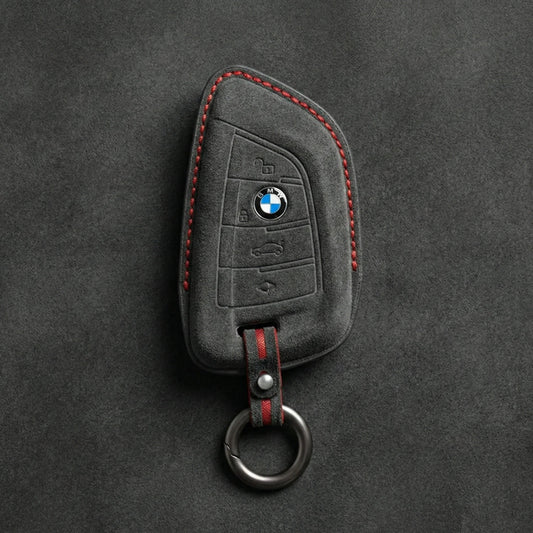
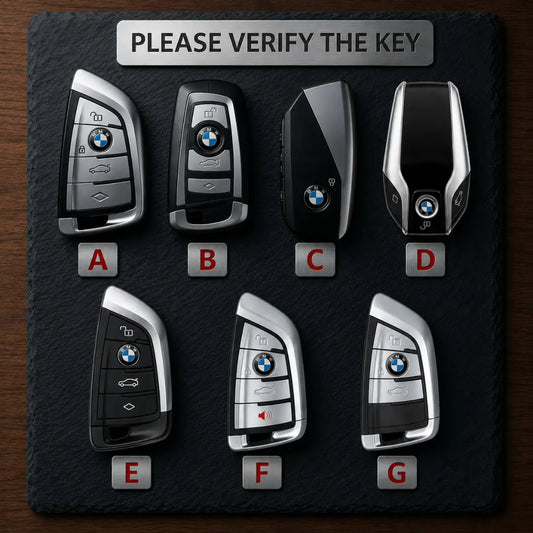
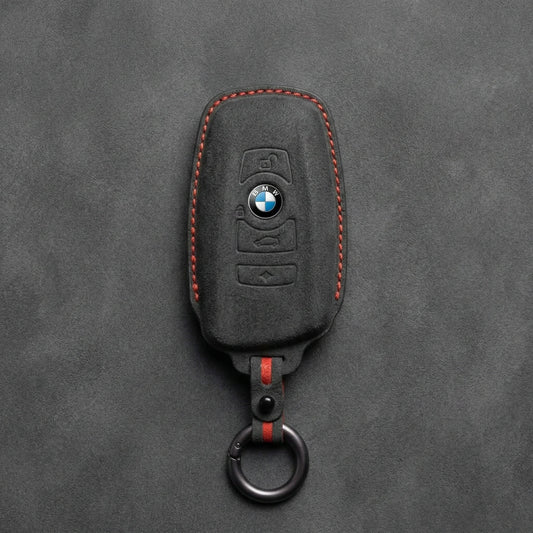
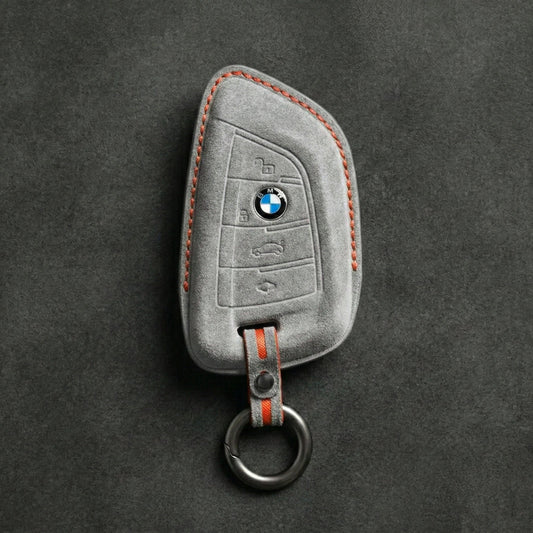
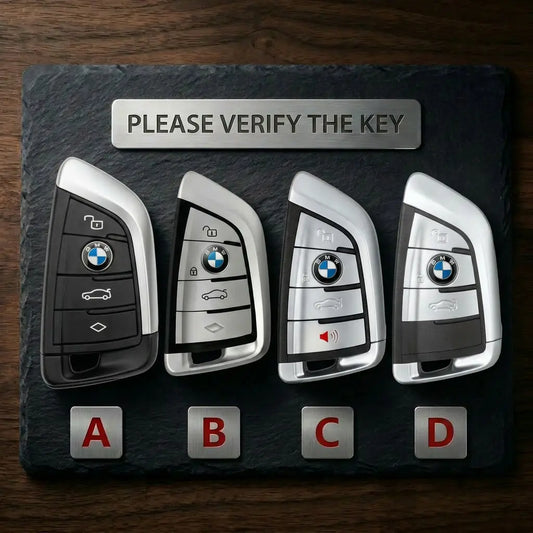
BMW Key CoversAn X5 alone has used three BMW keys: the F-series...
-

Key Covers for Volkswagen
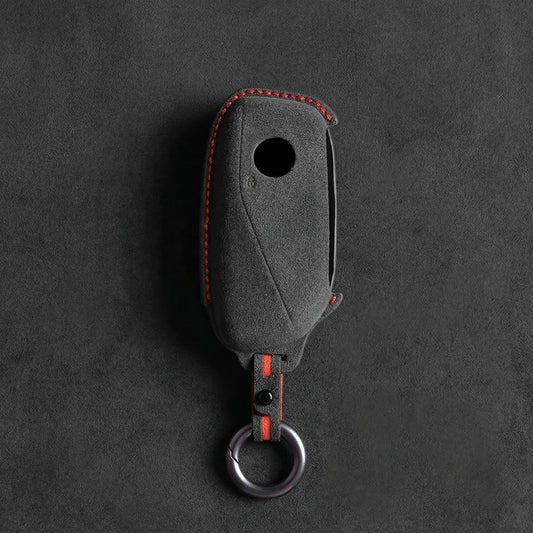
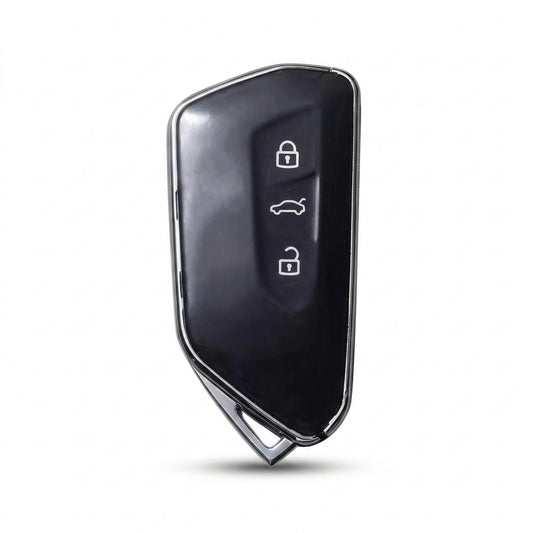
Volkswagen Key CoversVolkswagen has made its folding "switchblade" key in more than...
-

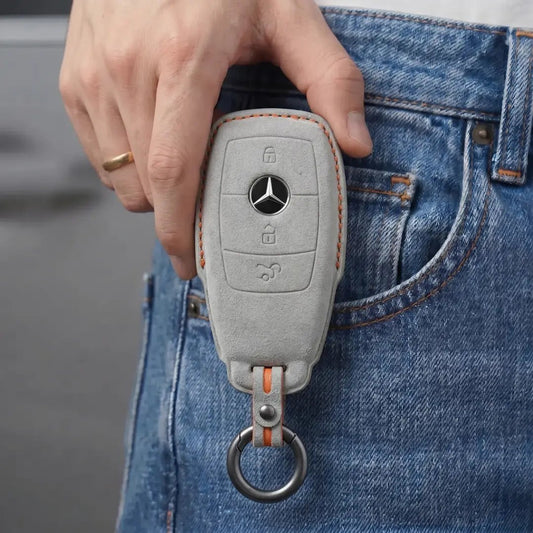
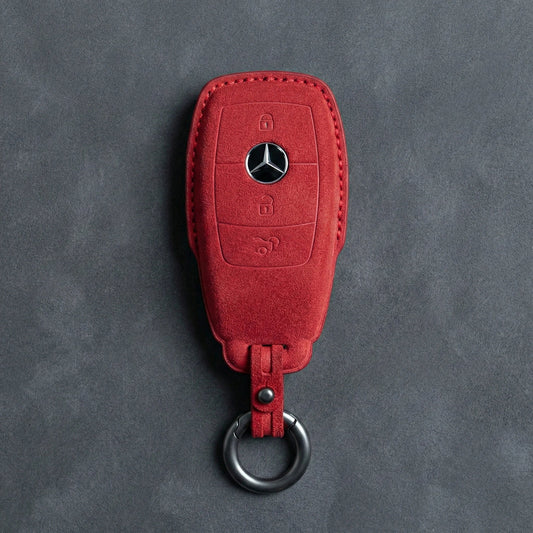
Key Covers for Mercedes-Benz
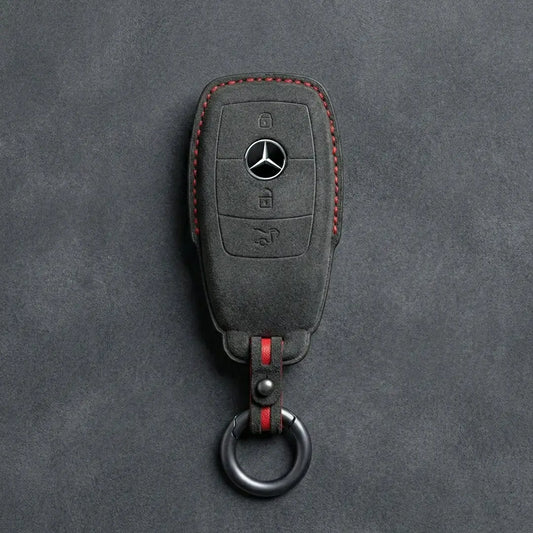
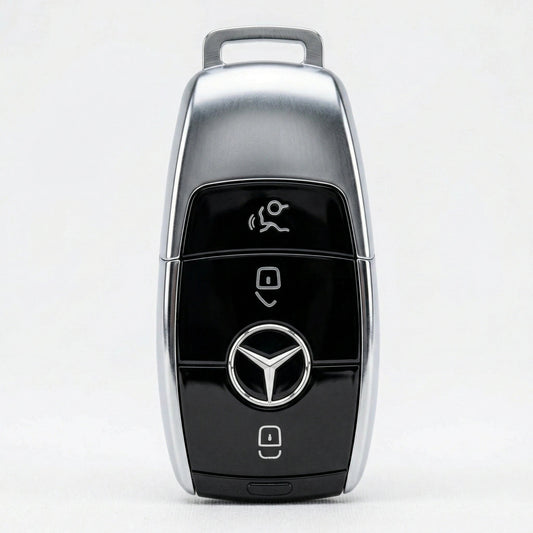
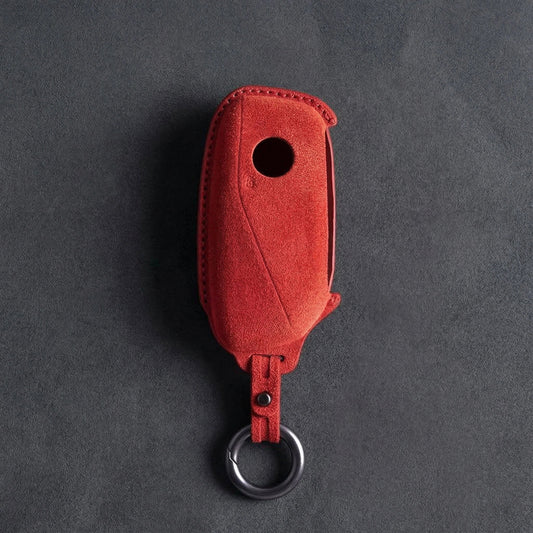
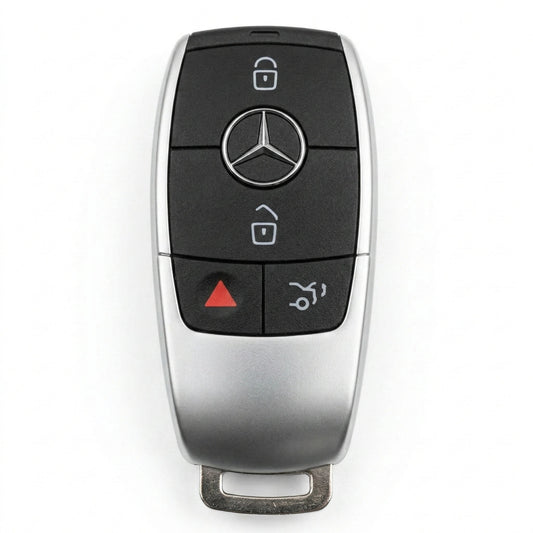
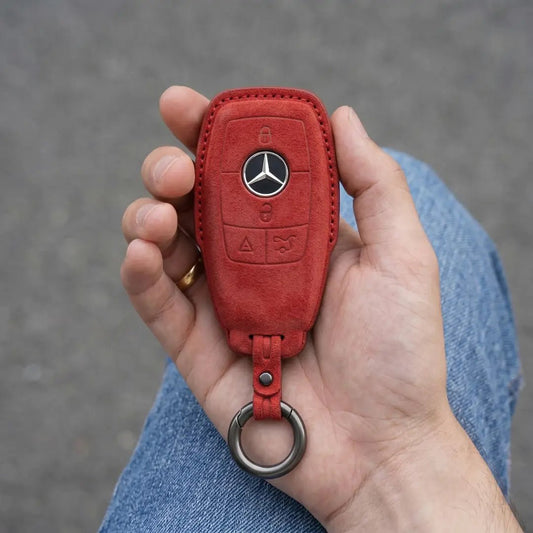
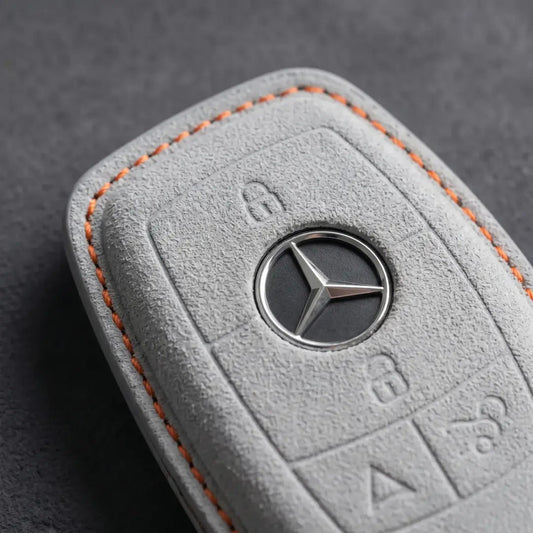
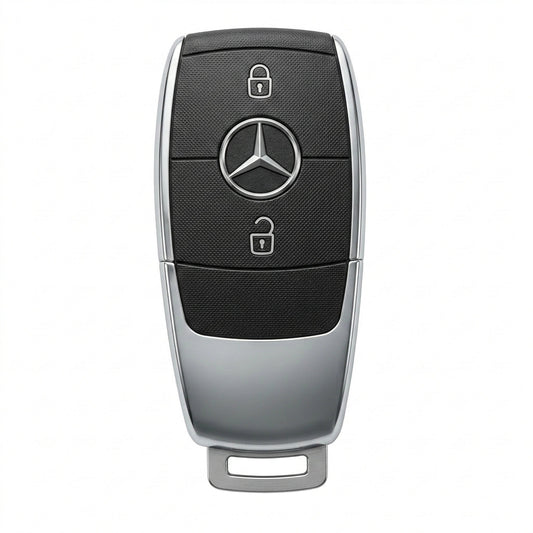
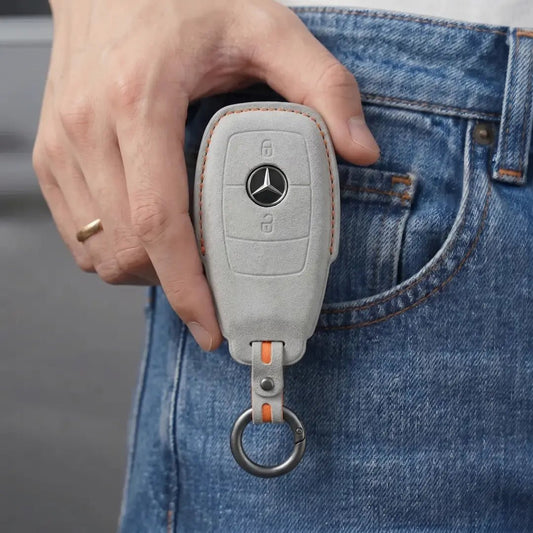
Mercedes-Benz Key CoversStart with the top of your Mercedes-Benz SmartKey. The chrome-sided...
-

Key Covers for Audi
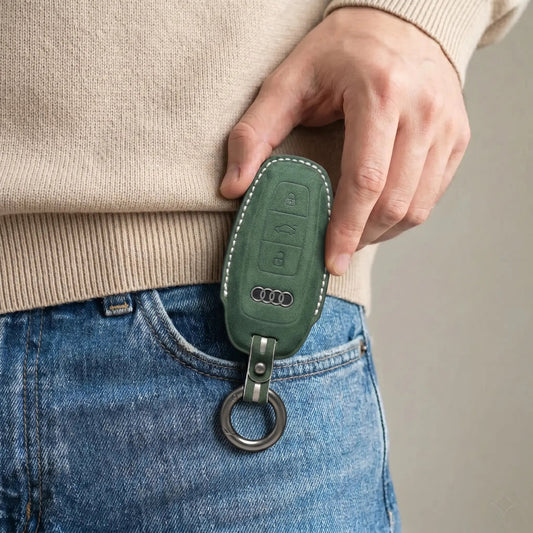
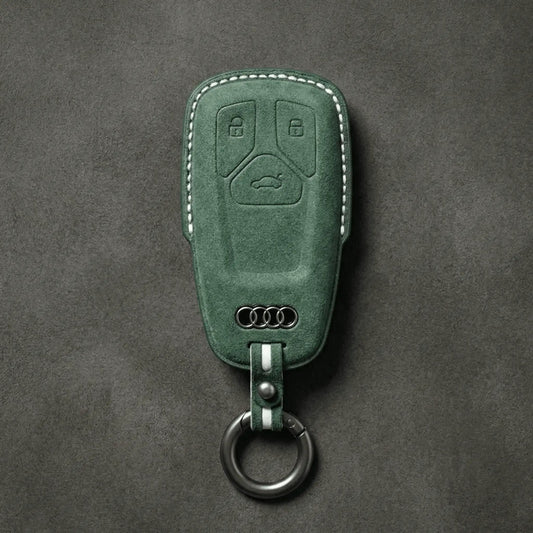
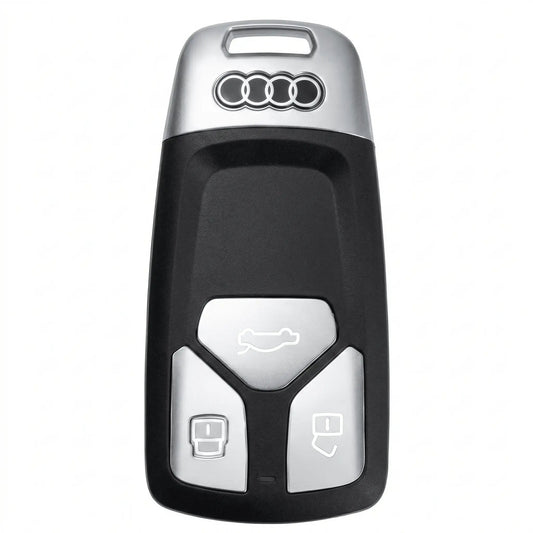
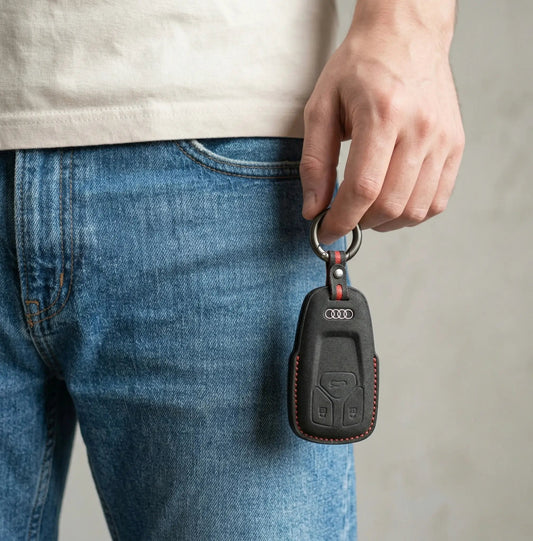
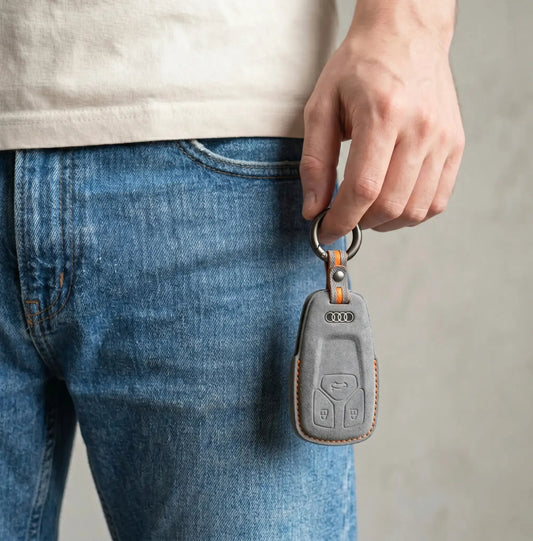
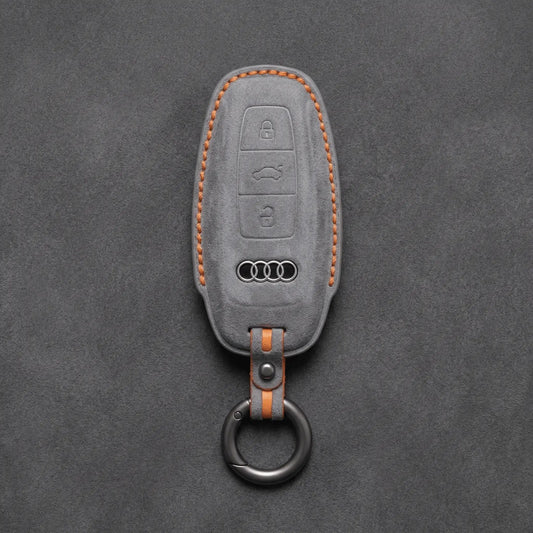
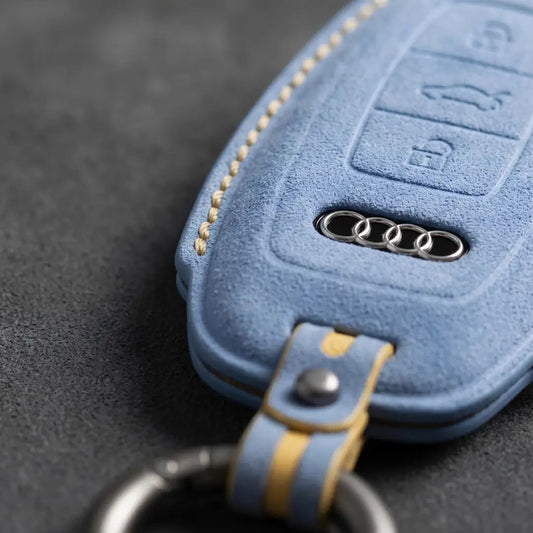
Audi Key CoversWith Audi, the key tells you more than the badge:...
-

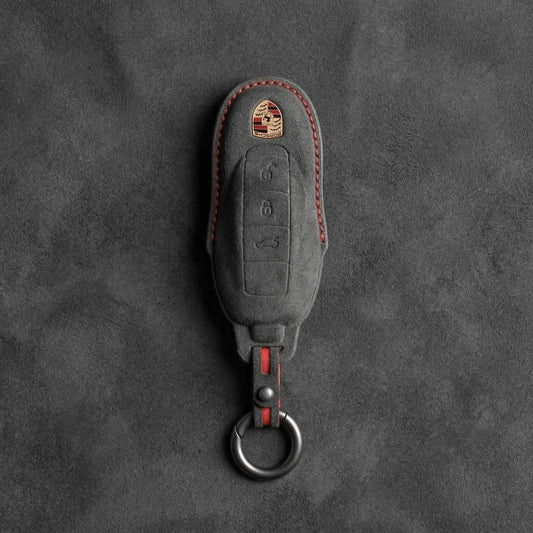
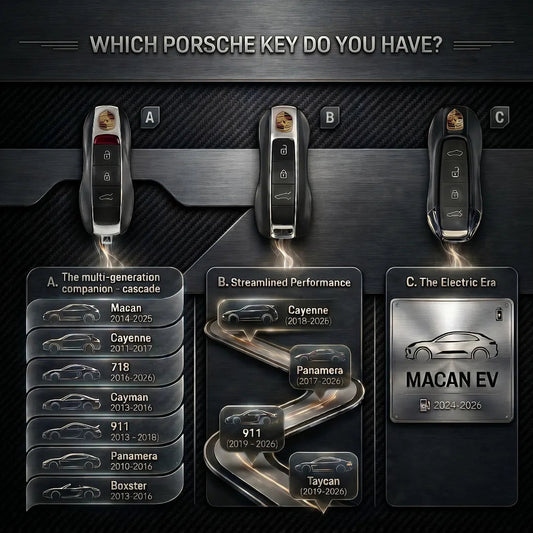
Key Covers for Porsche
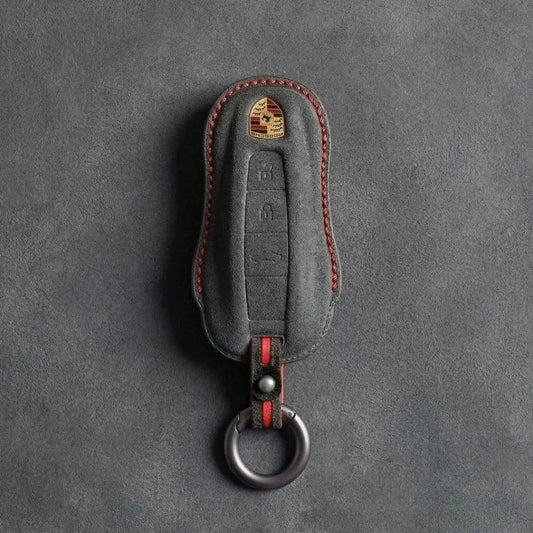
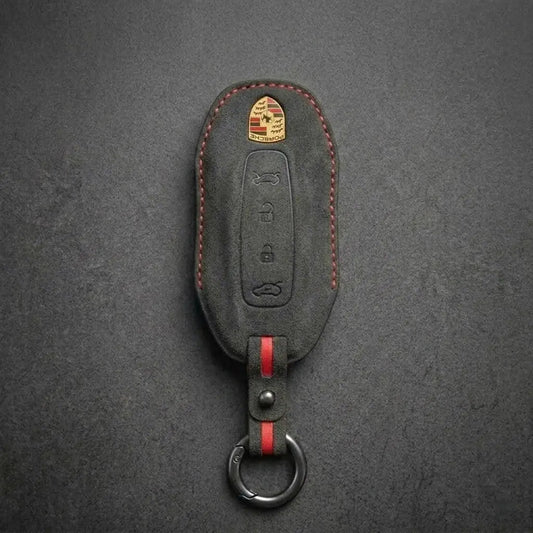
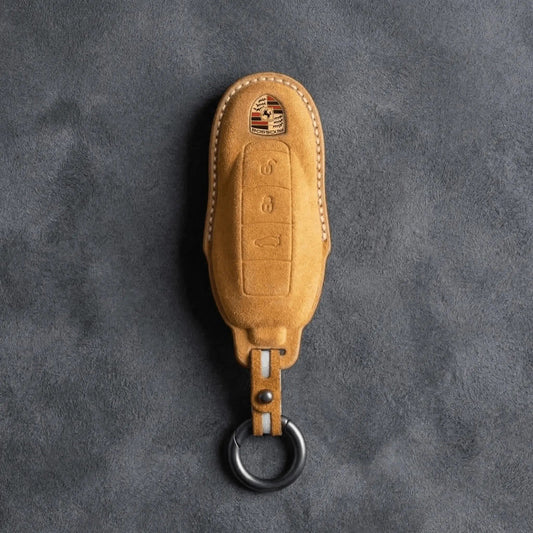
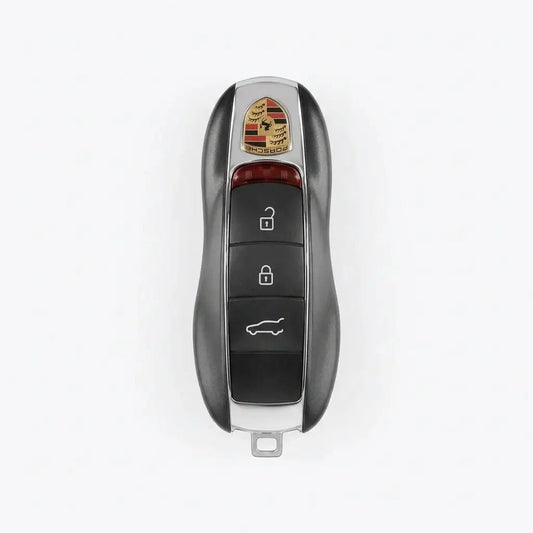
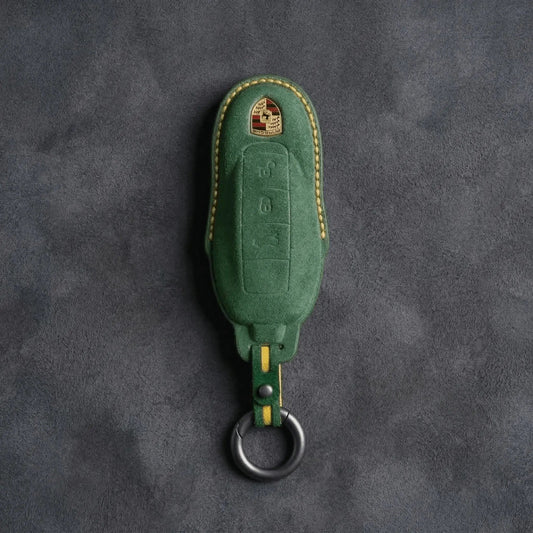
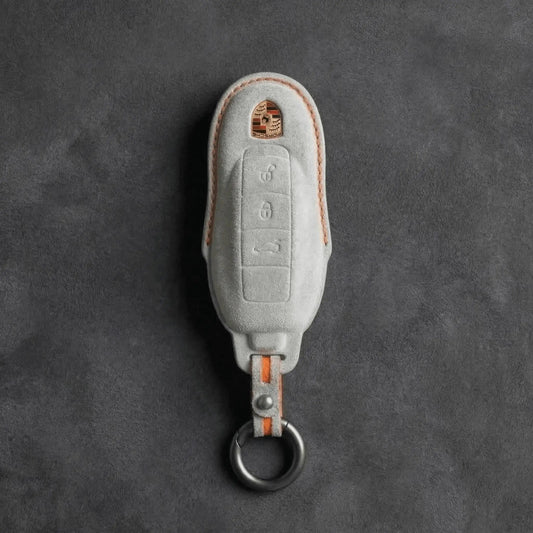
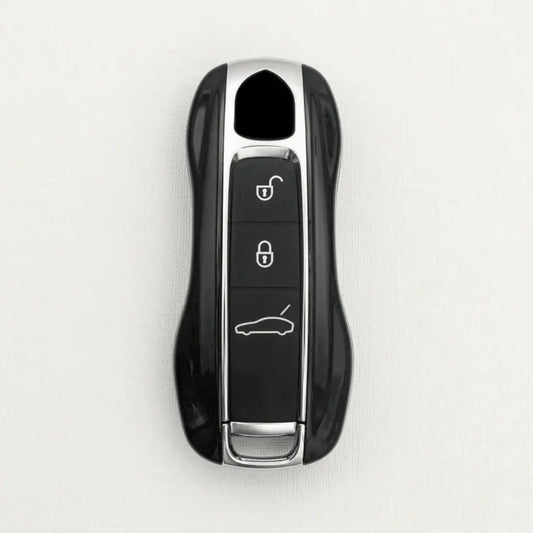
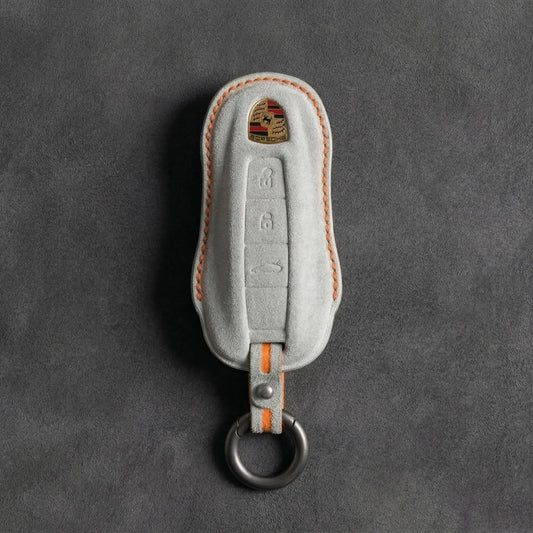
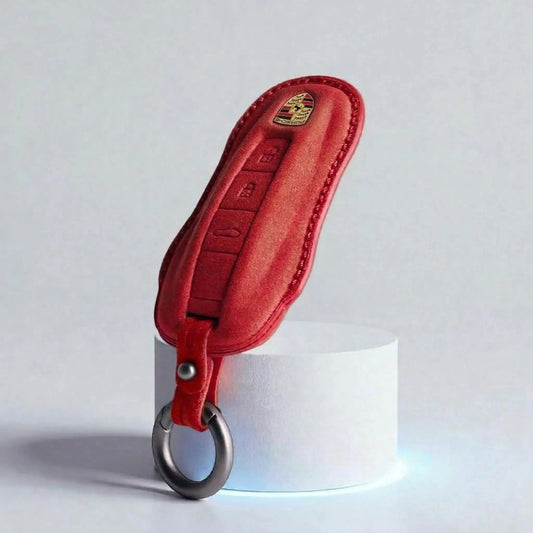
Porsche Key CoversPorsche shapes its keys like a miniature sports car, crest...
-

Key Covers for Ford
Ford Key CoversFord calls its push-button-start key the Intelligent Access key: grab...
-

Key Covers for Skoda
Skoda Key CoversŠkoda keys come in two families: the flip key, with...
-

Key Covers for Cupra
Cupra Key CoversThe quickest way to tell Cupra keys apart is to...
-

Key Covers for Land Rover
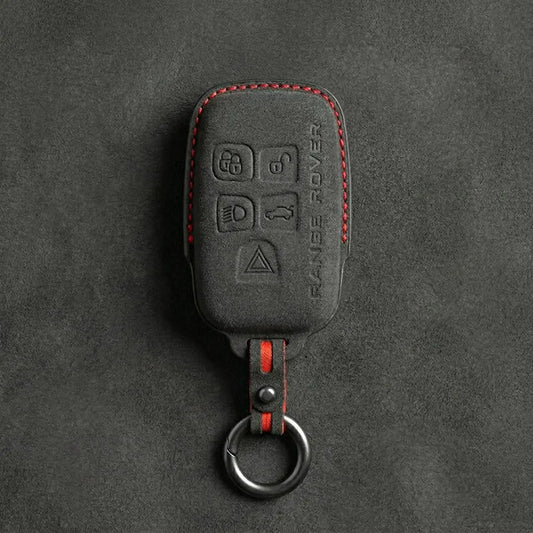
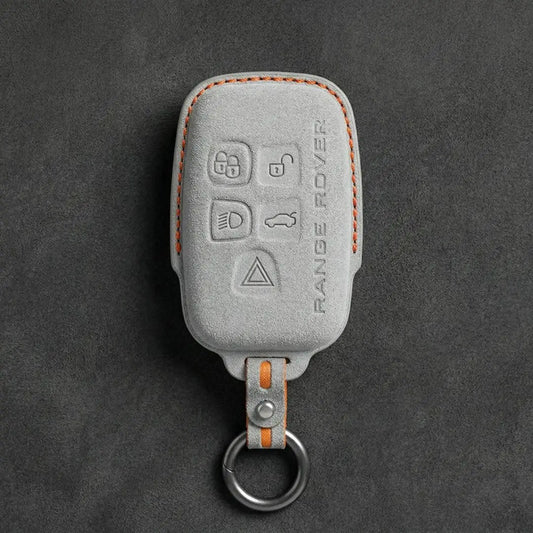
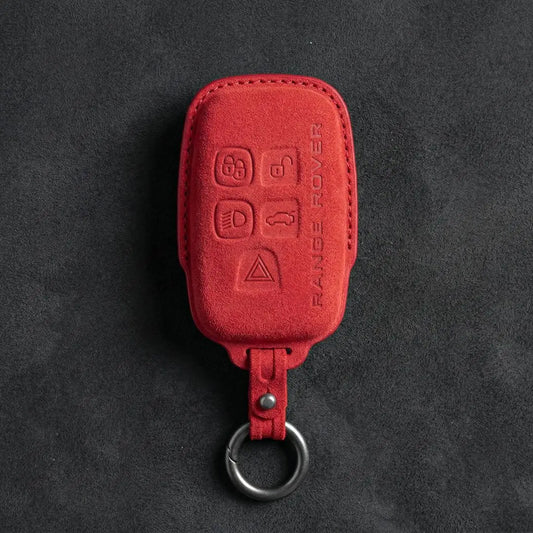
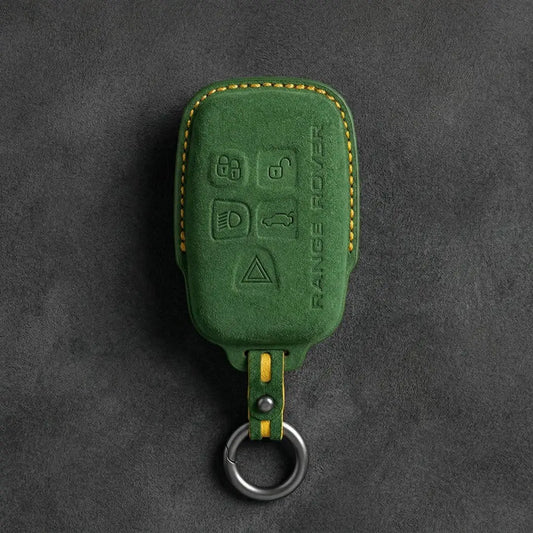
Land Rover Key CoversLand Rover and Range Rover smart keys carry the...
-
Key Covers for MINI Cooper
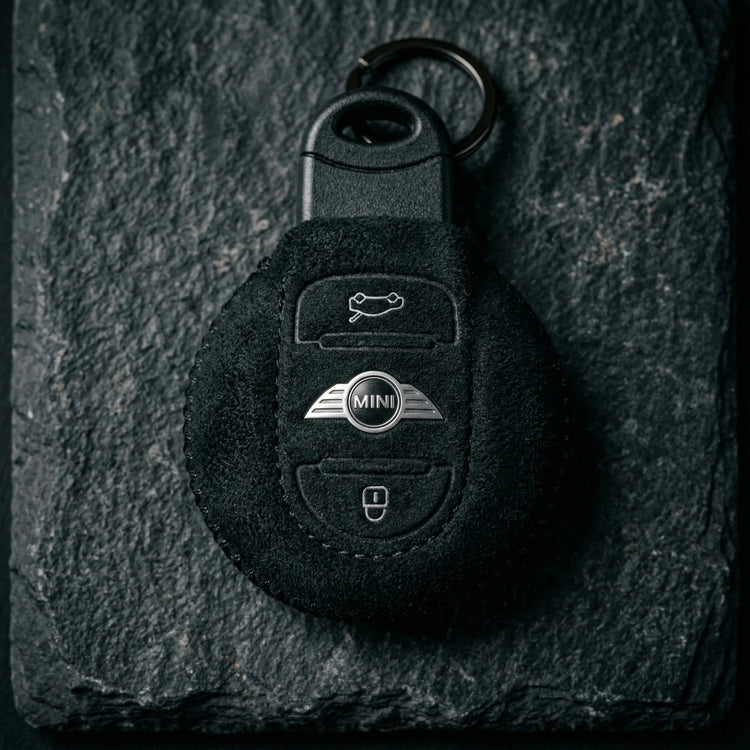
Mini Cooper Key CoversThe first BMW-era MINI borrowed a Rover-designed key; since...
-

Key Covers for Volvo
Volvo Key CoversTo place a Volvo key, look at where its buttons...


Key Covers for Genesis
Alcantara covers for Genesis smart keys with 4 to 8 buttons, including the Smart Park keys with forward and backward buttons for remote parking.
-
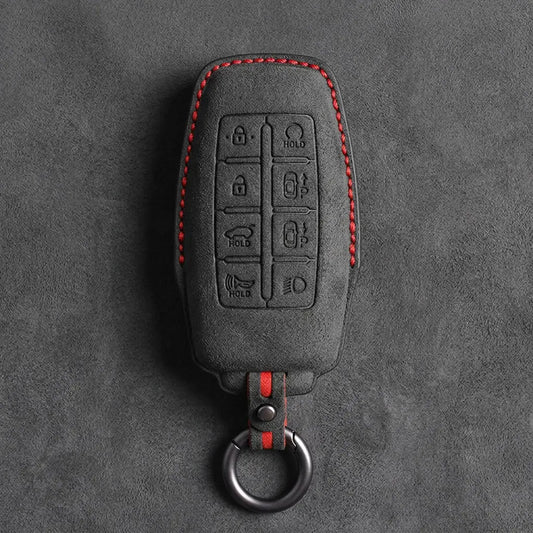
Hand-Stitched Alcantara Key Fob Cover for Genesis – 8-Button Smart Park
Regular price 39,00 €Sale price 39,00 € Regular price -
Hand-Stitched Alcantara Key Fob Cover for Genesis – Diamond Quilted
Regular price 39,00 €Sale price 39,00 € Regular price -
Hand-Stitched Alcantara Key Fob Cover for Genesis – 6-Button Smart Key
Regular price 39,00 €Sale price 39,00 € Regular price -

ALCANTARA®
Feel the difference
-
Hand-Stitched Alcantara Key Fob Cover for Genesis – 7-Button Smart Park
Regular price 39,00 €Sale price 39,00 € Regular price -
Hand-Stitched Alcantara Key Fob Cover for Genesis – 4-Button Smart Key
Regular price 39,00 €Sale price 39,00 € Regular price
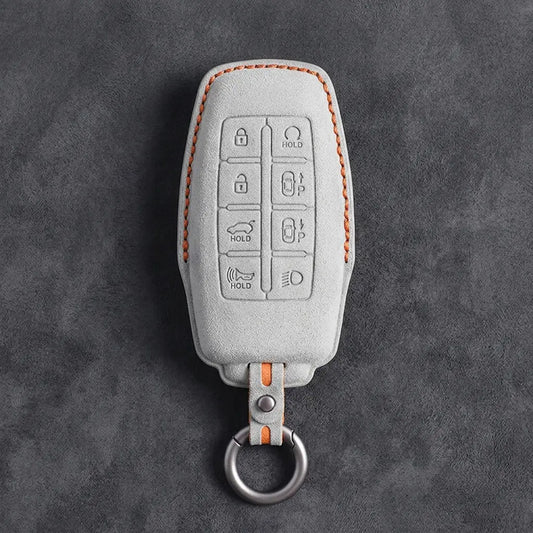
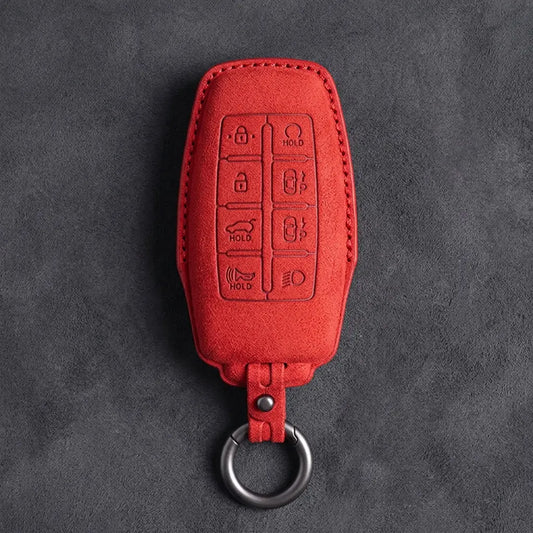
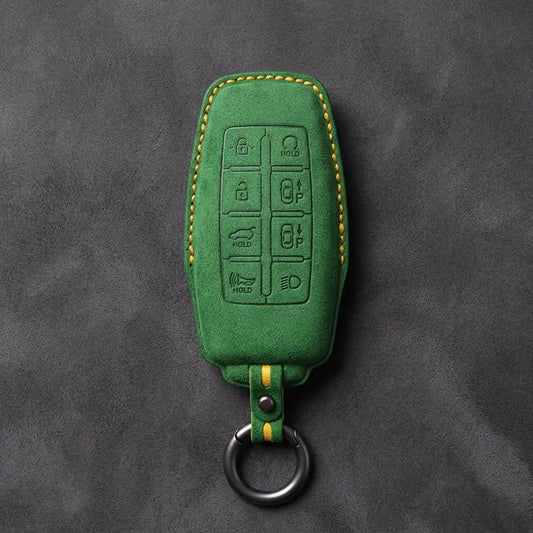
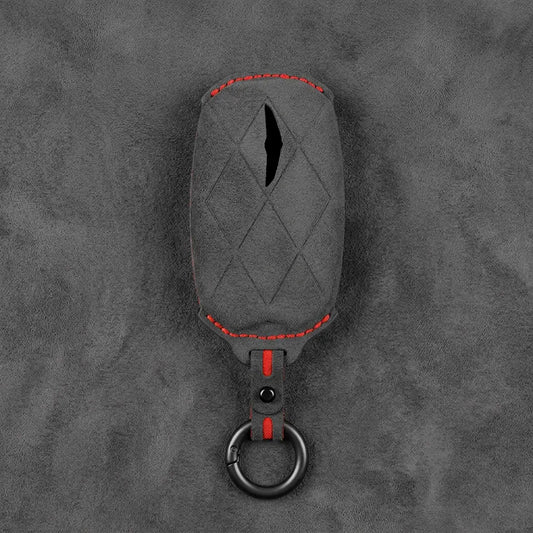
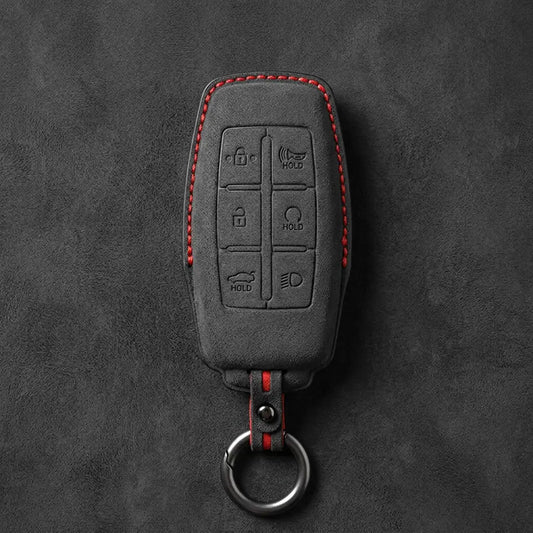
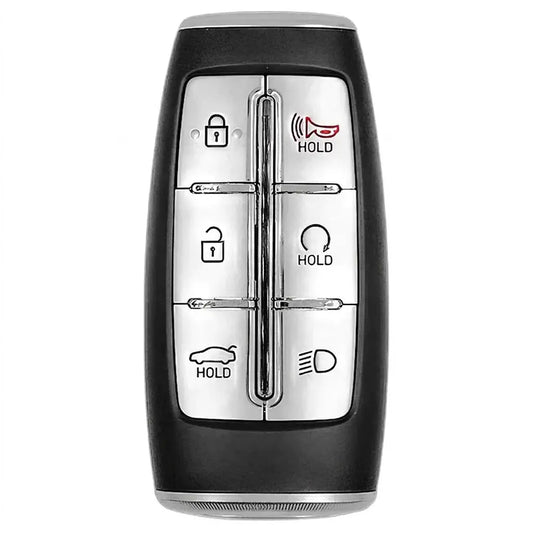
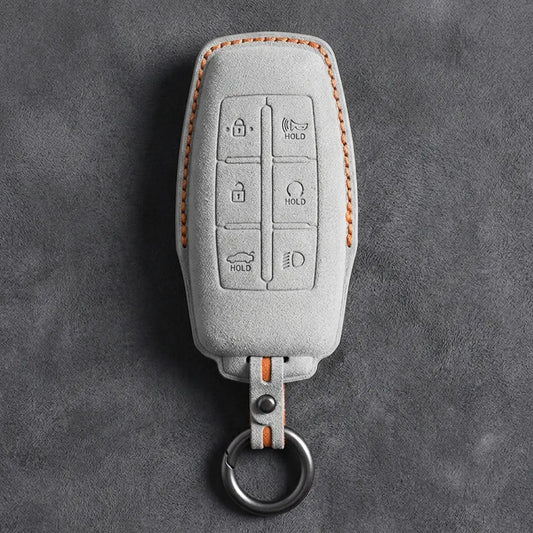
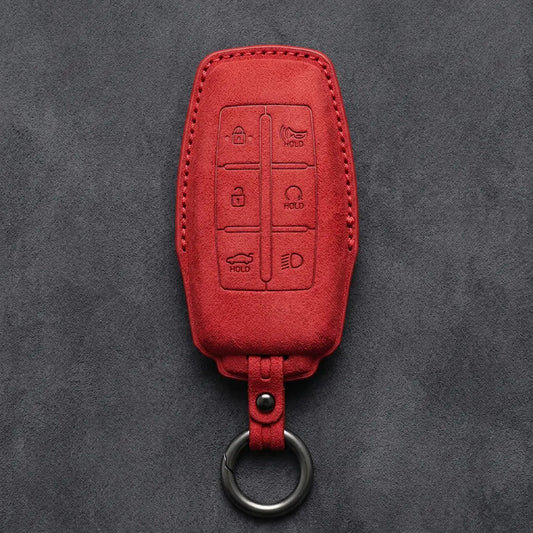
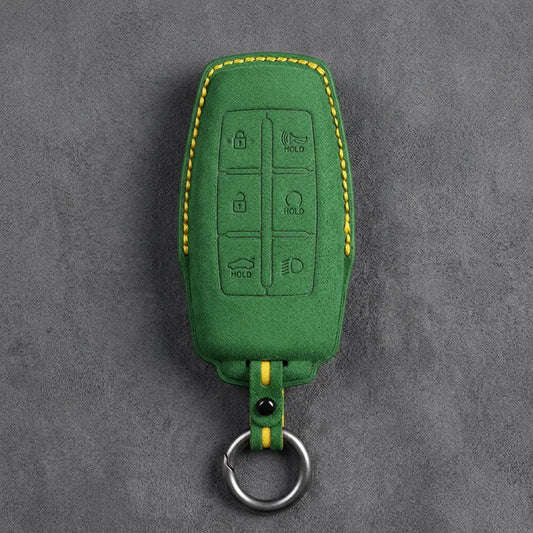
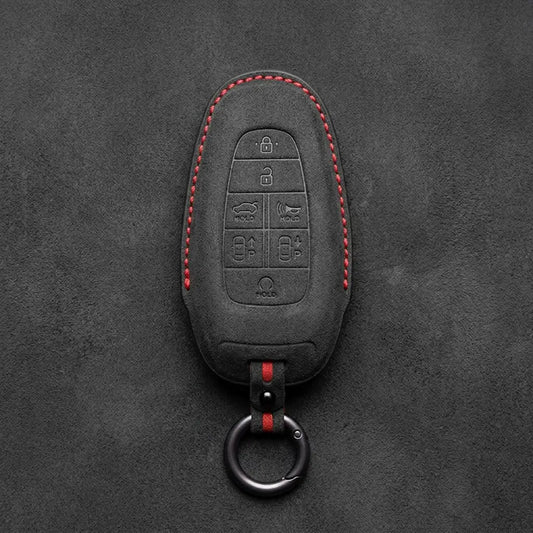
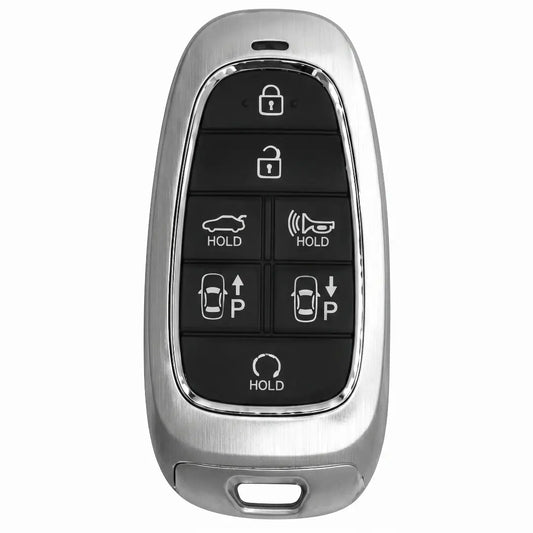
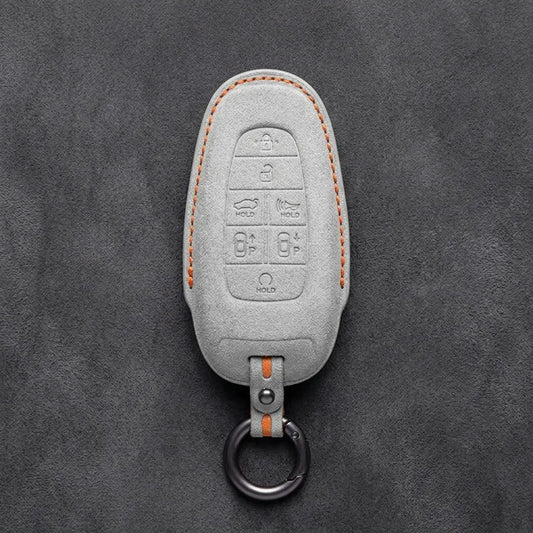
Genesis Key Covers
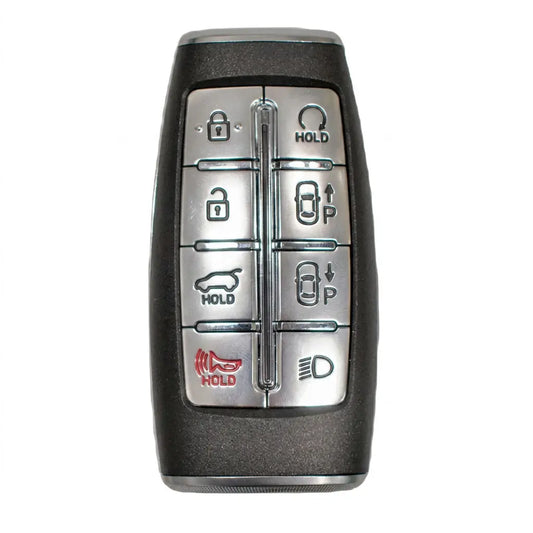
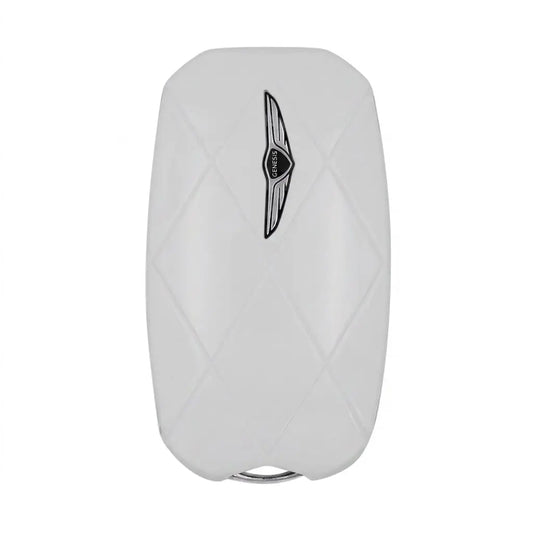
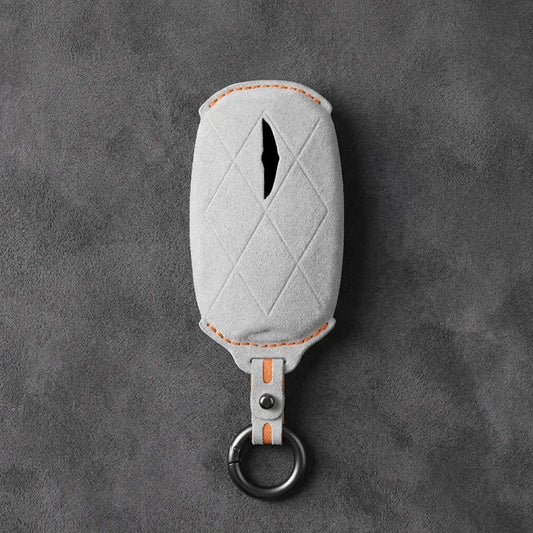
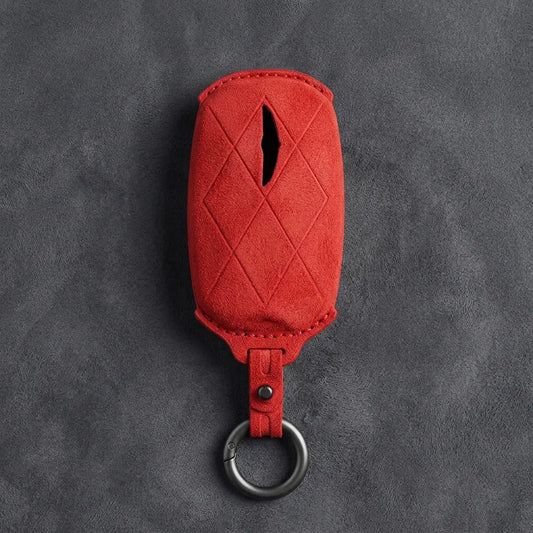
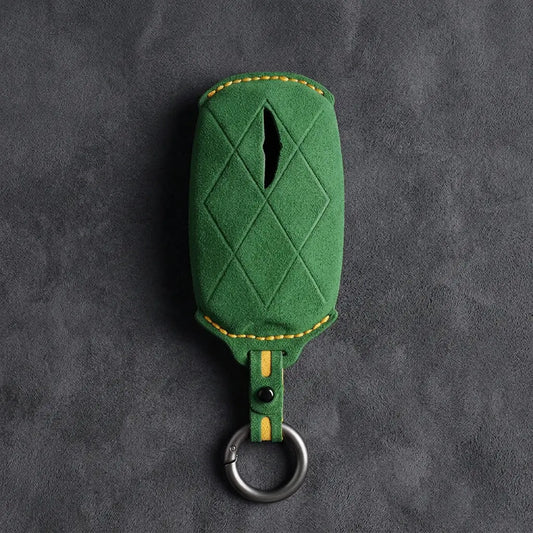
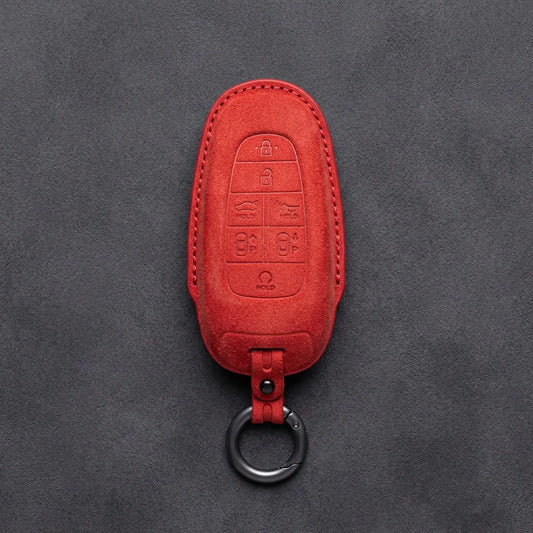
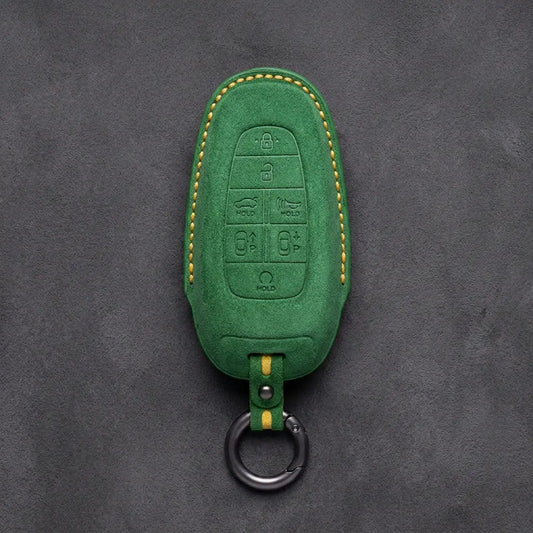
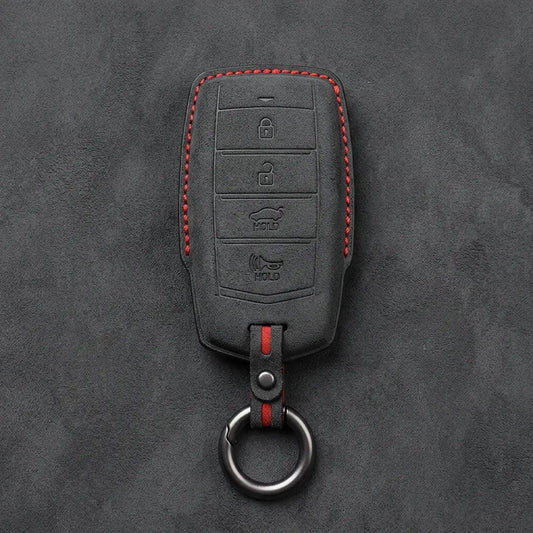
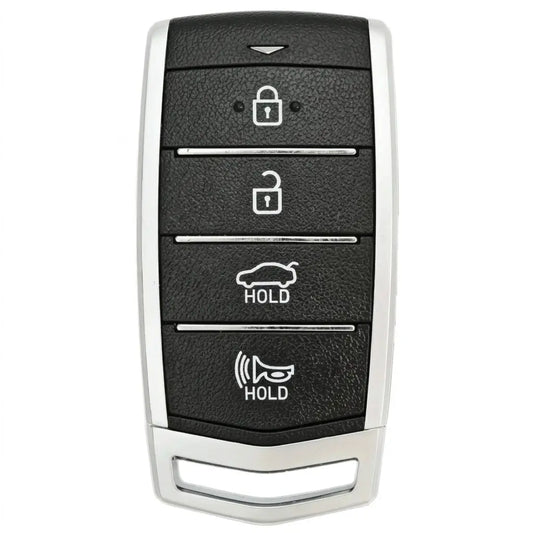
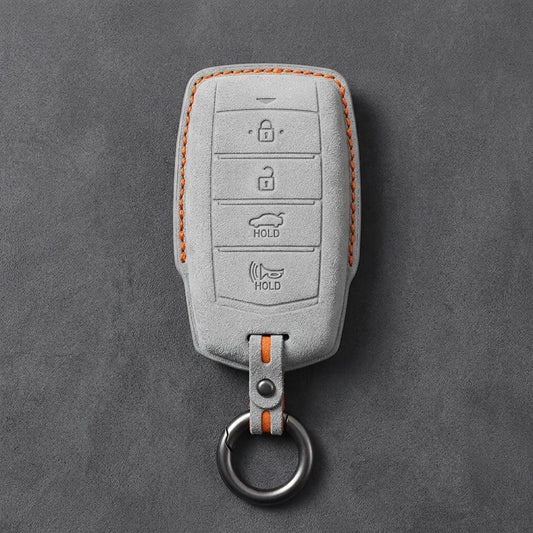
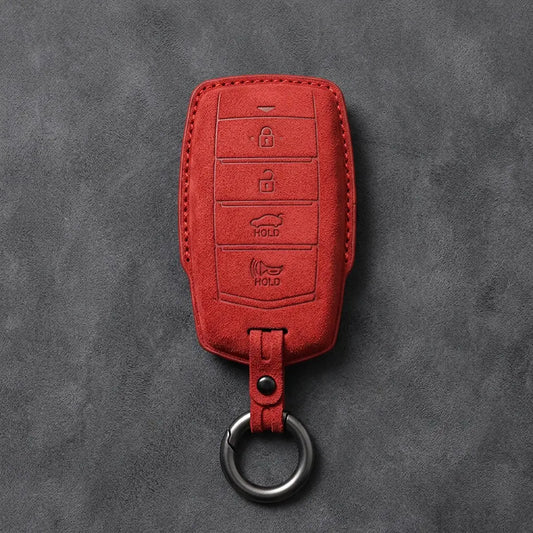
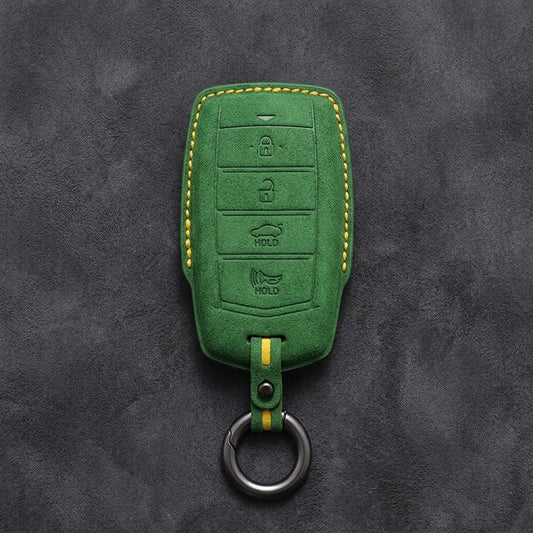
On a Genesis smart key, the buttons say more than the badge on the car. Besides lock, unlock and boot, a key can carry panic, remote start, a headlight button or forward and backward arrows for Remote Smart Parking Assist, depending on model, market and options. Four of the hand-stitched Alcantara covers below have one of these layouts pressed into the material, so pick the one whose icons match your key. The fifth, Diamond Quilted, has a quilted face with an opening for the winged Genesis emblem.
Match the icons, not just the count
| Cover | Buttons on the key | What gives it away |
|---|---|---|
| 4-Button Smart Key | Lock, unlock, boot, panic | No remote start button |
| 6-Button Smart Key | Lock, unlock, boot, panic, remote start, headlights | A headlight button, as on the facelifted G70 |
| 7-Button Smart Park | Lock, unlock, boot, panic, remote start, forward, backward | Parking arrows, as on a GV80 with Remote Smart Parking Assist |
| 8-Button Smart Park | Eight, including lock, unlock, boot, remote start and both parking arrows | Eight buttons in total |
| Diamond Quilted | Not marked on the cover | Quilted pattern and a window for the winged emblem |
Same model, different key
The model name isn't enough, as Genesis's manuals show: the US GV80 manual lists a panic button and says the parking arrows come only on equipped cars, while the Australian GV70 manual has no panic button at all. A GV70 key from that market with parking arrows therefore has six buttons (lock, unlock, tailgate, remote start, forward, backward) and still doesn't match our 6-Button cover. The GV60's eight-button key, for its part, adds a Charge button. Compare every icon with the factory-key photo on each product page.
Inside a Genesis key
- Emergency key: GV80 and GV70 smart keys hold a mechanical key. Genesis says to press the GENESIS lettering to release the case and pull the key out; it locks and unlocks the driver's door.
- The arrows: they run Remote Smart Parking Assist, which moves the car forward or backward while you stand outside it. Genesis says the system controls steering, speed and gear changes.
- Phone and card keys: Genesis Digital Key turns a phone into a key and can be shared with up to three people; on supported cars, a phone with Ultra-Wideband works from a pocket or bag. The backup NFC card key is tapped on the door handle and laid on the wireless charger to start. Neither needs a fob cover.
Can't tell which layout you have? Photograph the button side of your key and send it via WhatsApp (+370 63170051) or to info@vietiki.com and we'll match it to a cover.
 Buying guide
Car Key Fob Covers: The Complete Guide to Key Types, Materials and Fit
How to choose the right cover for your key
Recommended for you
-
Hand-Stitched Alcantara Key Fob Cover for Audi – All Types
Regular price 39,00 €Sale price 39,00 € Regular price 49,00 €-20% Bestseller -
Hand-Stitched Alcantara Key Fob Cover for BMW – All Types
Regular price 39,00 €Sale price 39,00 € Regular price 49,00 €-20% Bestseller -
Alcantara Key Fob Cover for Mercedes-Benz – Teardrop
Regular price 39,00 €Sale price 39,00 € Regular price 49,00 €-20% Bestseller -
Hand-Stitched Alcantara Key Fob Cover for Porsche – All types
Regular price 39,00 €Sale price 39,00 € Regular priceBestseller -
Hand-Stitched Alcantara Key Fob Cover for Audi – Geometric 3-Button Smart Fob
Regular price 39,00 €Sale price 39,00 € Regular price 49,00 €-20% Bestseller -
Hand-Stitched Alcantara Key Fob Cover for BMW – Side-Button Wedge
Regular price 39,00 €Sale price 39,00 € Regular price 49,00 €-20% Bestseller -
Alcantara Key Fob Cover for Mercedes-Benz – Chrome SmartKey 4-Button
Regular price 39,00 €Sale price 39,00 € Regular price 49,00 €-20% Bestseller -
Hand-Stitched Alcantara Key Fob Cover for BMW – Wide-Slot Blade
Regular price 39,00 €Sale price 39,00 € Regular price 49,00 €-20% Bestseller -
Hand-Stitched Alcantara Key Fob Cover for Volkswagen – Asymmetrical Style
Regular price 39,00 €Sale price 39,00 € Regular price 49,00 €-20% Bestseller -
Hand-Stitched Alcantara Key Fob Cover for Land Rover – Rectangular 5-Button
Regular price 39,00 €Sale price 39,00 € Regular priceBestseller -
Hand-Stitched Alcantara Key Fob Cover for Audi – Shield Smart Key
Regular price 42,00 €Sale price 42,00 € Regular price 49,00 €-14% Bestseller -
Hand-Stitched Alcantara Key Fob Cover for Range Rover – Block 5-Button
Regular price 39,00 €Sale price 39,00 € Regular priceBestseller -
Hand-Stitched Alcantara Key Fob Cover for Audi – Aero 3-Button Smart Fob
Regular price 39,00 €Sale price 39,00 € Regular price 49,00 €-20% Bestseller -
Alcantara Key Fob Cover for Mercedes-Benz – Contemporary 2-Button
Regular price 39,00 €Sale price 39,00 € Regular price 49,00 €-20% Bestseller -
Hand-Stitched Alcantara Key Fob Cover for Porsche – Classic Car-Shape
Regular price 39,00 €Sale price 39,00 € Regular price 49,00 €-20% Bestseller -
Hand-Stitched Alcantara Key Fob Cover for Porsche – Signature Car-Shape
Regular price 39,00 €Sale price 39,00 € Regular price 49,00 €-20% Bestseller