-

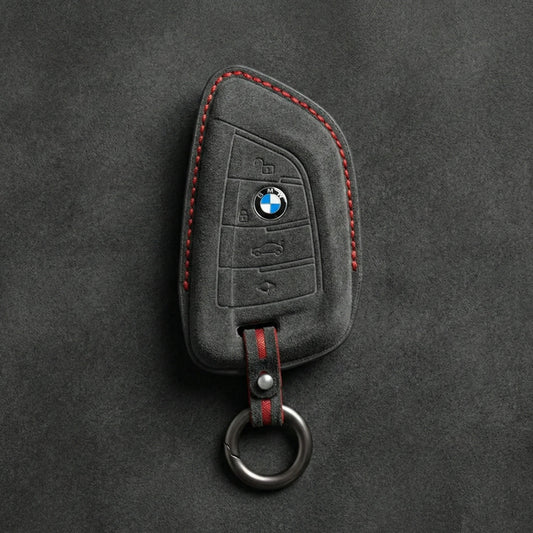
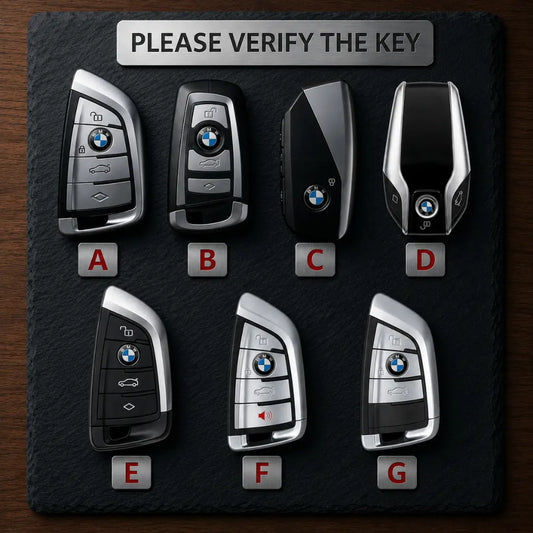
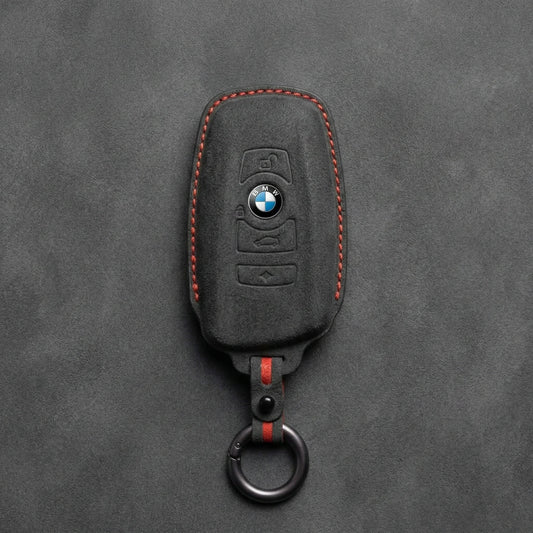
Key Covers for BMW
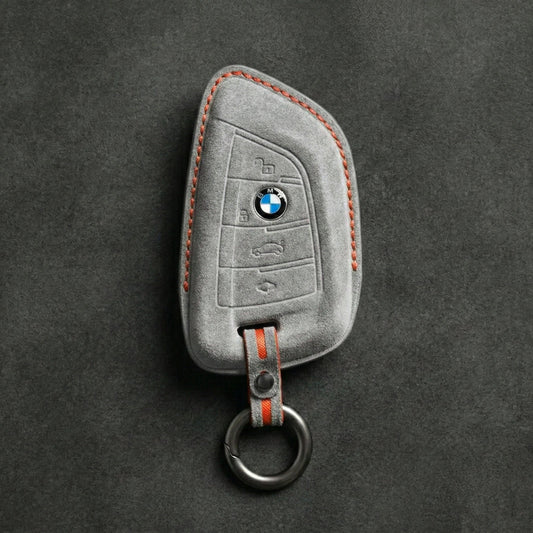
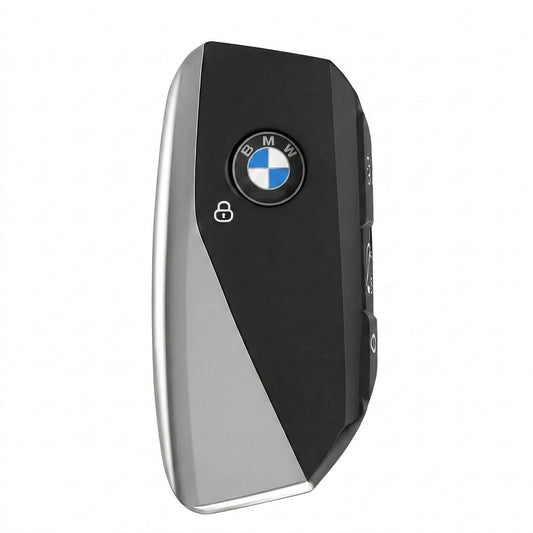
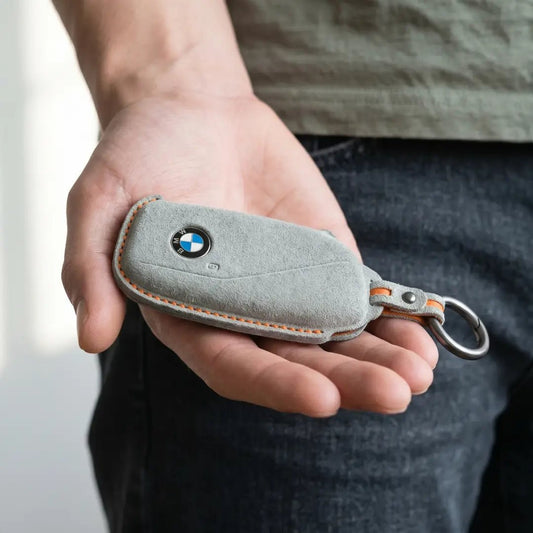
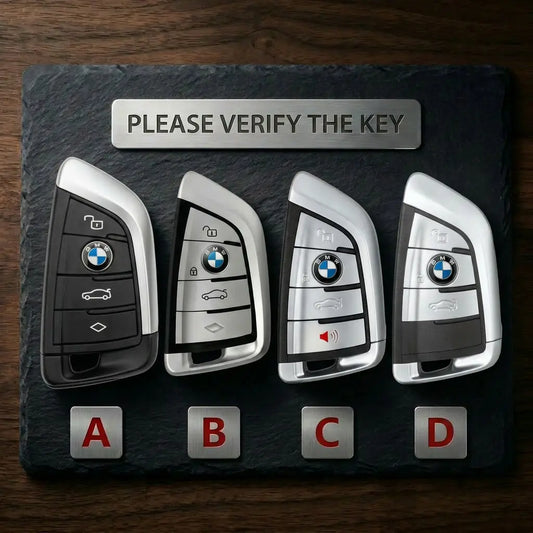
BMW Key CoversAn X5 alone has used three BMW keys: the F-series...
-

Key Covers for Volkswagen
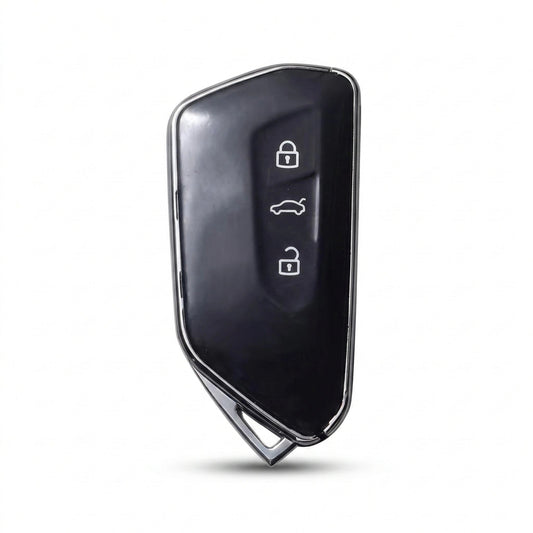
Volkswagen Key CoversVolkswagen has made its folding "switchblade" key in more than...
-

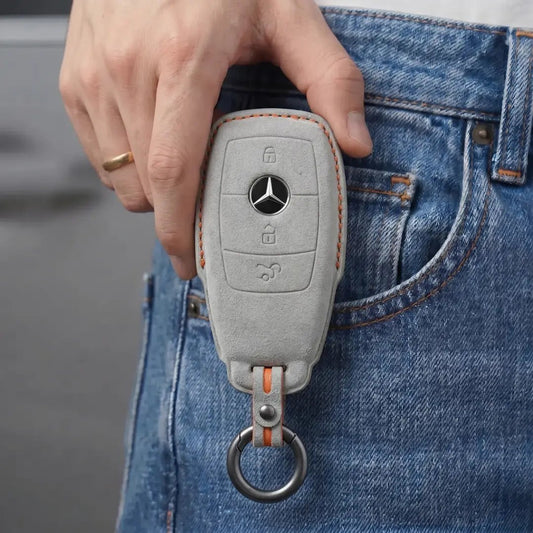
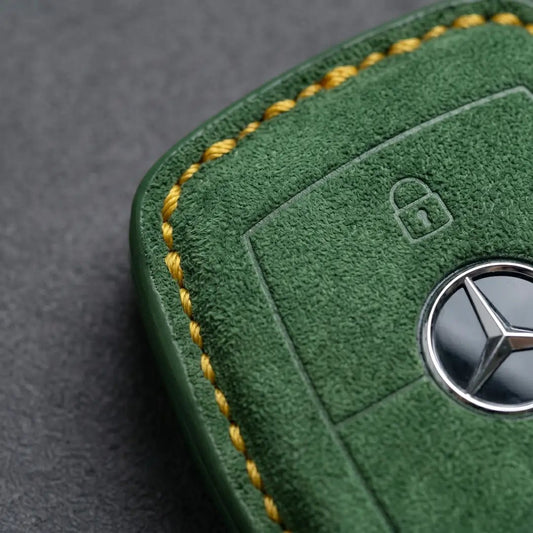
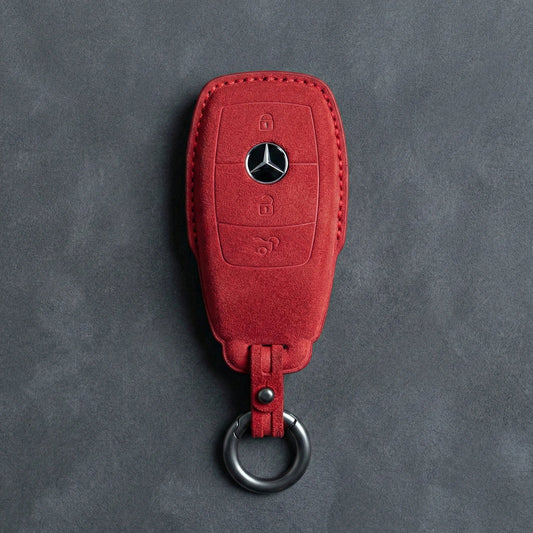
Key Covers for Mercedes-Benz
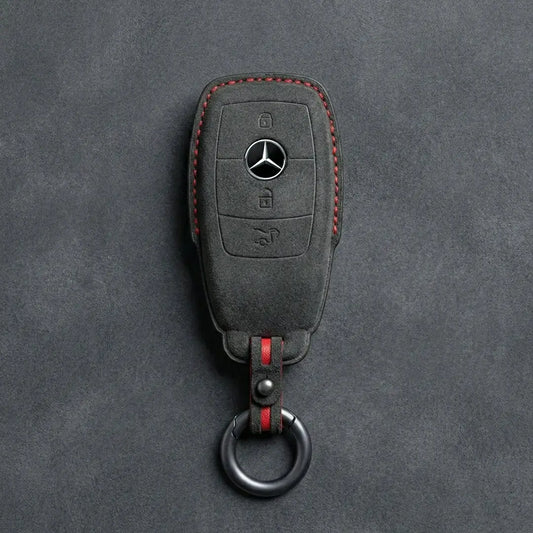
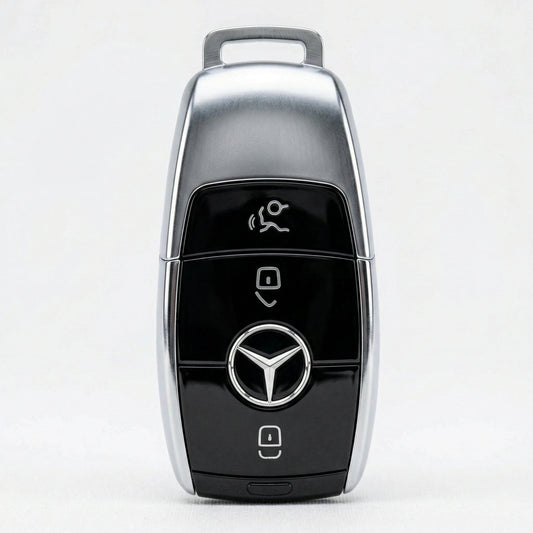
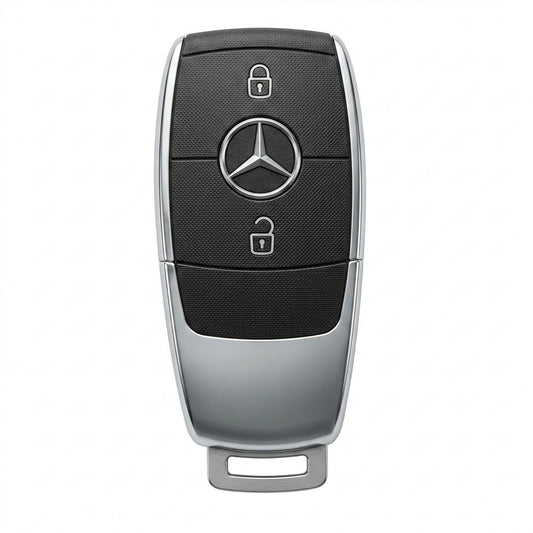
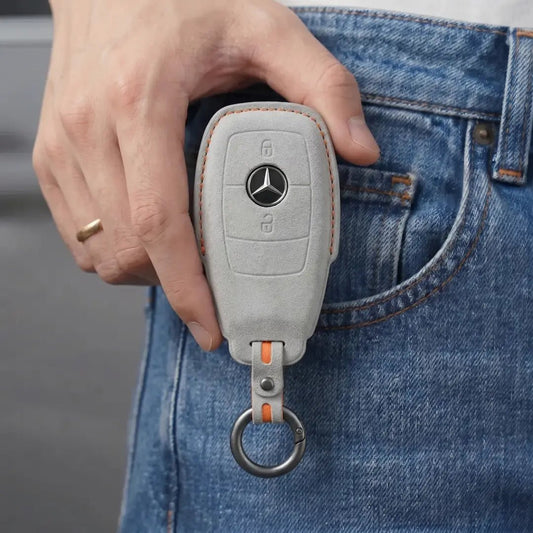
Mercedes-Benz Key CoversStart with the top of your Mercedes-Benz SmartKey. The chrome-sided...
-

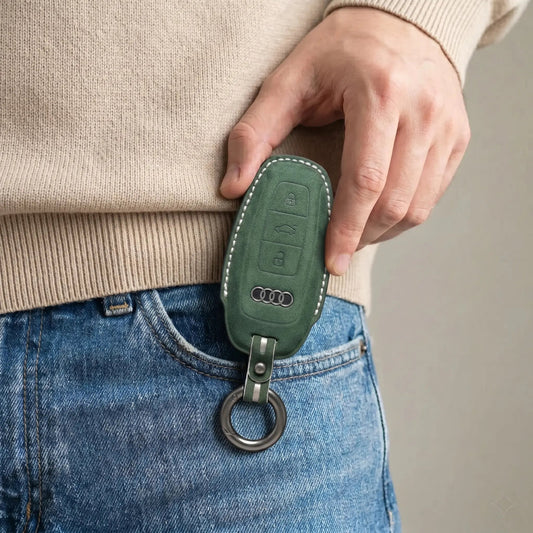
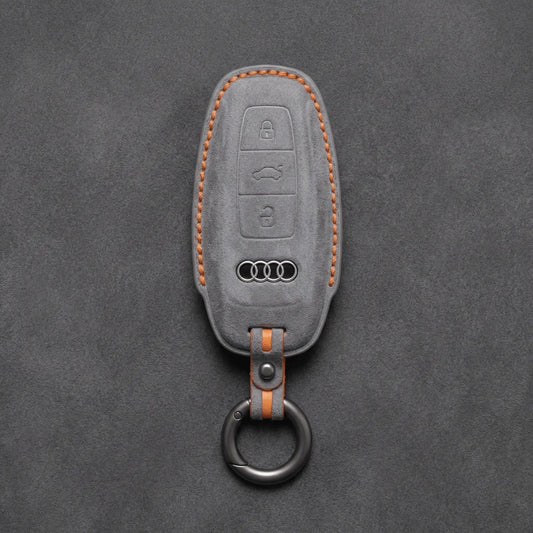
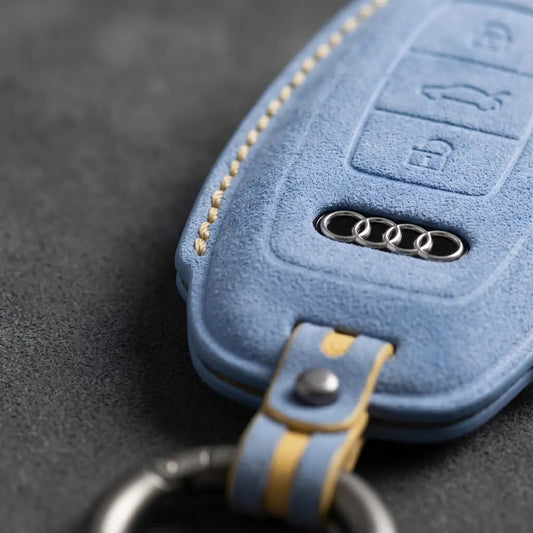
Key Covers for Audi
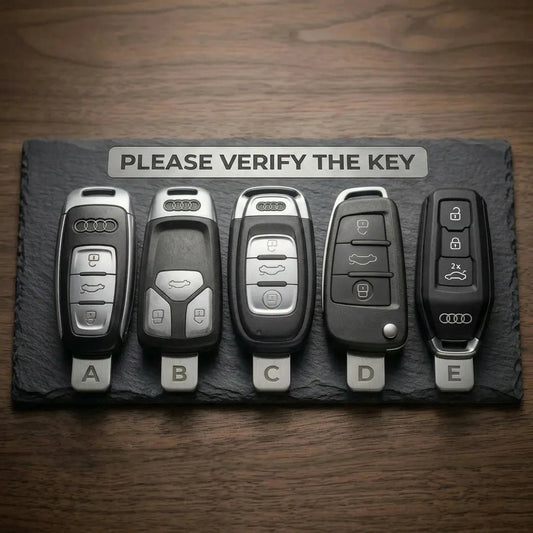
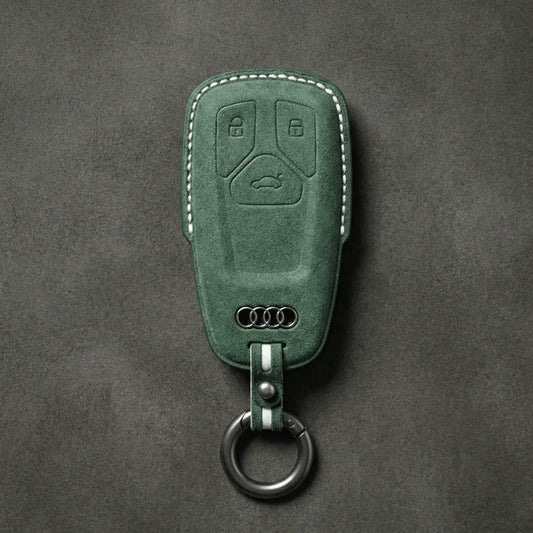
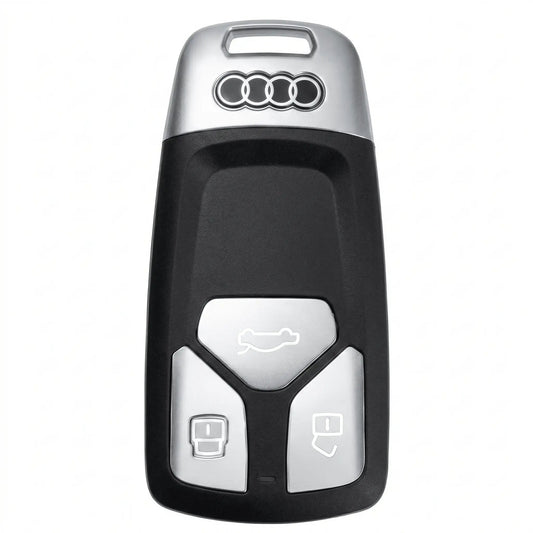
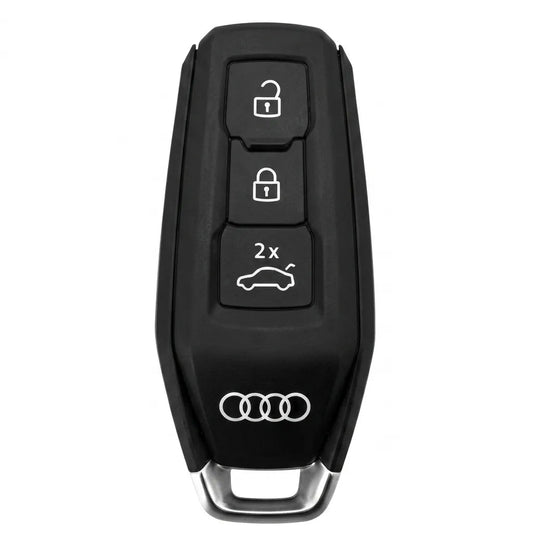
Audi Key CoversWith Audi, the key tells you more than the badge:...
-

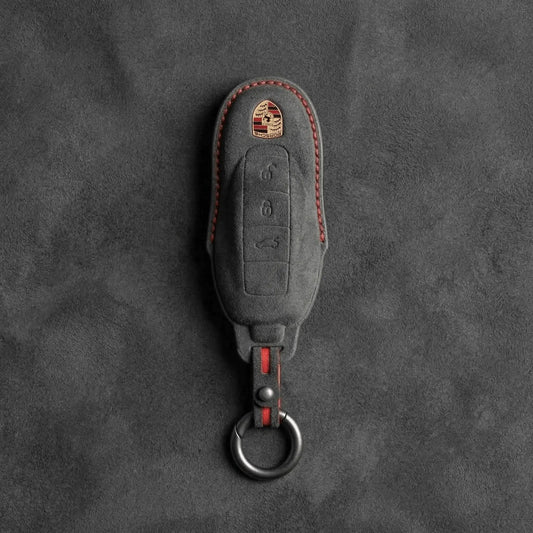
Key Covers for Porsche
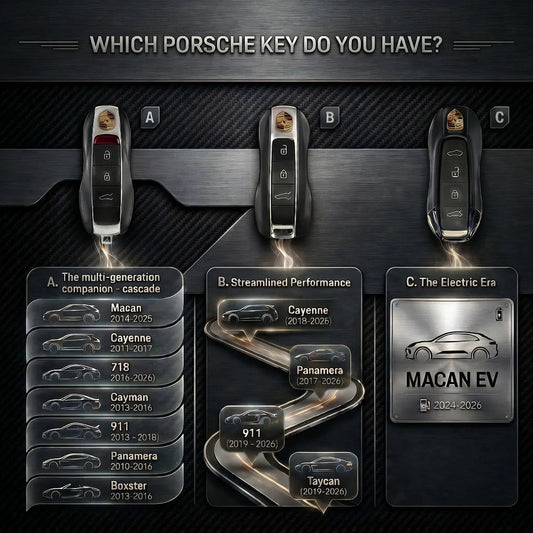
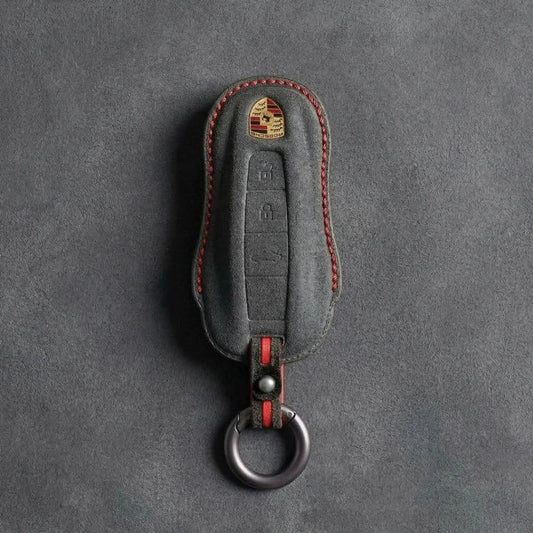
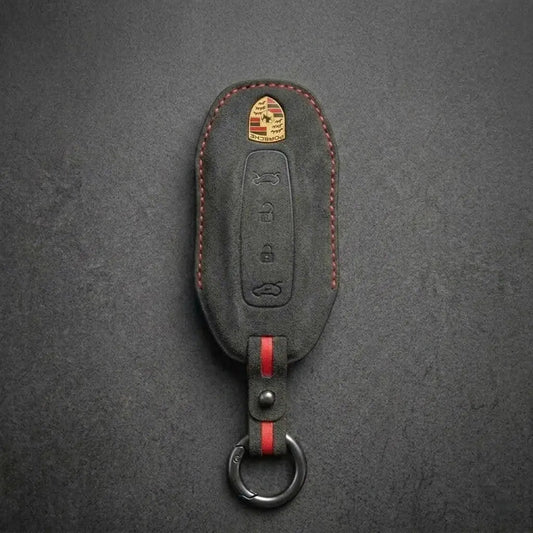
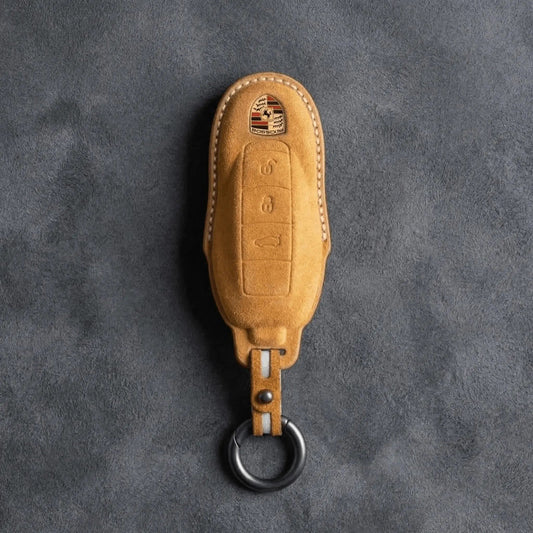
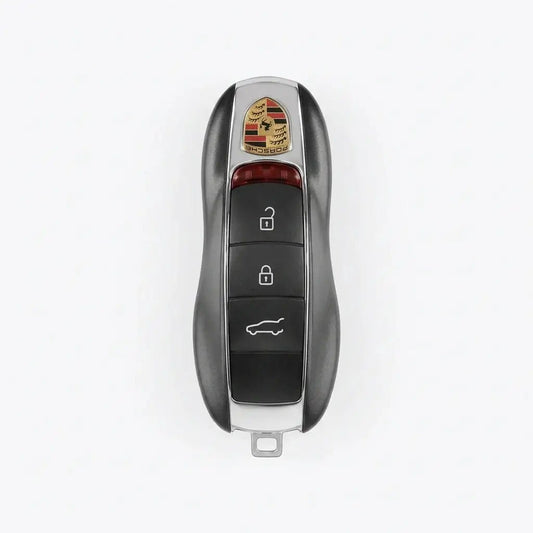
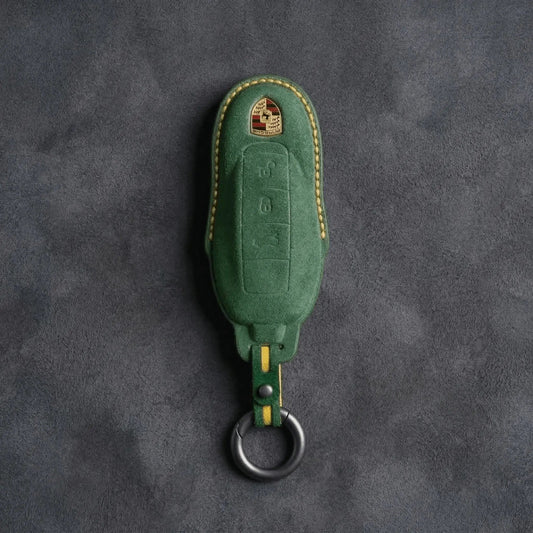
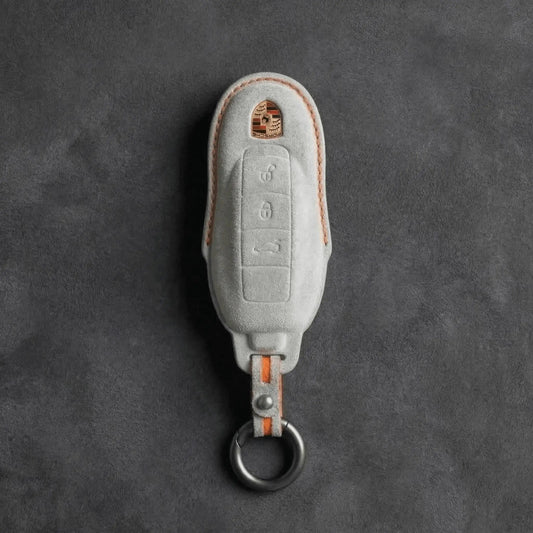
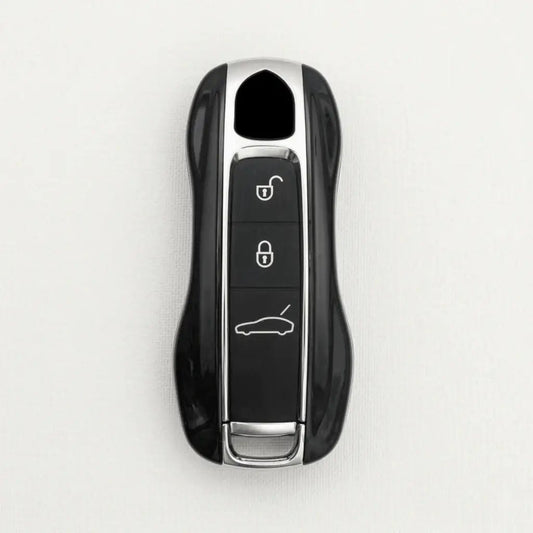
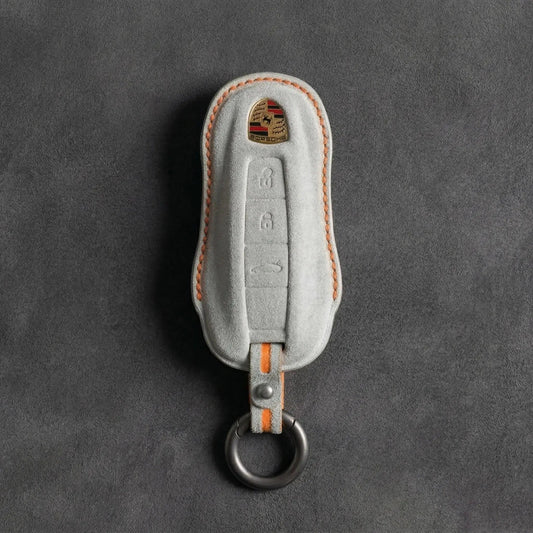
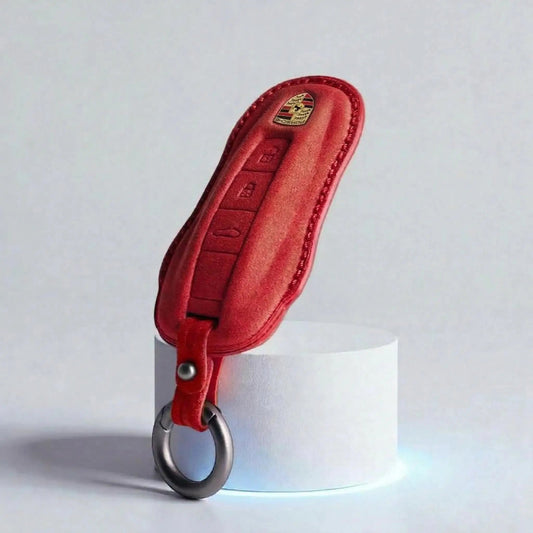
Porsche Key CoversPorsche shapes its keys like a miniature sports car, crest...
-

Key Covers for Ford
Ford Key CoversFord calls its push-button-start key the Intelligent Access key: grab...
-

Key Covers for Skoda
Skoda Key CoversŠkoda keys come in two families: the flip key, with...
-

Key Covers for Cupra
Cupra Key CoversThe quickest way to tell Cupra keys apart is to...
-

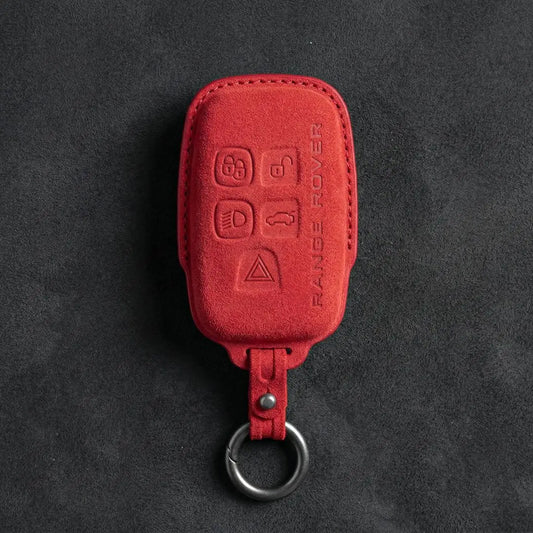
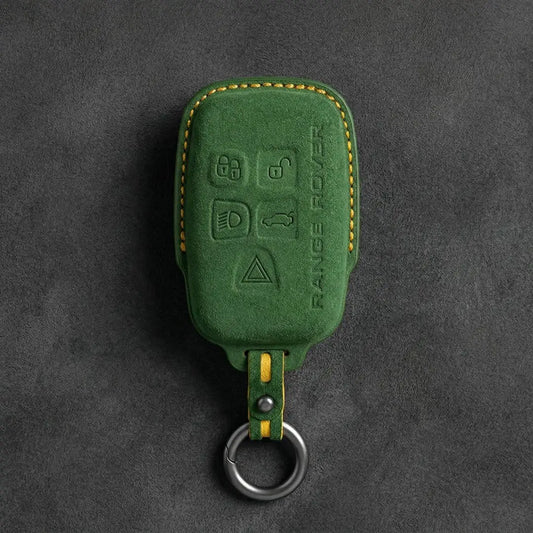
Key Covers for Land Rover
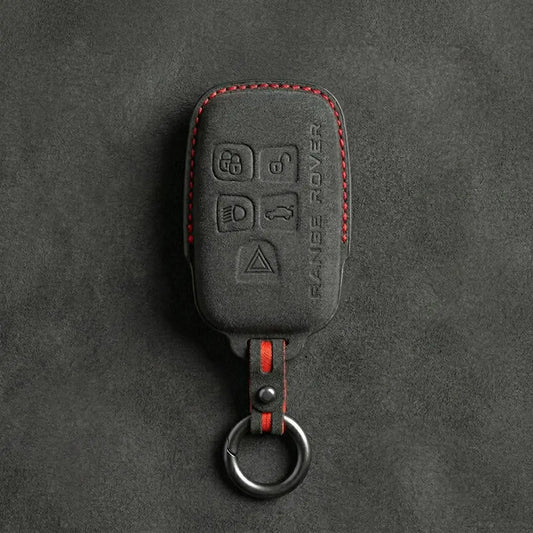
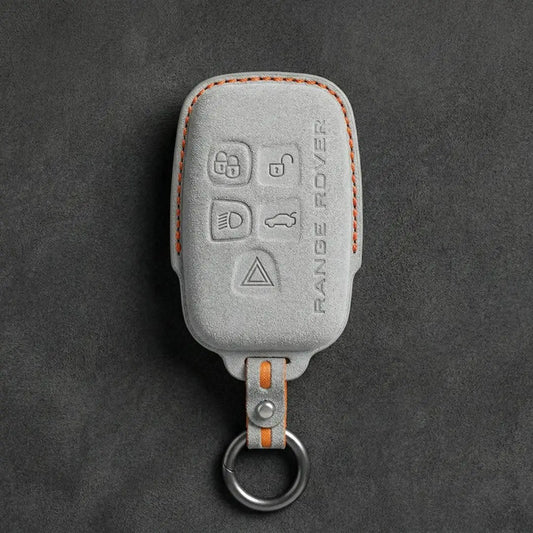
Land Rover Key CoversLand Rover and Range Rover smart keys carry the...
-
Key Covers for MINI Cooper
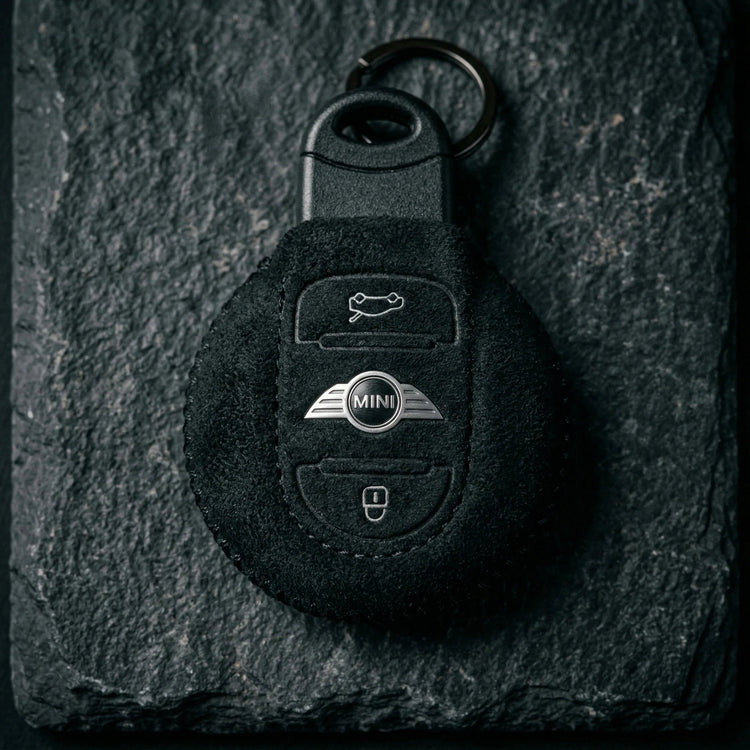
Mini Cooper Key CoversThe first BMW-era MINI borrowed a Rover-designed key; since...
-

Key Covers for Volvo
Volvo Key CoversTo place a Volvo key, look at where its buttons...


Key Covers for Kia
Covers for Kia's flip key, the 4-button block smart key, side-button smart keys with remote start or sliding-door buttons, the Angular and Beveled Smart Keys and the Digital Key 2 card.
-
Hand-Stitched Alcantara Key Fob Cover for Kia – Angular Smart Key
Regular price 39,00 €Sale price 39,00 € Regular price -
Hand-Stitched Alcantara Key Fob Cover for Kia – Side-Button Smart Key
Regular price 39,00 €Sale price 39,00 € Regular price -
Hand-Stitched Alcantara Key Fob Cover for Kia – Beveled Smart Key
Regular price 39,00 €Sale price 39,00 € Regular price -

ALCANTARA®
Feel the difference
-
Hand-Stitched Alcantara Key Fob Cover for Kia – Block Smart Key 4-Button
Regular price 39,00 €Sale price 39,00 € Regular price -
Hand-Stitched Alcantara Key Fob Cover for Kia – Flip Key 3-Button
Regular price 39,00 €Sale price 39,00 € Regular price -
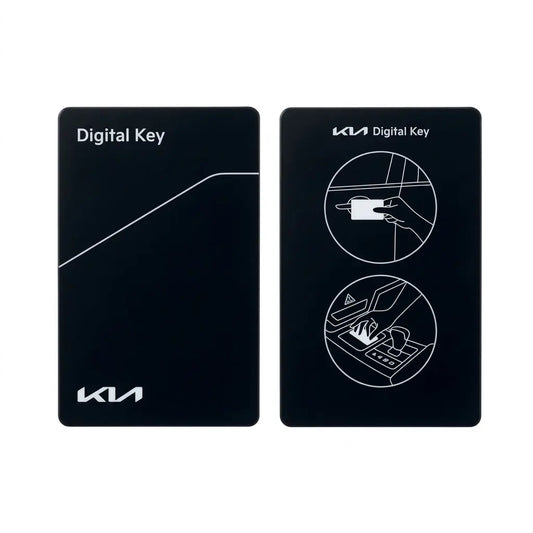
Hand-Stitched Alcantara Key Fob Cover for Kia – NFC Card Key
Regular price 39,00 €Sale price 39,00 € Regular price




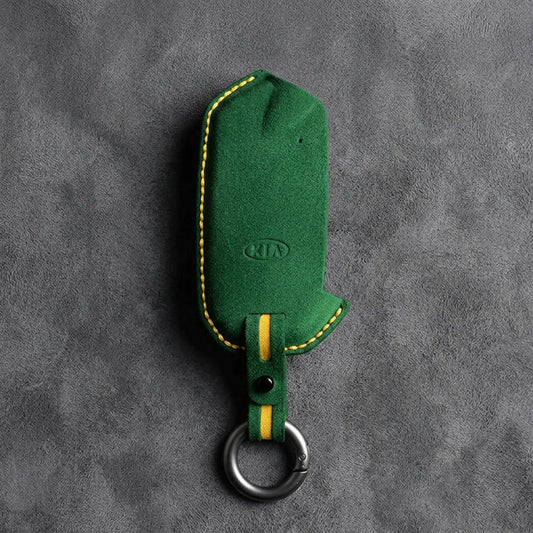
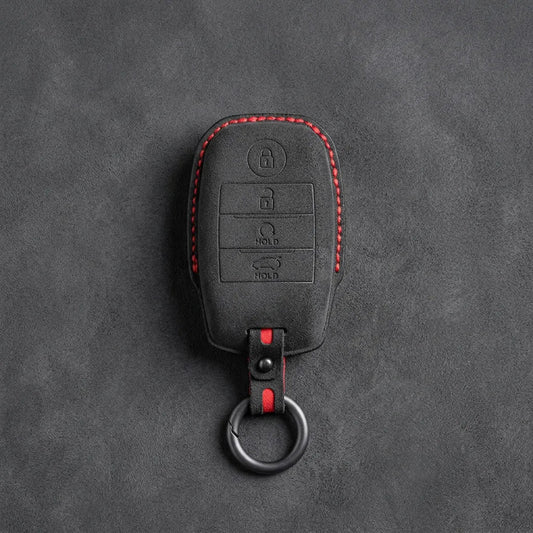
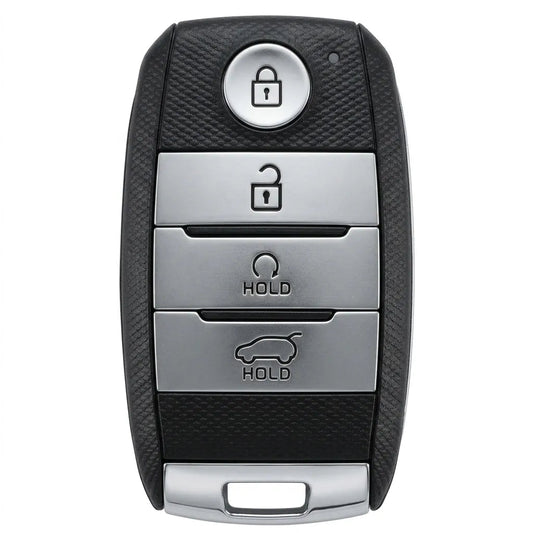
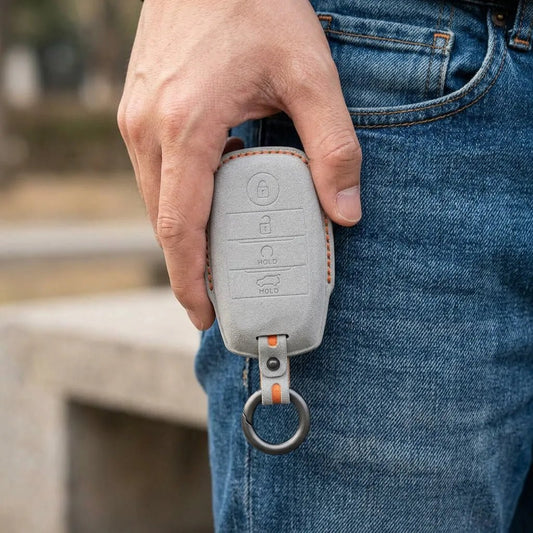
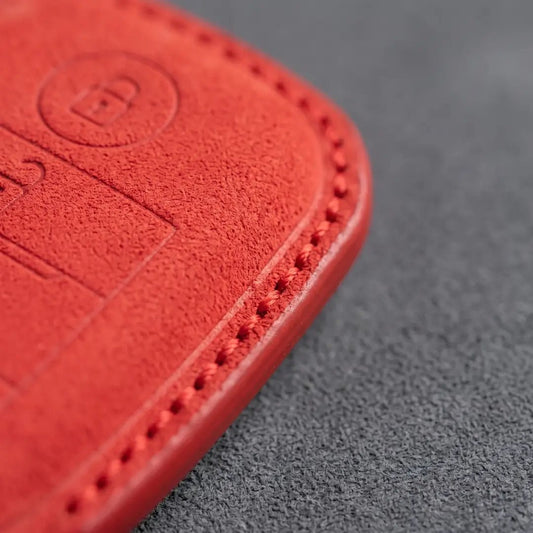
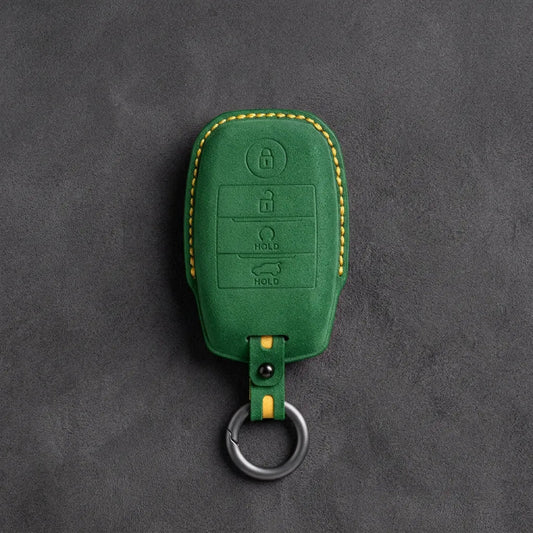
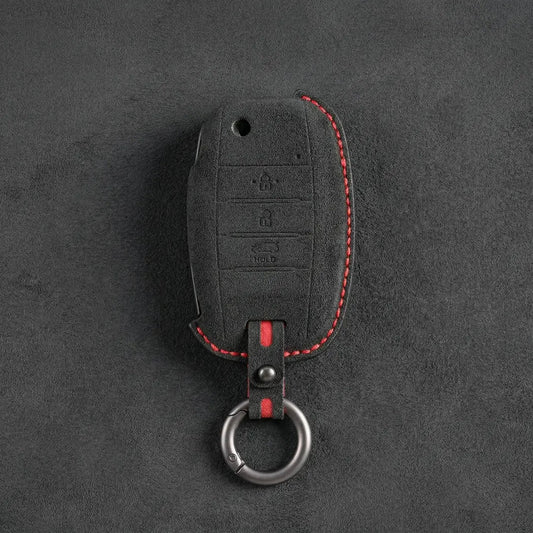
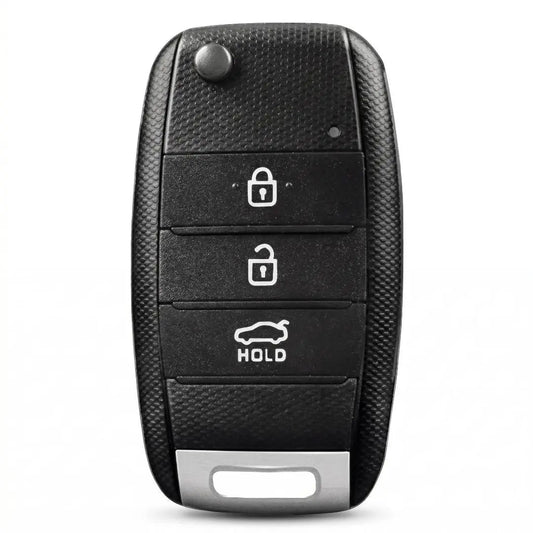
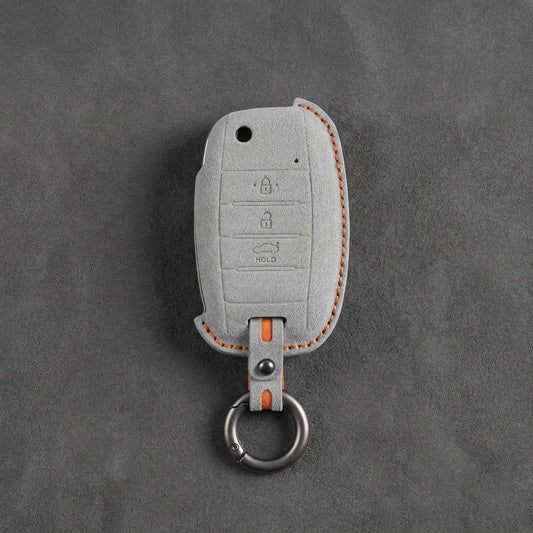
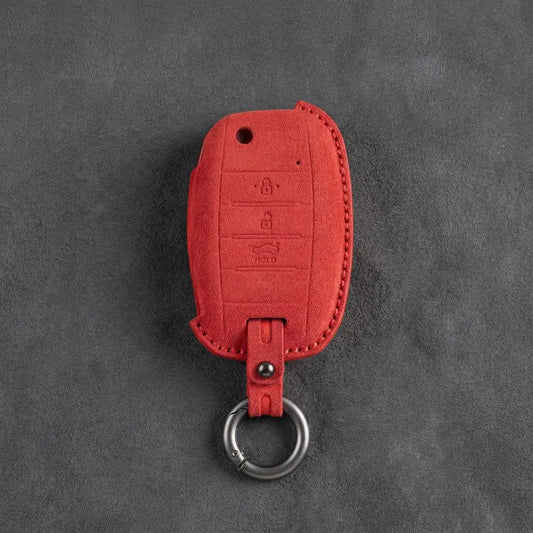
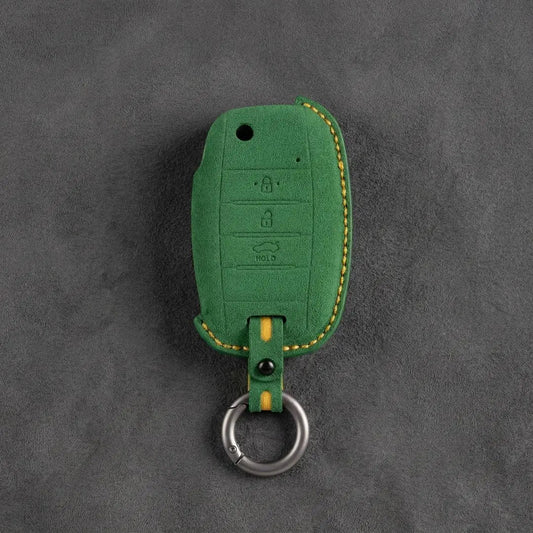
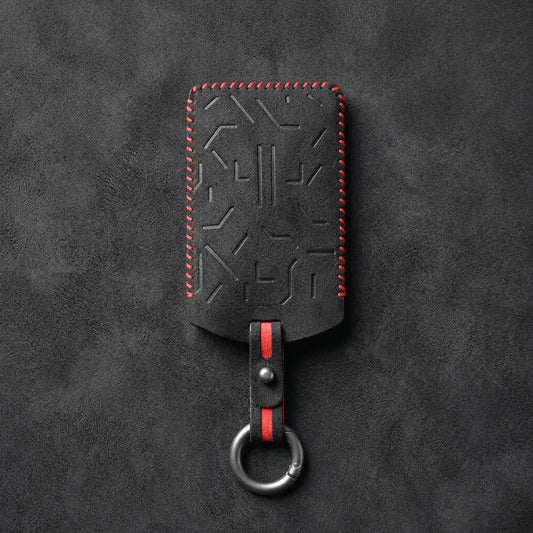
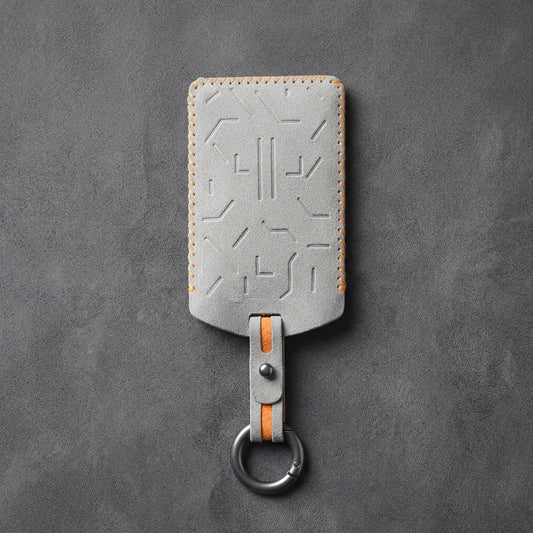
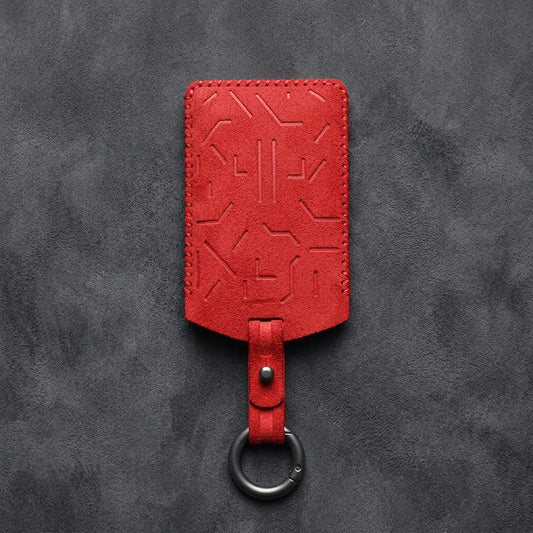
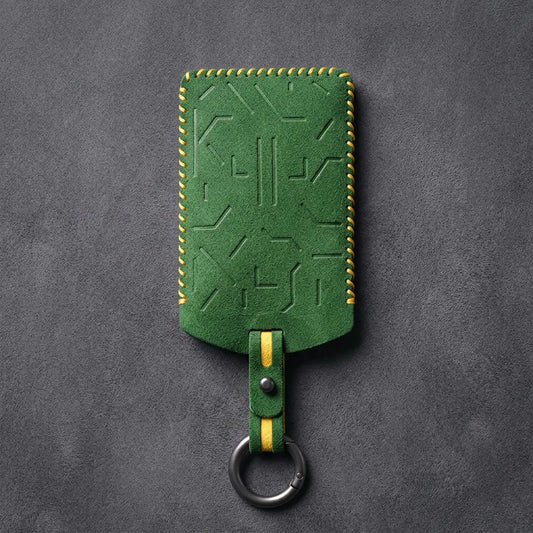
Kia Key Covers
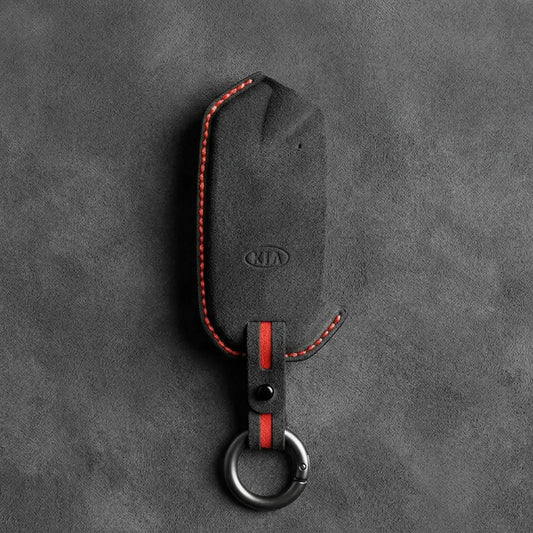
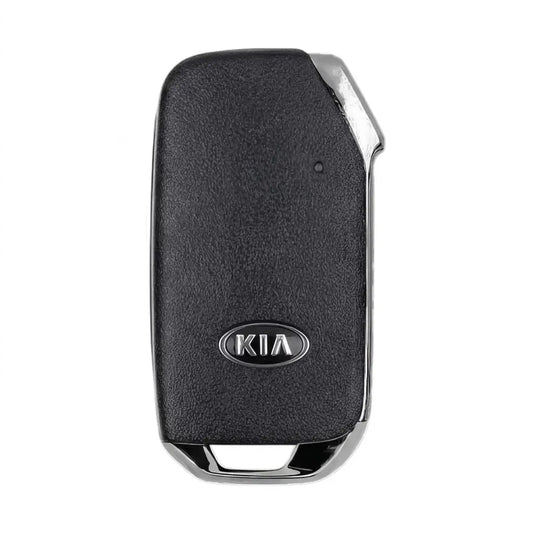
Six Kia keys are covered here: the flip key with its fold-out blade; a rectangular block smart key with four buttons on its face; the side-button smart key, made in five versions with or without remote start and sliding-door buttons; the Angular Smart Key, with a plain face and the Kia logo at the top; the Beveled Smart Key, with a plain face and the older oval Kia logo low on it; and the flat NFC card that comes with Kia Digital Key 2. All six covers are hand-stitched Alcantara.
Which Kia key is in your pocket?
| Key | What to look for | Versions and notes |
|---|---|---|
| Flip Key 3-Button | Metal blade that flicks out of the body at the press of a release button | Three buttons. Keep the release button pressed when folding the blade back; Kia warns that forcing it can damage the key. |
| Block Smart Key 4-Button | Rectangular smart key, no blade on show, four buttons on the face | One layout, no type to pick |
| Side-Button Smart Key | Buttons on the side edge of the key | Types A–E: A has no front buttons, C adds remote start, B, D and E add remote start plus sliding-door buttons (side by side on D, stacked on E), as on Carnival keys |
| Angular Smart Key | Plain face with the Kia logo at the top, beside an angled corner; buttons on the side edge | Openings along the edge leave the side buttons uncovered |
| Beveled Smart Key | Plain black face with the older oval Kia logo low on the face; buttons on the side edge | Side cutouts leave the buttons free to press |
| NFC Card Key | Flat card with no buttons | Part of Kia Digital Key 2; Kia US lists it for the EV9, Sorento, Telluride and others (select trims) |
Blade, face or edge?
A blade that folds out means the flip key; no buttons at all, the card. On a smart key, check where the buttons sit: four on the face is the block key. Buttons along the edge mean the side-button key, the Angular Smart Key if the Kia logo sits at the top beside an angled corner, or the Beveled Smart Key if the face shows the older oval Kia logo. On the side-button key, the face gives the type: nothing on it is A, a remote start button C, sliding-door buttons B, D or E. The product page shows all five.
From Kia's own manuals
- Using the card: hold its centre against the door-handle pad for over two seconds to lock or unlock. To drive, lay it on the wireless charging pad, press the brake and the start button, then lift it off. Kia warns it may not read if it overlaps a bank card or a phone, so don't carry it in a phone case.
- Flat key battery: Kia says the car still starts if you press the Start/Stop button with the smart key itself, held at a right angle to the button. A mechanical key, released by a tab, opens the door.
- Remote start range: it works only with the key within 10 m of the car, and the engine switches itself off after 10 minutes if left untouched.
A photo of your key, front and edge, settles it: send it on WhatsApp (+370 63170051) or to info@vietiki.com and we'll name the cover and type to order.
 Buying guide
Car Key Fob Covers: The Complete Guide to Key Types, Materials and Fit
How to choose the right cover for your key
Buying guide
Car Key Fob Covers: The Complete Guide to Key Types, Materials and Fit
How to choose the right cover for your key
Recommended for you
-
Hand-Stitched Alcantara Key Fob Cover for Audi – All Types
Regular price 39,00 €Sale price 39,00 € Regular price 49,00 €-20% Bestseller -
Hand-Stitched Alcantara Key Fob Cover for BMW – All Types
Regular price 39,00 €Sale price 39,00 € Regular price 49,00 €-20% Bestseller -
Alcantara Key Fob Cover for Mercedes-Benz – Teardrop
Regular price 39,00 €Sale price 39,00 € Regular price 49,00 €-20% Bestseller -
Hand-Stitched Alcantara Key Fob Cover for Porsche – All types
Regular price 39,00 €Sale price 39,00 € Regular priceBestseller -
Hand-Stitched Alcantara Key Fob Cover for Audi – Geometric 3-Button Smart Fob
Regular price 39,00 €Sale price 39,00 € Regular price 49,00 €-20% Bestseller -
Hand-Stitched Alcantara Key Fob Cover for BMW – Side-Button Wedge
Regular price 39,00 €Sale price 39,00 € Regular price 49,00 €-20% Bestseller -
Alcantara Key Fob Cover for Mercedes-Benz – Chrome SmartKey 4-Button
Regular price 39,00 €Sale price 39,00 € Regular price 49,00 €-20% Bestseller -
Hand-Stitched Alcantara Key Fob Cover for BMW – Wide-Slot Blade
Regular price 39,00 €Sale price 39,00 € Regular price 49,00 €-20% Bestseller -
Hand-Stitched Alcantara Key Fob Cover for Volkswagen – Asymmetrical Style
Regular price 39,00 €Sale price 39,00 € Regular price 49,00 €-20% Bestseller -
Hand-Stitched Alcantara Key Fob Cover for Land Rover – Rectangular 5-Button
Regular price 39,00 €Sale price 39,00 € Regular priceBestseller -
Hand-Stitched Alcantara Key Fob Cover for Audi – Shield Smart Key
Regular price 42,00 €Sale price 42,00 € Regular price 49,00 €-14% Bestseller -
Hand-Stitched Alcantara Key Fob Cover for Range Rover – Block 5-Button
Regular price 39,00 €Sale price 39,00 € Regular priceBestseller -
Hand-Stitched Alcantara Key Fob Cover for Audi – Aero 3-Button Smart Fob
Regular price 39,00 €Sale price 39,00 € Regular price 49,00 €-20% Bestseller -
Alcantara Key Fob Cover for Mercedes-Benz – Contemporary 2-Button
Regular price 39,00 €Sale price 39,00 € Regular price 49,00 €-20% Bestseller -
Hand-Stitched Alcantara Key Fob Cover for Porsche – Classic Car-Shape
Regular price 39,00 €Sale price 39,00 € Regular price 49,00 €-20% Bestseller -
Hand-Stitched Alcantara Key Fob Cover for Porsche – Signature Car-Shape
Regular price 39,00 €Sale price 39,00 € Regular price 49,00 €-20% Bestseller