-

Key Covers for BMW
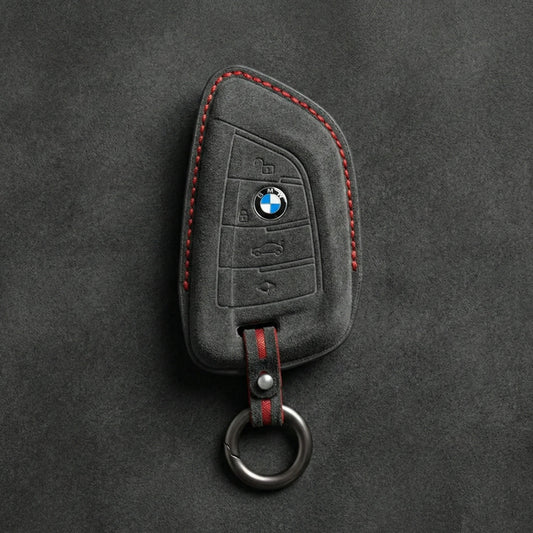
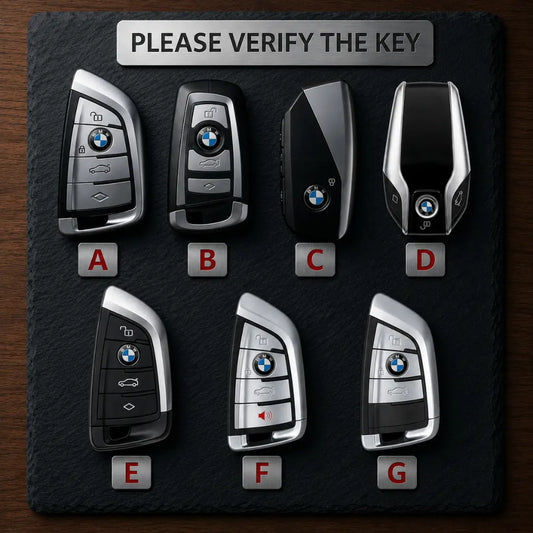
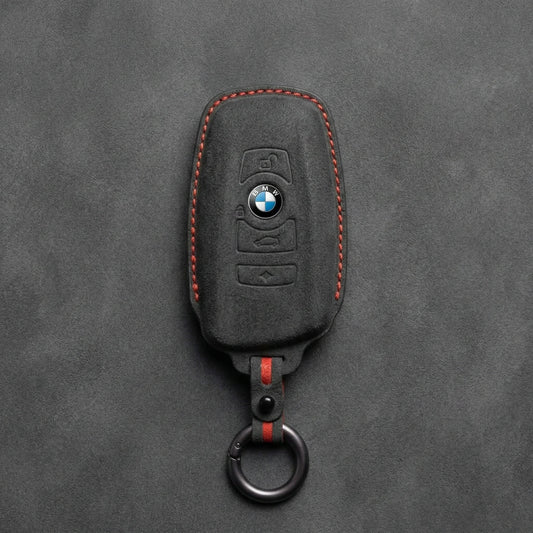
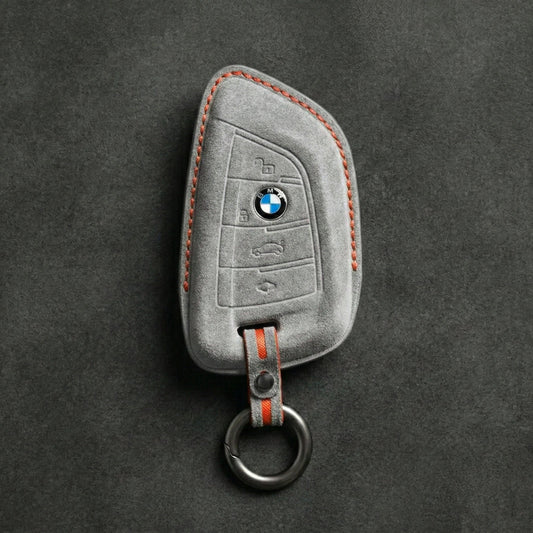
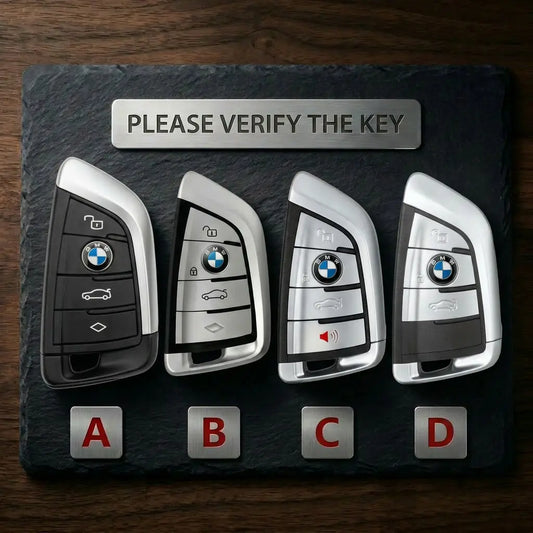
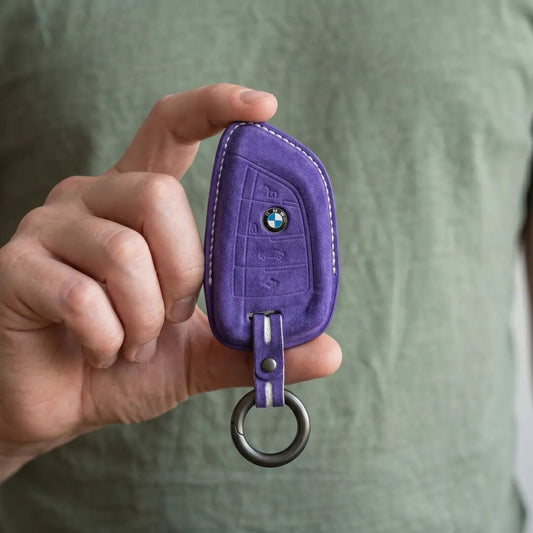
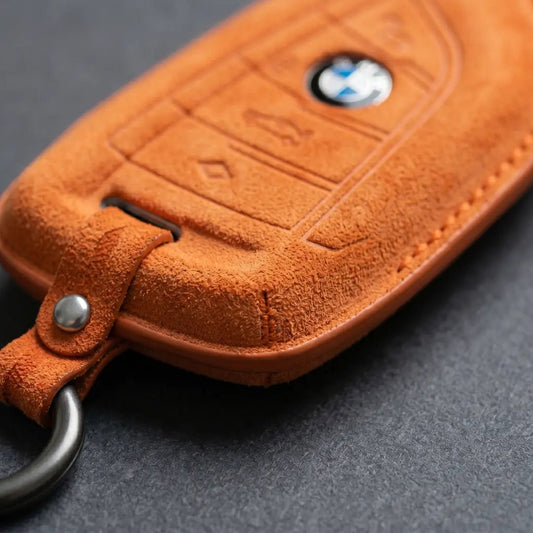
BMW Key CoversAn X5 alone has used three BMW keys: the F-series...
-

Key Covers for Volkswagen
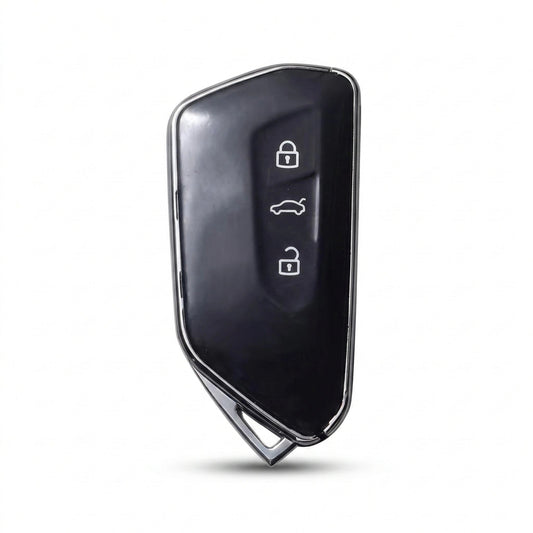
Volkswagen Key CoversVolkswagen has made its folding "switchblade" key in more than...
-

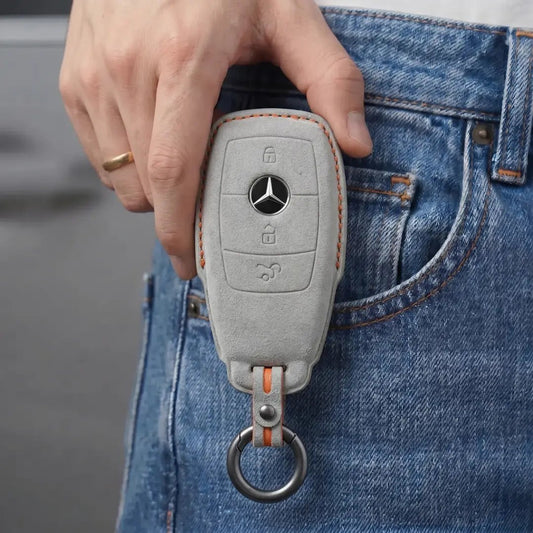
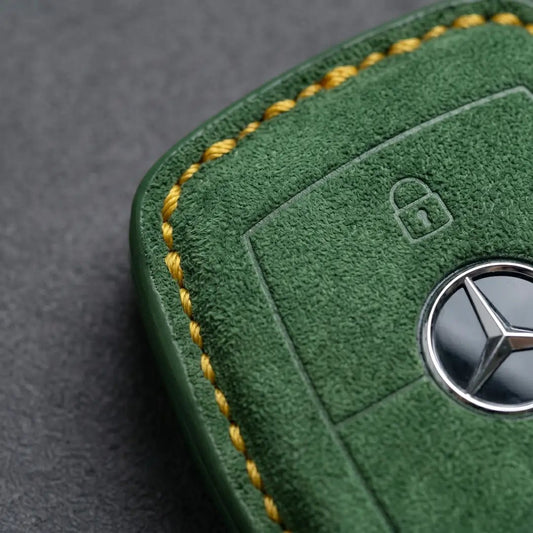
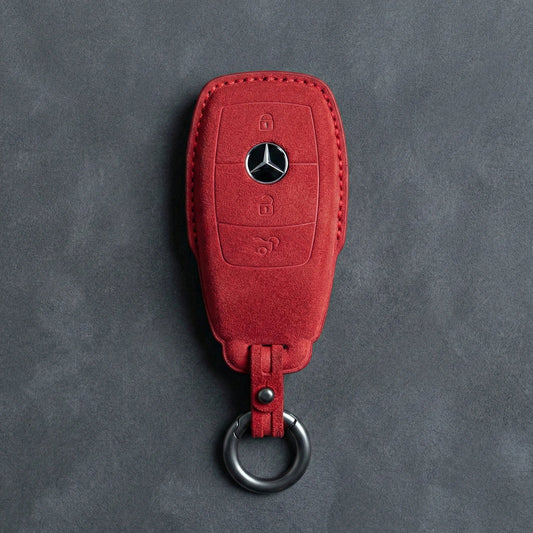
Key Covers for Mercedes-Benz
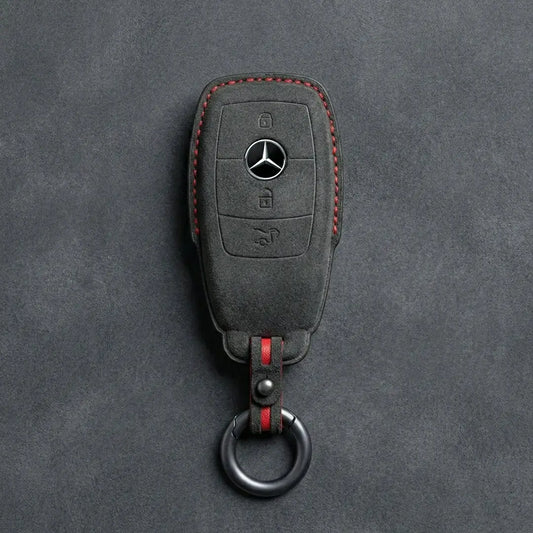
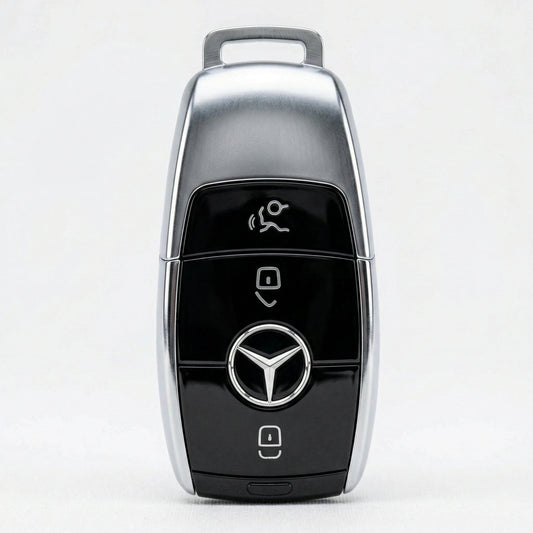
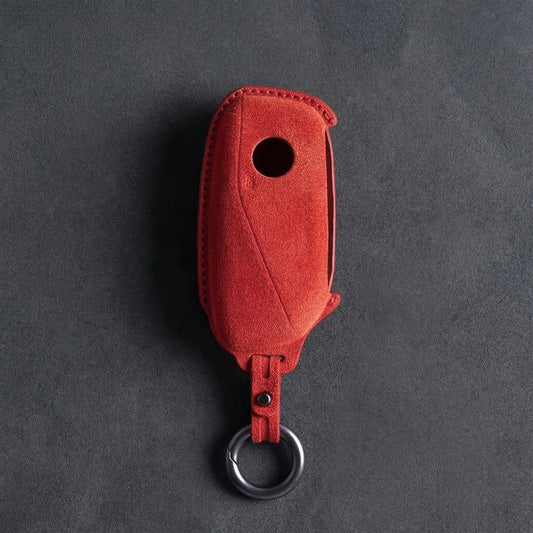
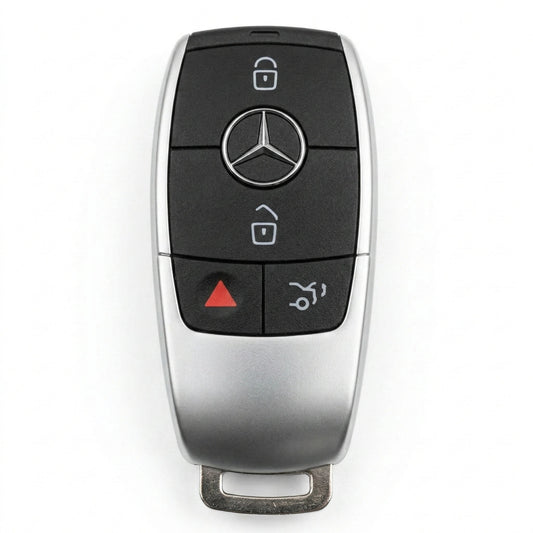
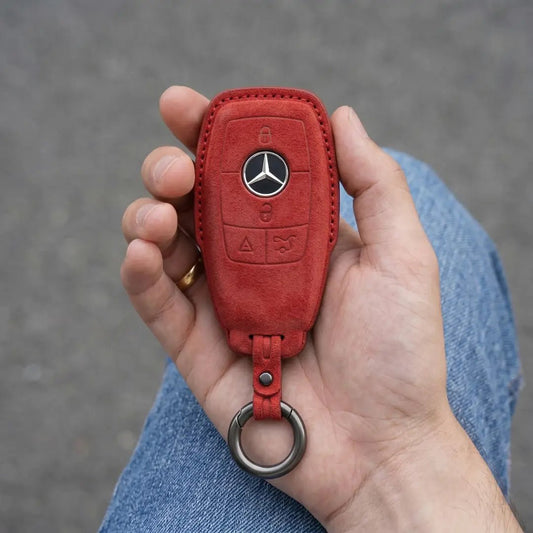
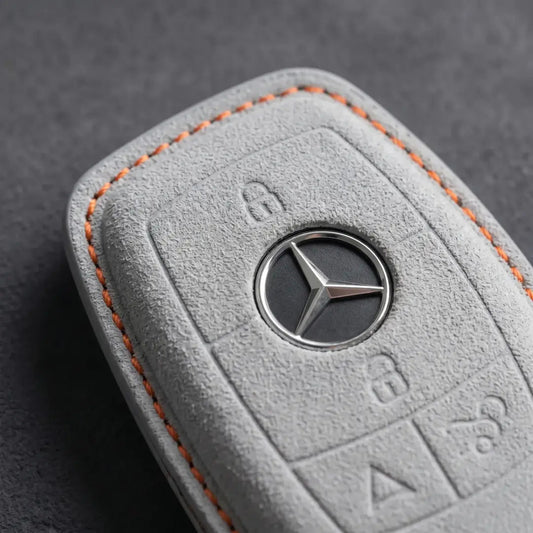
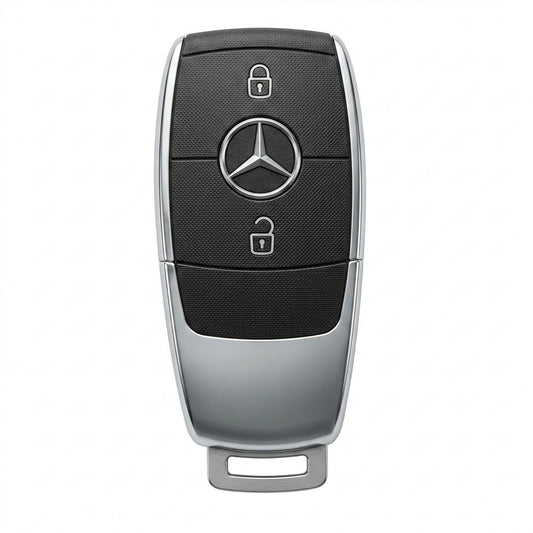
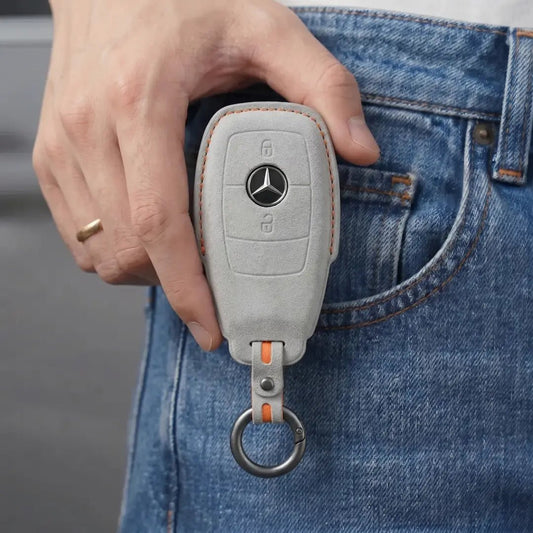
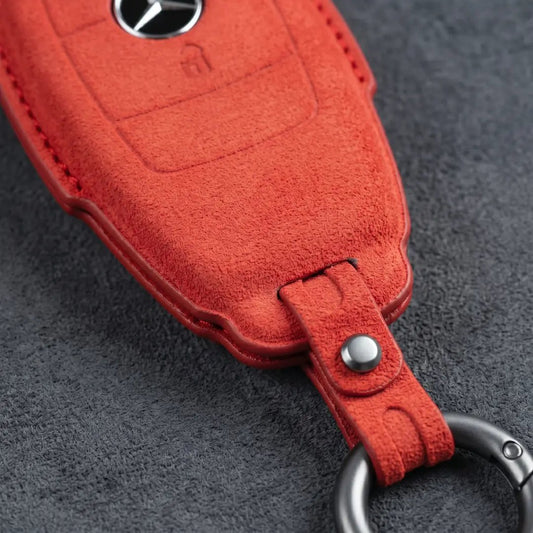
Mercedes-Benz Key CoversStart with the top of your Mercedes-Benz SmartKey. The chrome-sided...
-

Key Covers for Audi
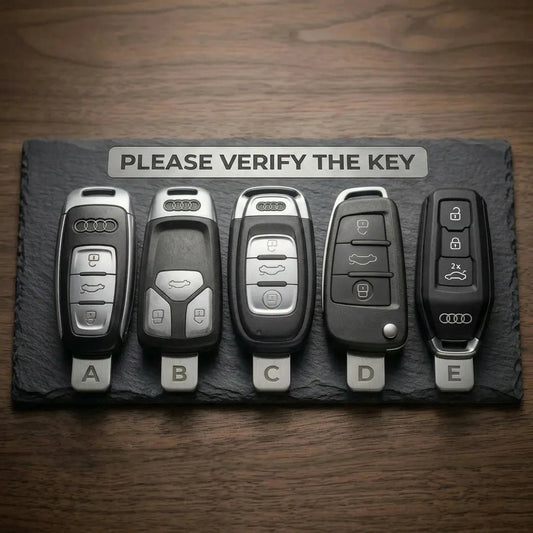
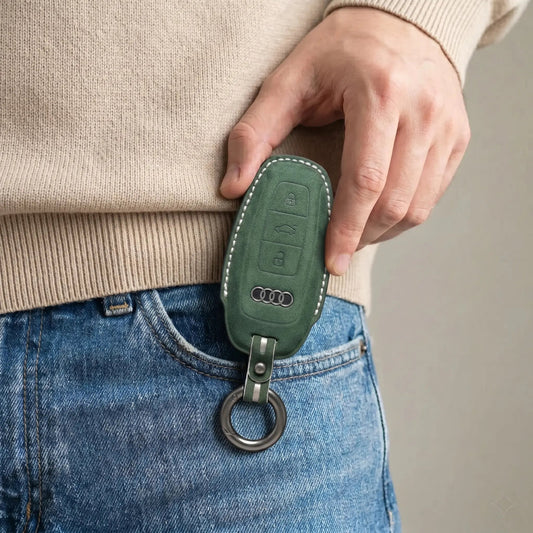
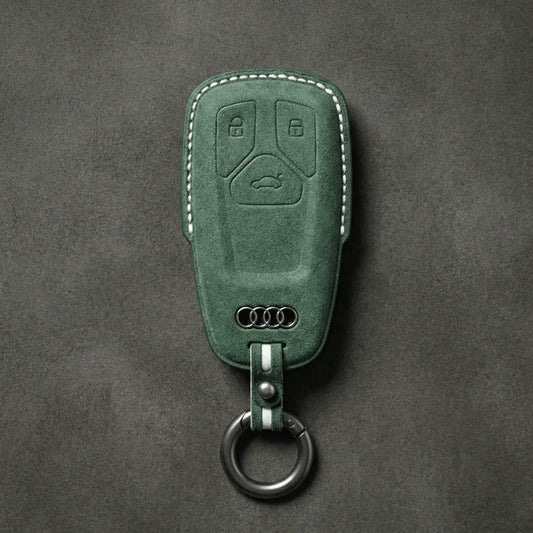
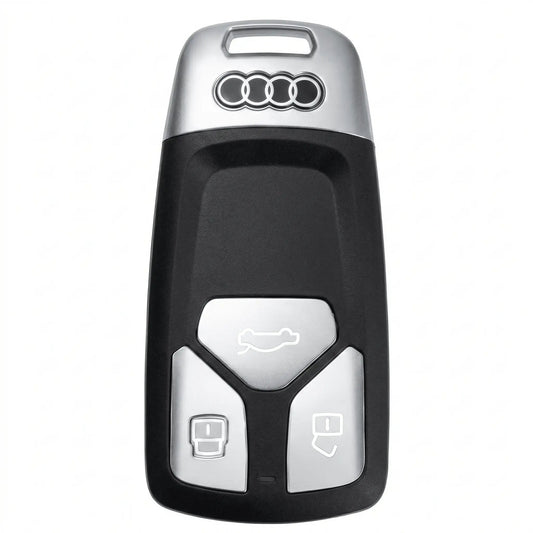
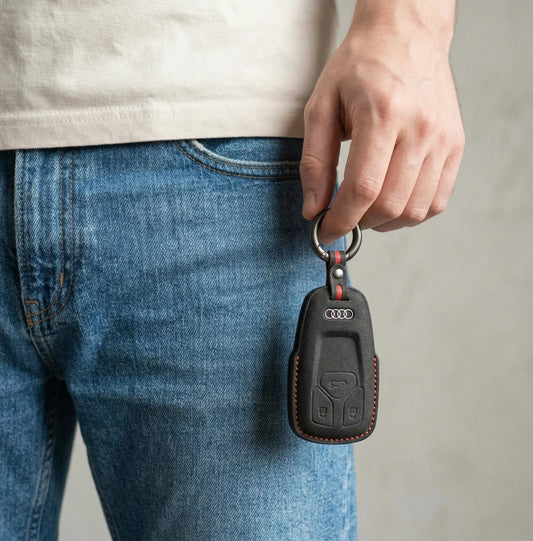
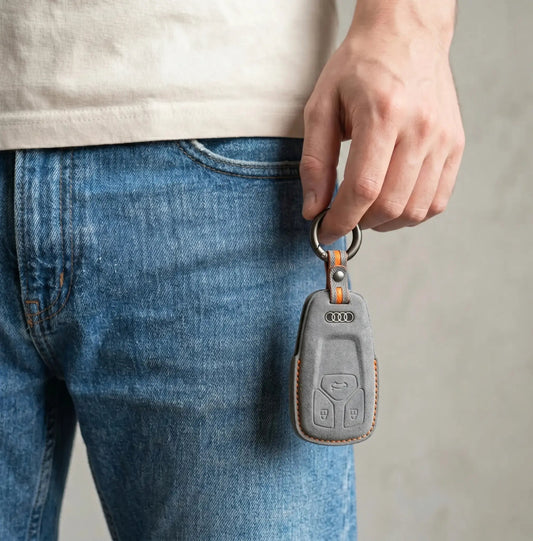
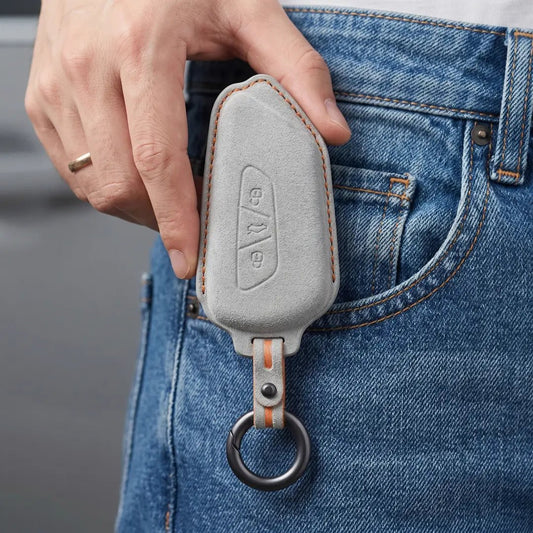
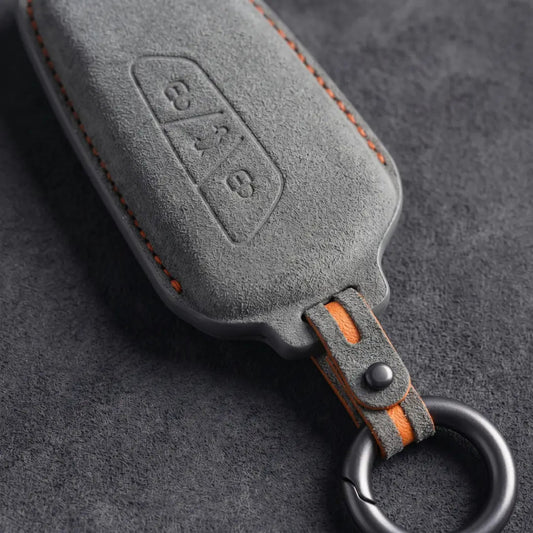
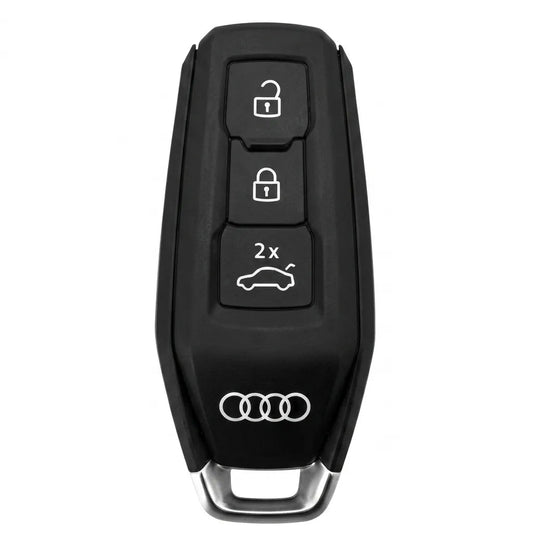
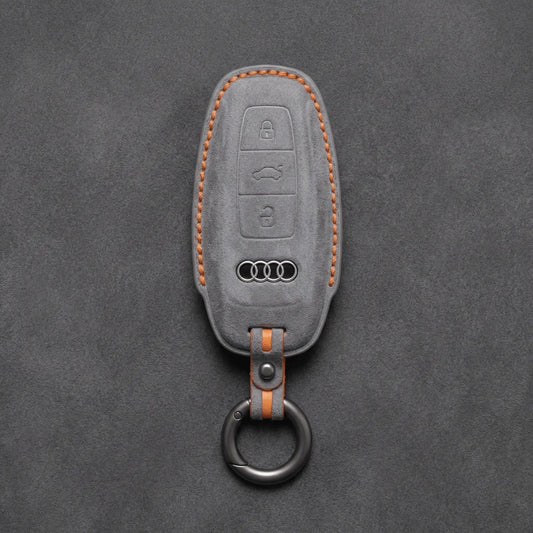
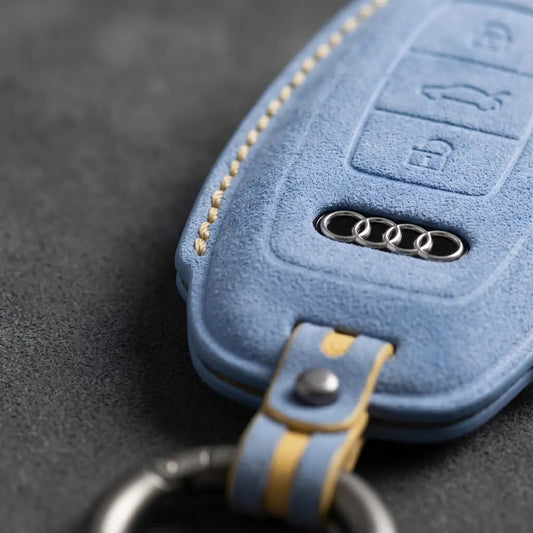
Audi Key CoversWith Audi, the key tells you more than the badge:...
-

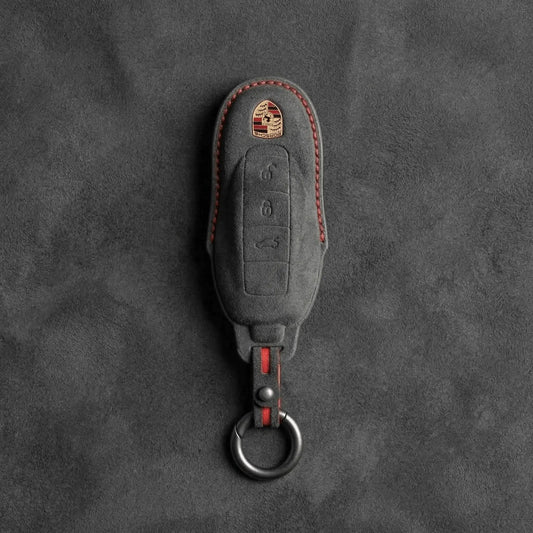
Key Covers for Porsche
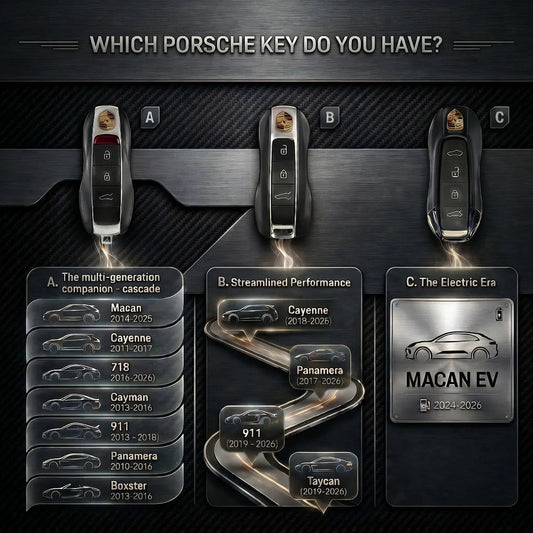
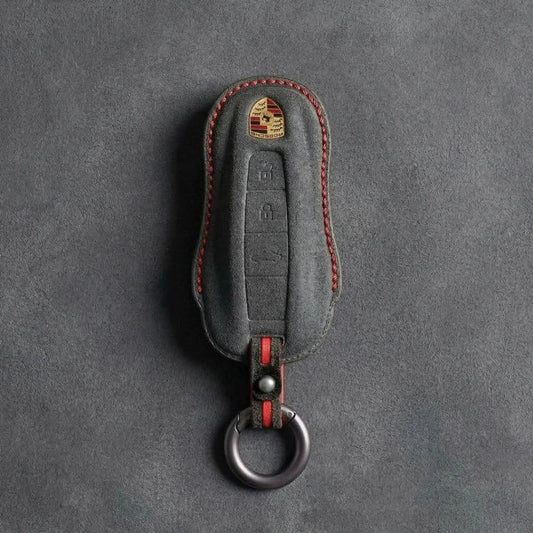
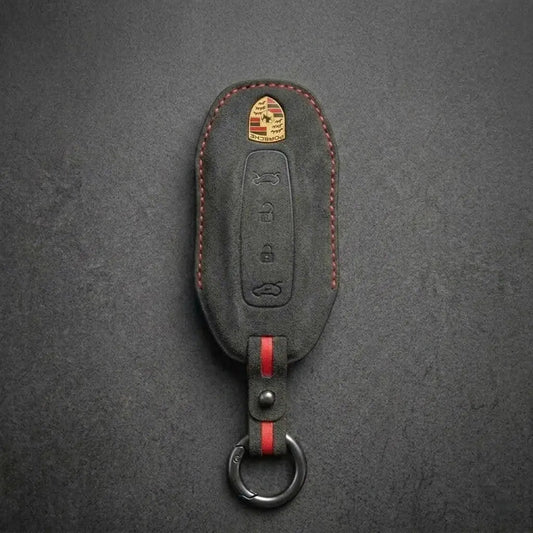
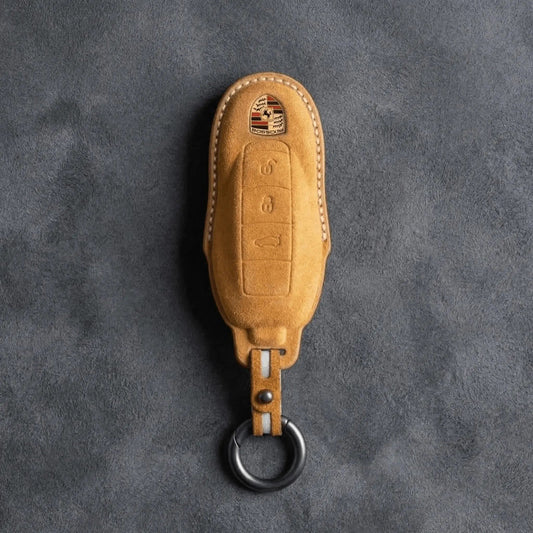
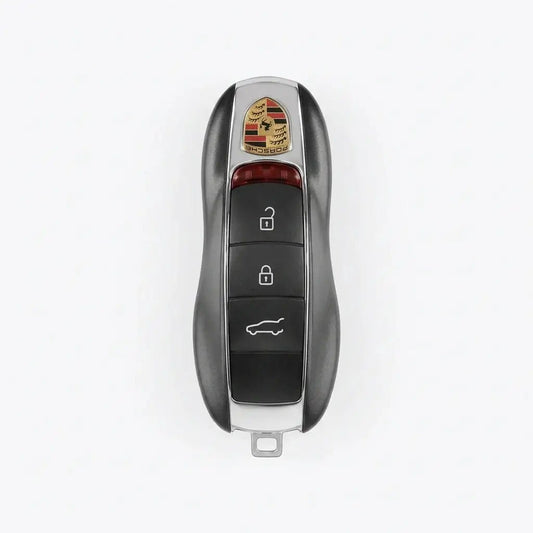
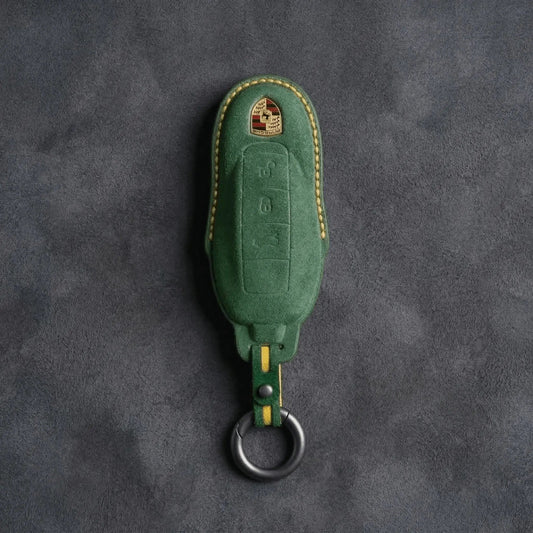
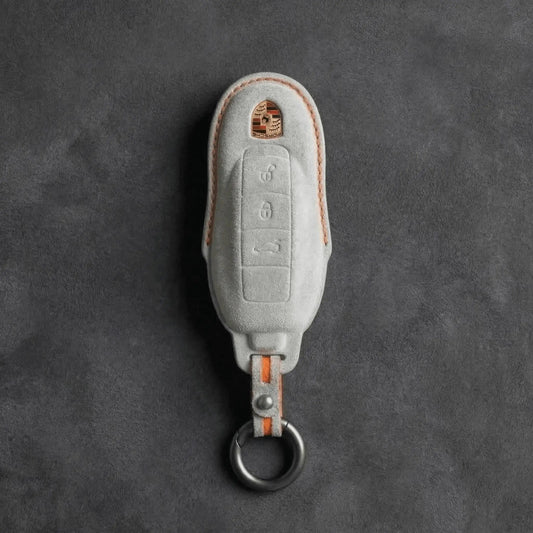
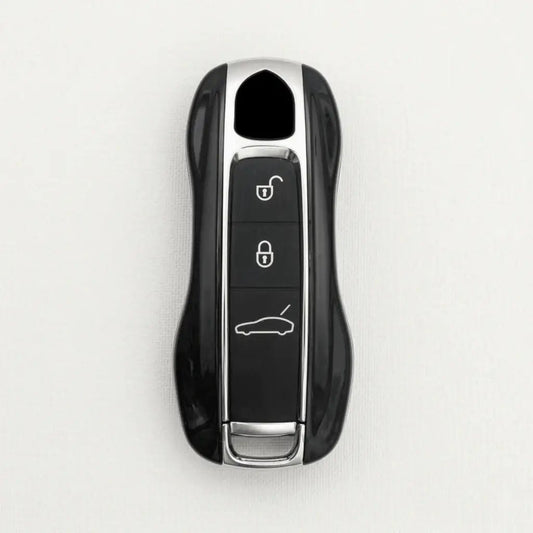
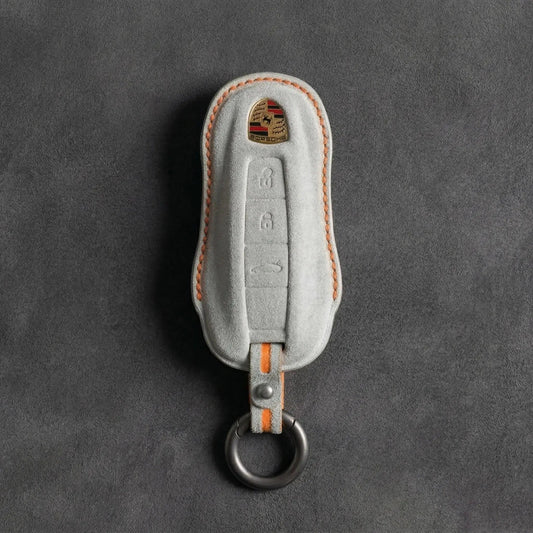
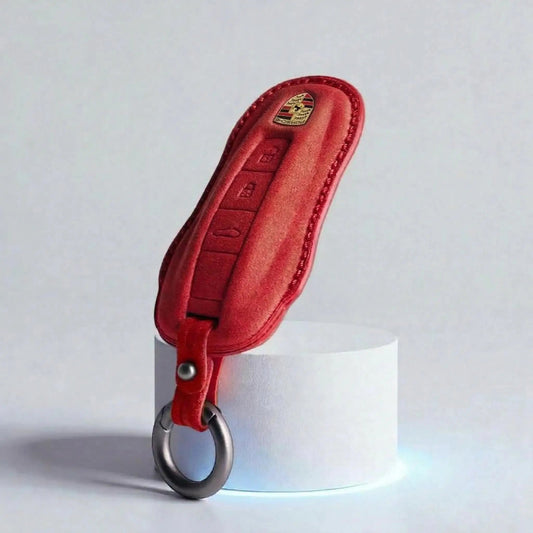
Porsche Key CoversPorsche shapes its keys like a miniature sports car, crest...
-

Key Covers for Ford
Ford Key CoversFord calls its push-button-start key the Intelligent Access key: grab...
-

Key Covers for Skoda
Skoda Key CoversŠkoda keys come in two families: the flip key, with...
-

Key Covers for Cupra
Cupra Key CoversThe quickest way to tell Cupra keys apart is to...
-

Key Covers for Land Rover
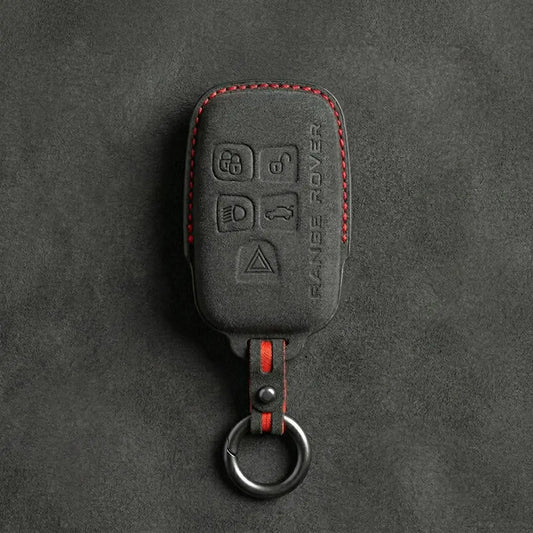
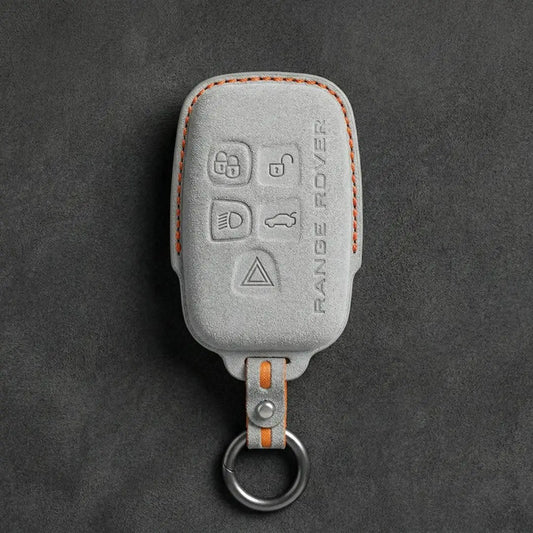
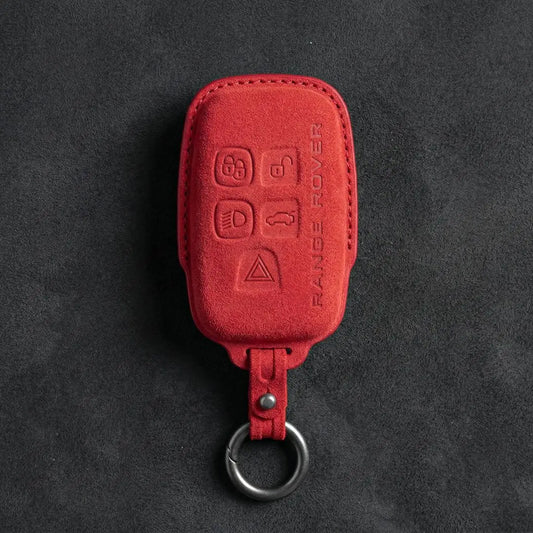
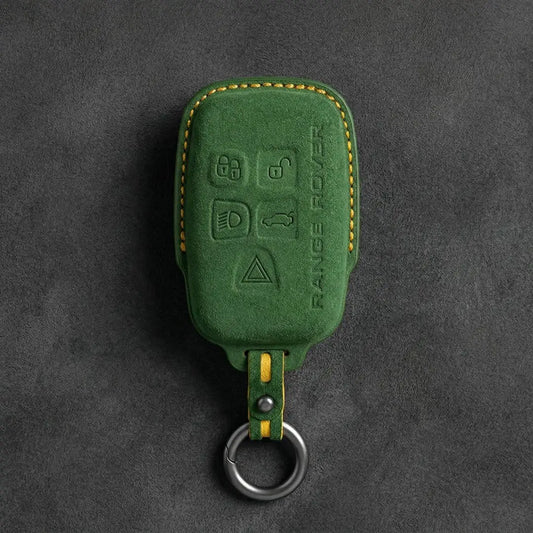
Land Rover Key CoversLand Rover and Range Rover smart keys carry the...
-
Key Covers for MINI Cooper
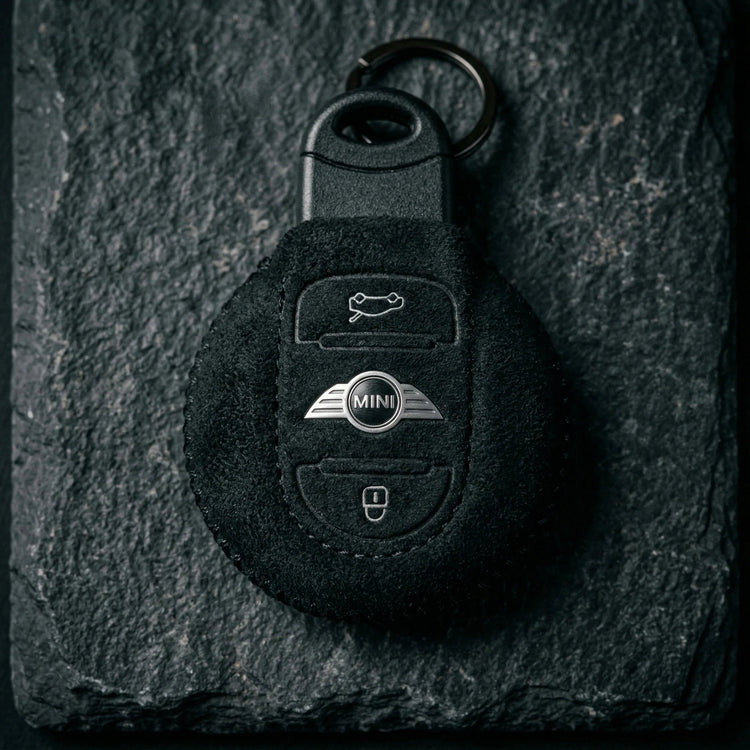
Mini Cooper Key CoversThe first BMW-era MINI borrowed a Rover-designed key; since...
-

Key Covers for Volvo
Volvo Key CoversTo place a Volvo key, look at where its buttons...


Key Covers for Nissan
Covers for five Nissan key bodies: Oval, Teardrop and Modern keys with two to five buttons, the newer 3-button smart key and the GT-R R35's key.
-
Hand-Stitched Alcantara Key Fob Cover for Nissan – Teardrop Logo Cutout
Regular price 39,00 €Sale price 39,00 € Regular price -
Hand-Stitched Alcantara Key Fob Cover for Nissan – Oval 5-Button
Regular price 39,00 €Sale price 39,00 € Regular price -
Hand-Stitched Alcantara Key Fob Cover for Nissan – GT-R R35
Regular price 39,00 €Sale price 39,00 € Regular price -

ALCANTARA®
Feel the difference
-
Hand-Stitched Alcantara Key Fob Cover for Nissan – Oval 4-Button
Regular price 39,00 €Sale price 39,00 € Regular price -
Hand-Stitched Alcantara Key Fob Cover for Nissan – Modern 2-Button
Regular price 39,00 €Sale price 39,00 € Regular price -
Hand-Stitched Alcantara Key Fob Cover for Nissan – Oval 4-Button Remote Start
Regular price 39,00 €Sale price 39,00 € Regular price -
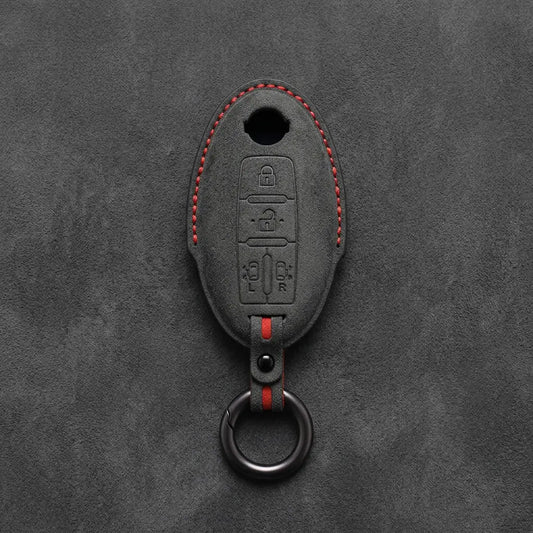
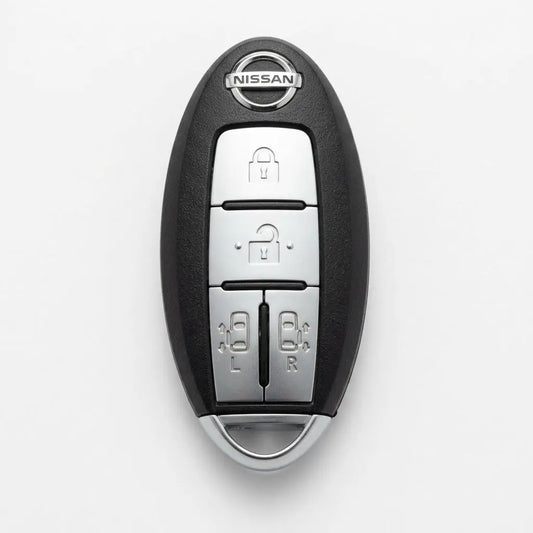
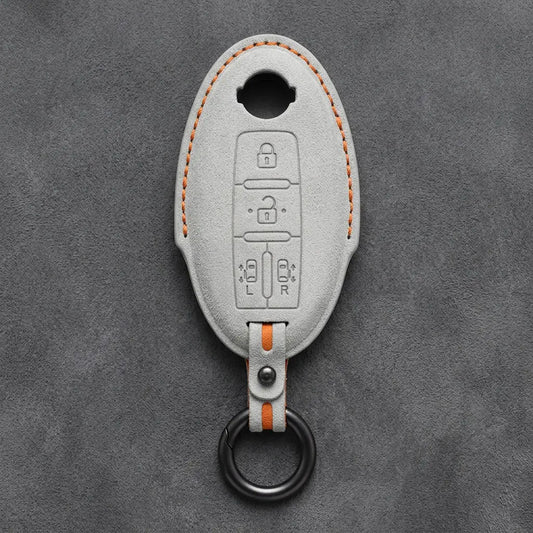
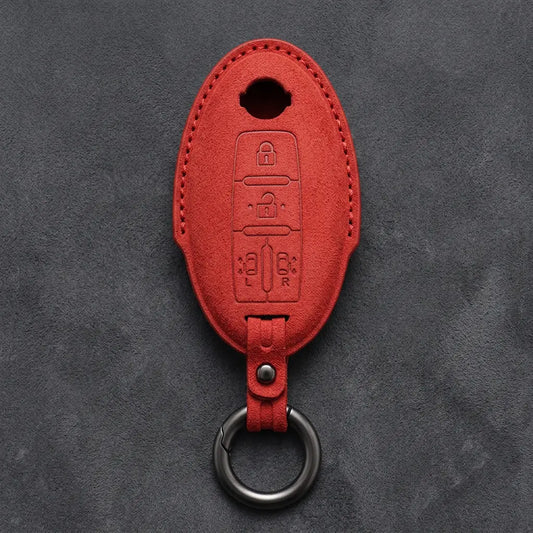
Hand-Stitched Alcantara Key Fob Cover for Nissan – Oval Dual Sliding Doors
Regular price 39,00 €Sale price 39,00 € Regular price -
Hand-Stitched Alcantara Key Fob Cover for Nissan – Oval 2-Button
Regular price 39,00 €Sale price 39,00 € Regular price -
Hand-Stitched Alcantara Key Fob Cover for Nissan – Oval 3-Button
Regular price 39,00 €Sale price 39,00 € Regular price -
Hand-Stitched Alcantara Key Fob Cover for Nissan – Smart Key 3-Button
Regular price 39,00 €Sale price 39,00 € Regular price -
Hand-Stitched Alcantara Key Fob Cover for Nissan – Modern 4-Button
Regular price 39,00 €Sale price 39,00 € Regular price -
Hand-Stitched Alcantara Key Fob Cover for Nissan – Modern 3-Button Panic
Regular price 39,00 €Sale price 39,00 € Regular price -

ALCANTARA®
Emphasize the premium feel
-
Hand-Stitched Alcantara Key Fob Cover for Nissan – Modern 3-Button
Regular price 39,00 €Sale price 39,00 € Regular price -
Hand-Stitched Alcantara Key Fob Cover for Nissan – Oval 3-Button Panic
Regular price 39,00 €Sale price 39,00 € Regular price -
Hand-Stitched Alcantara Key Fob Cover for Nissan – Oval Remote Start
Regular price 39,00 €Sale price 39,00 € Regular price


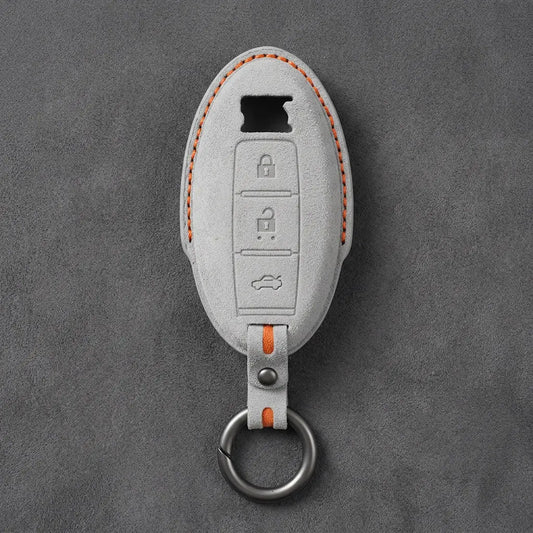

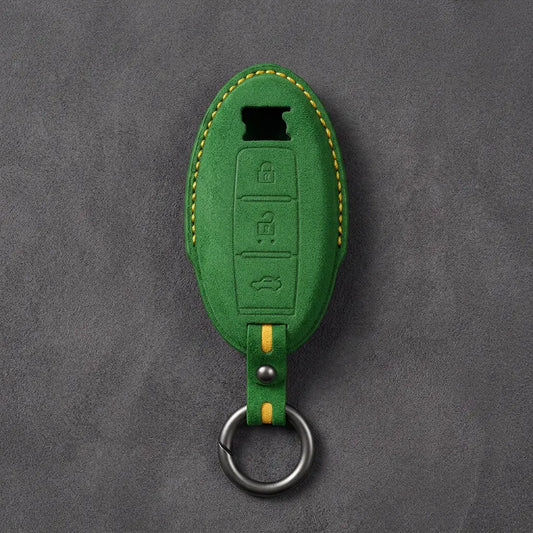
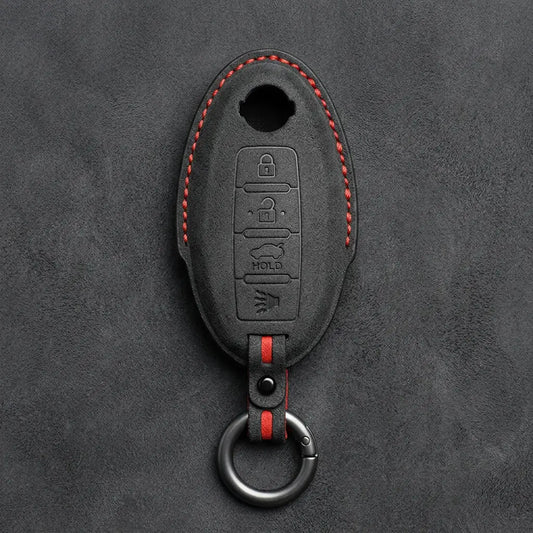

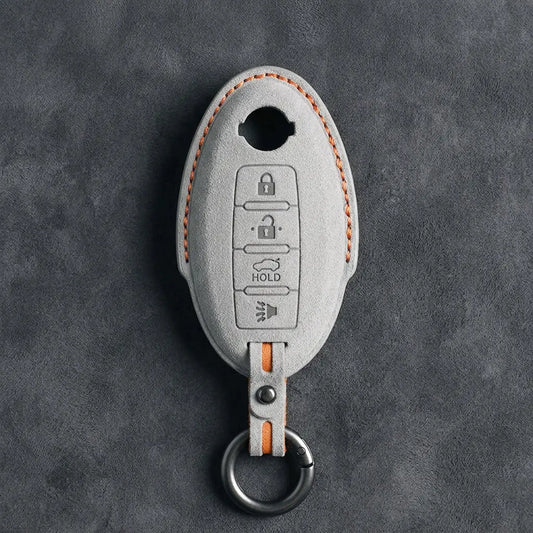
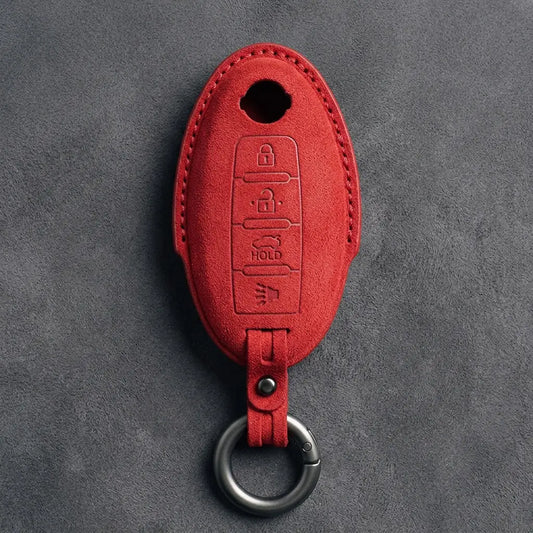
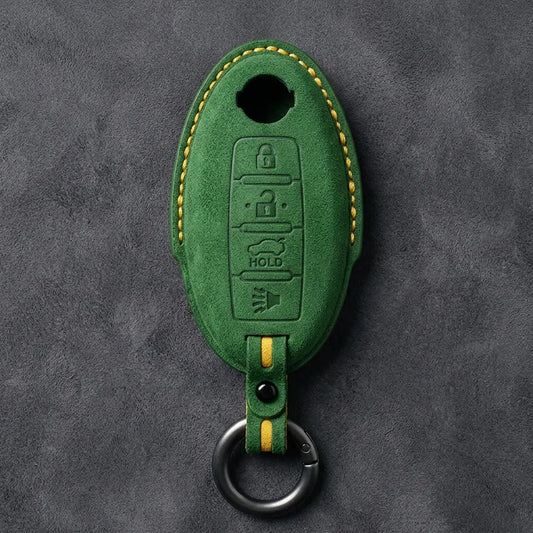
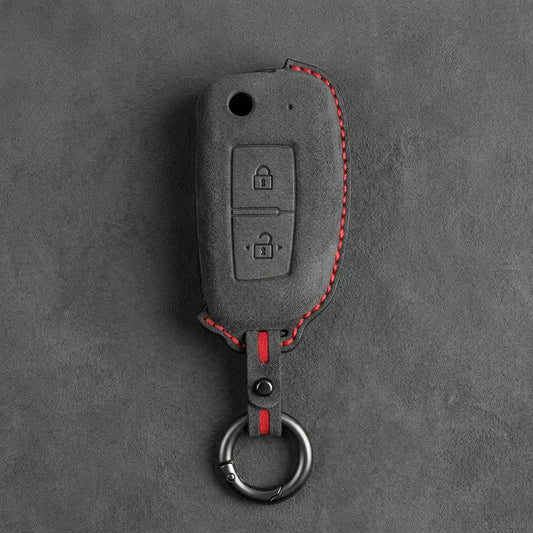
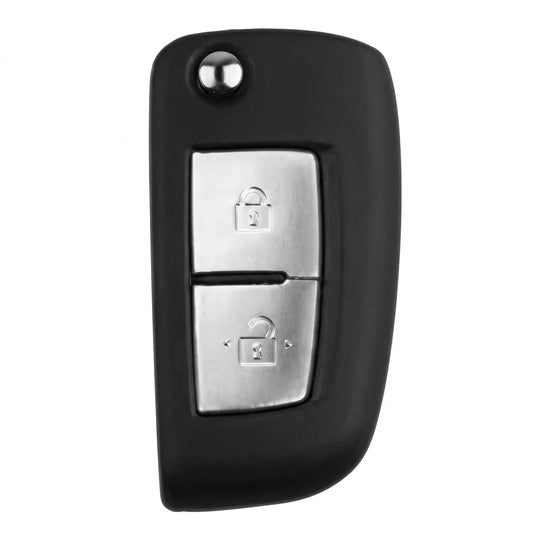
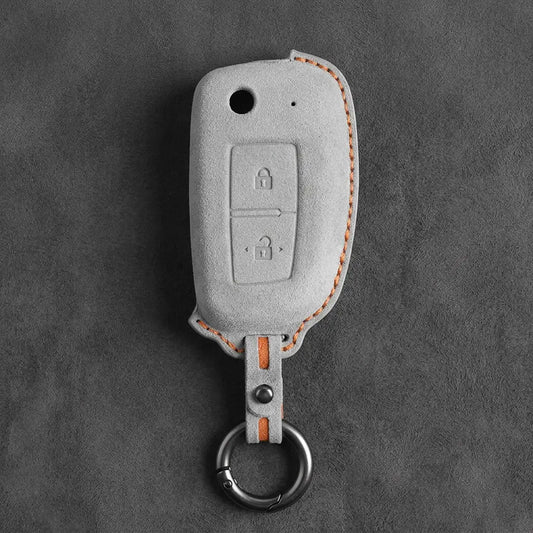
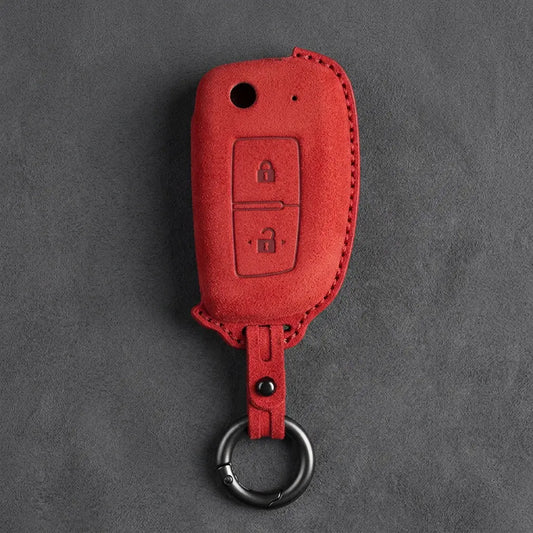
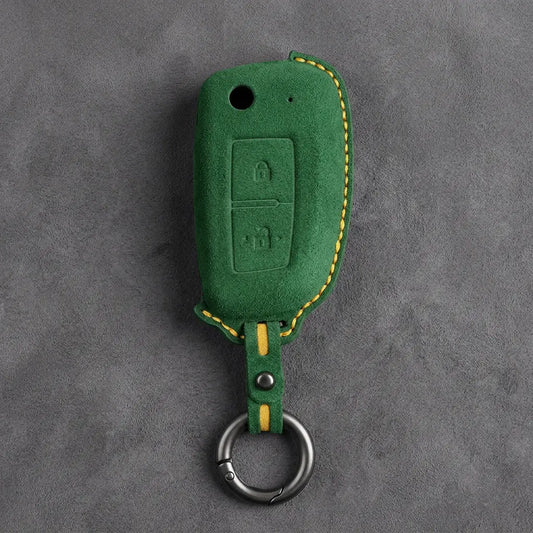
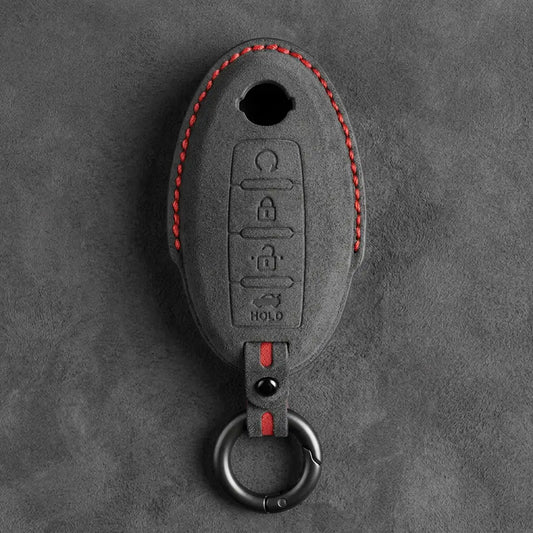
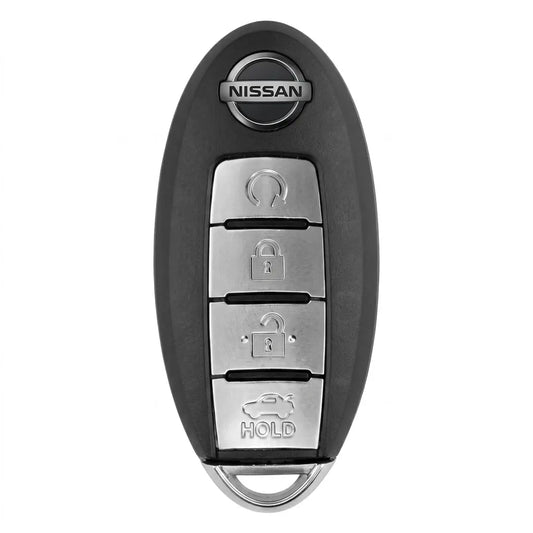
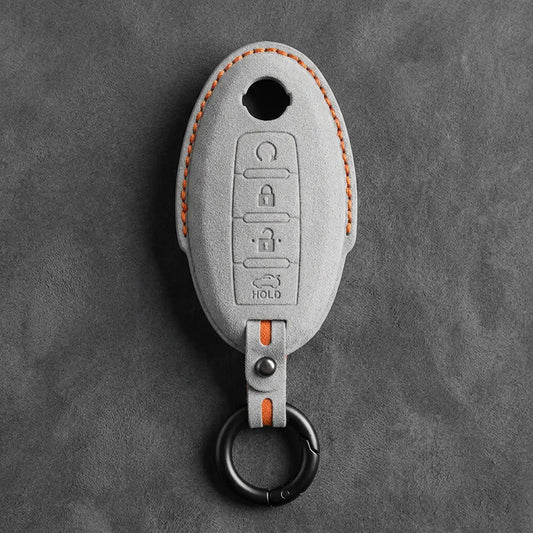
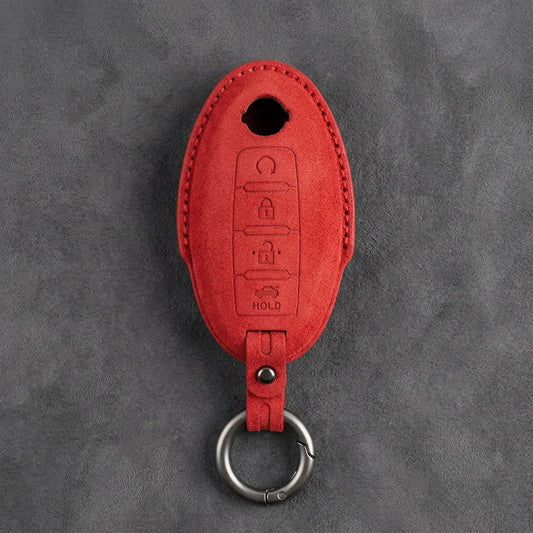
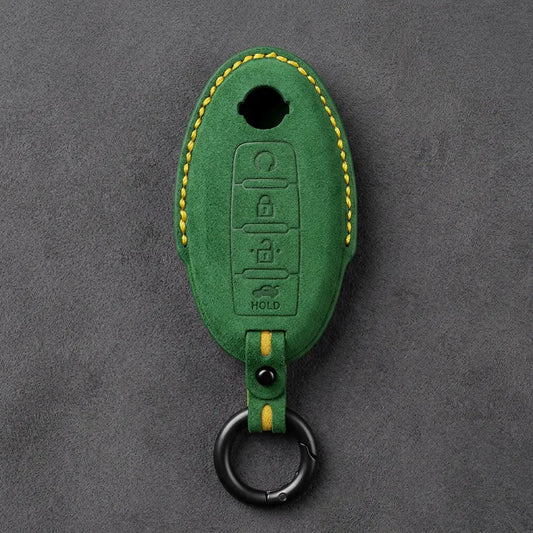
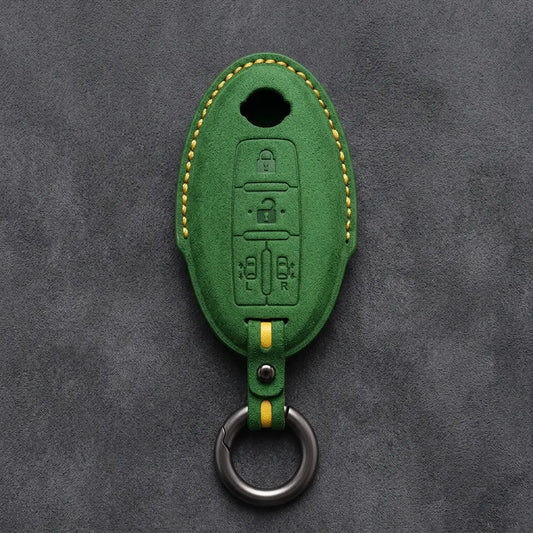

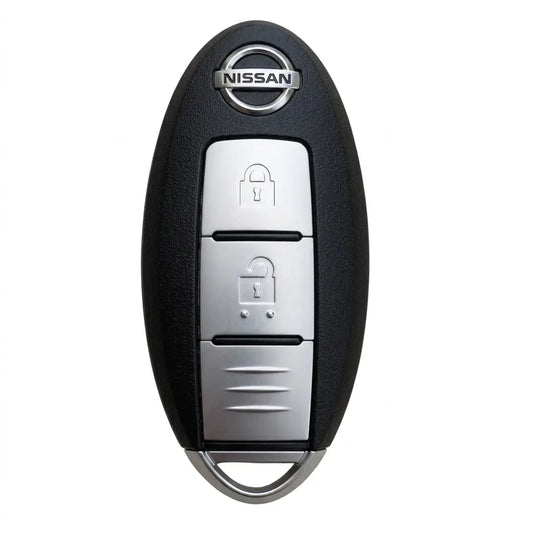
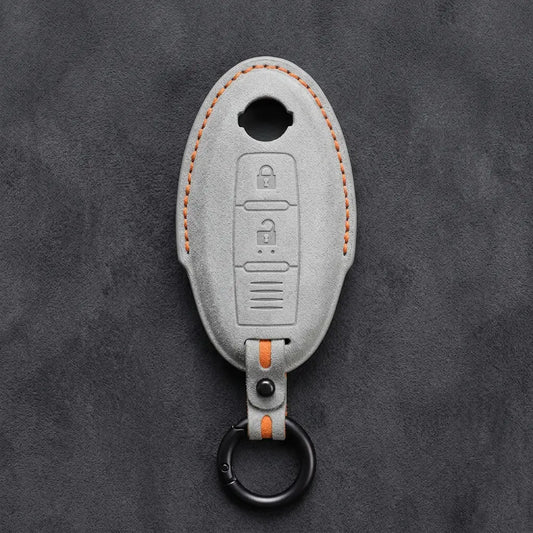
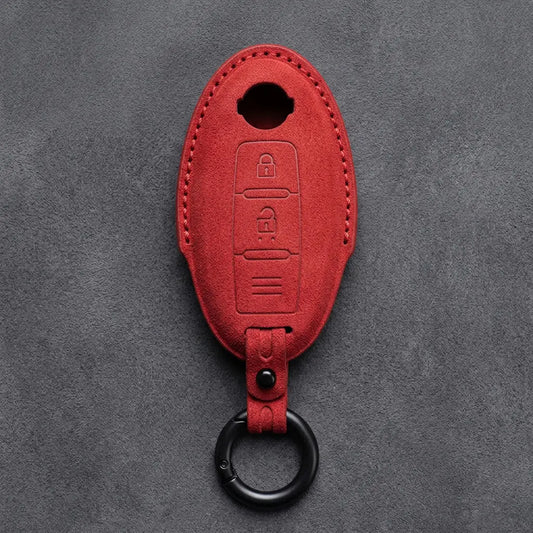
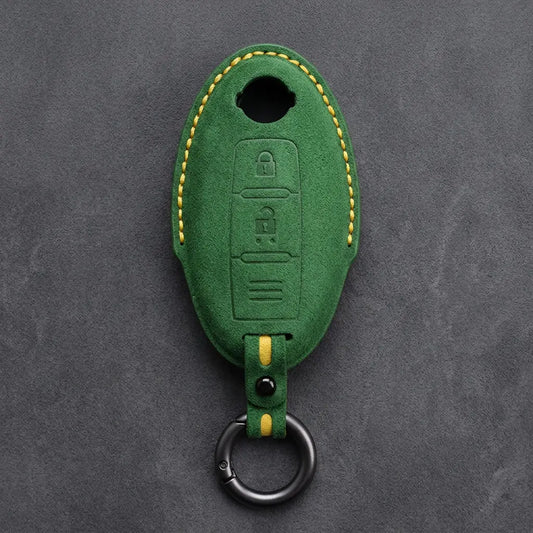
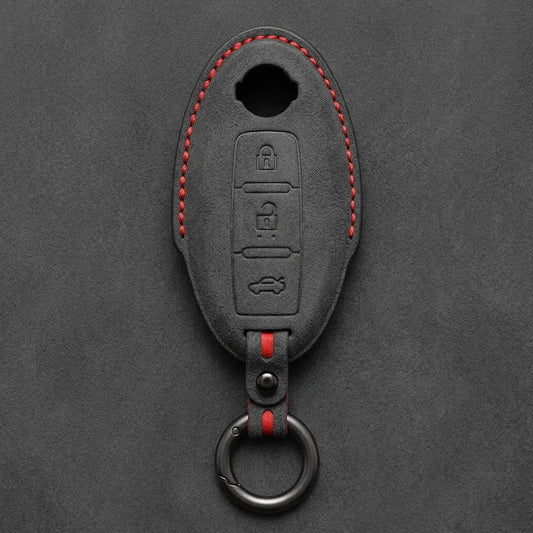
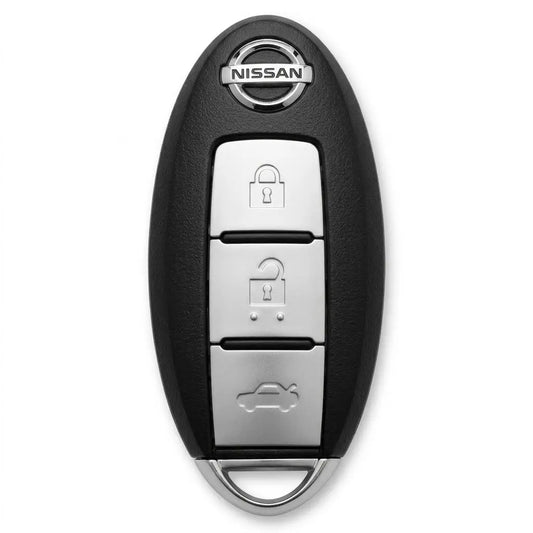

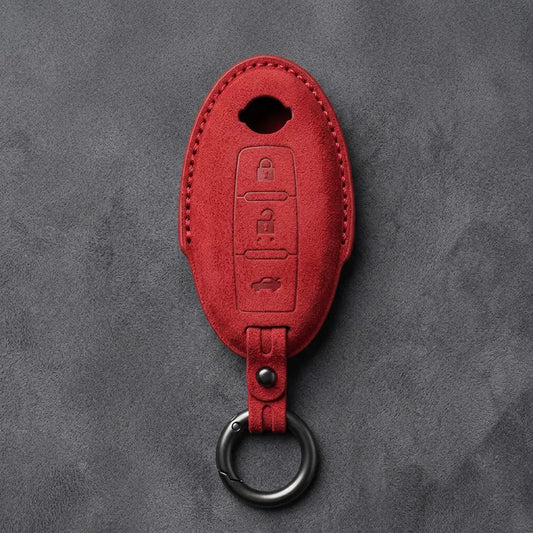

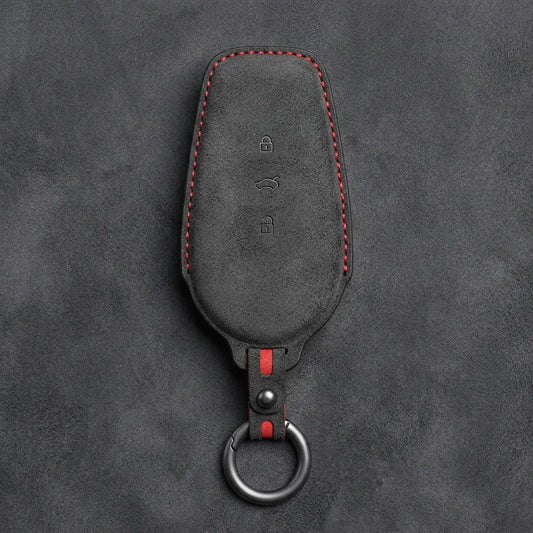
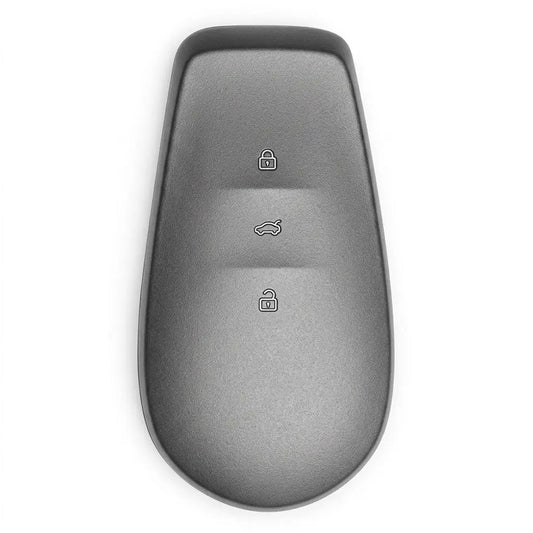
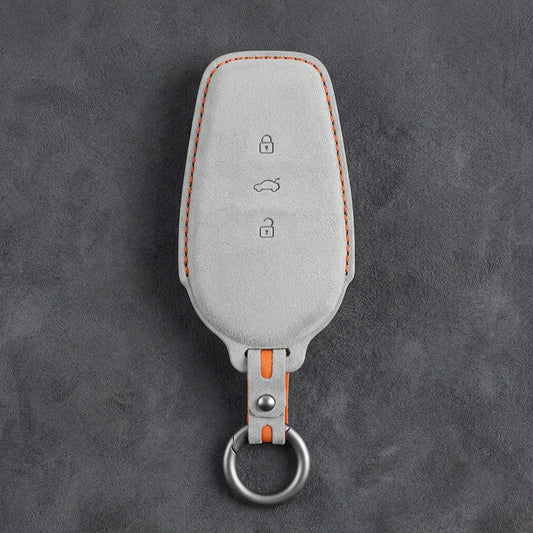
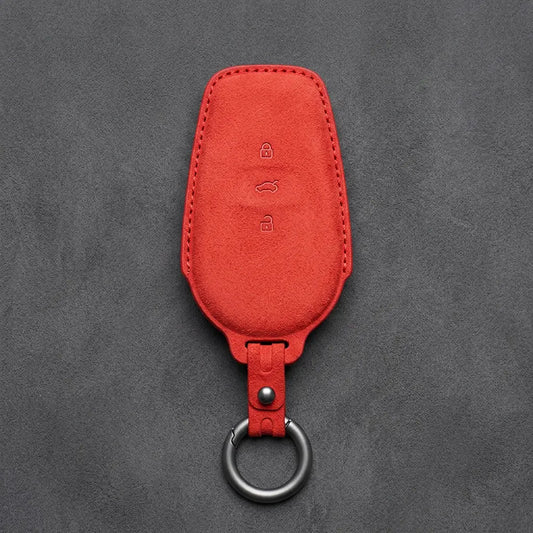
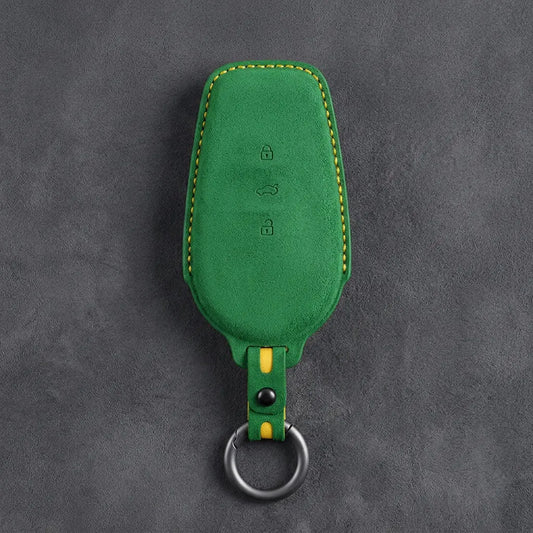
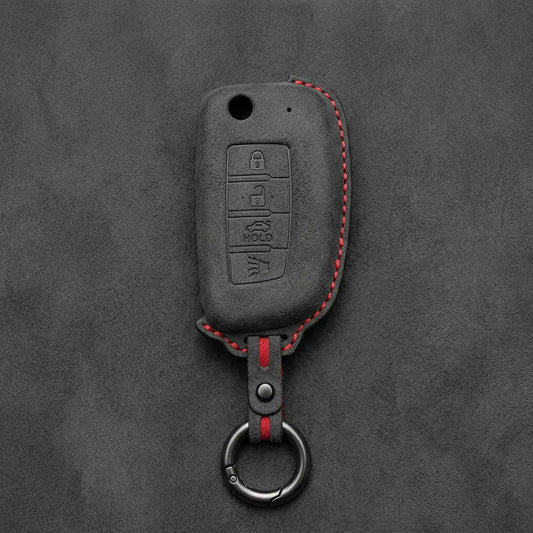
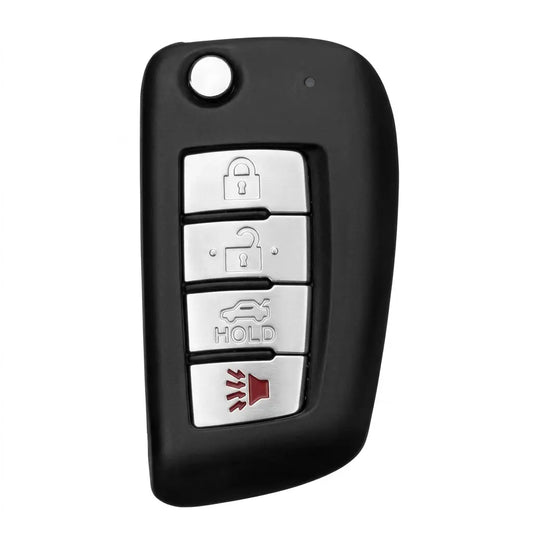
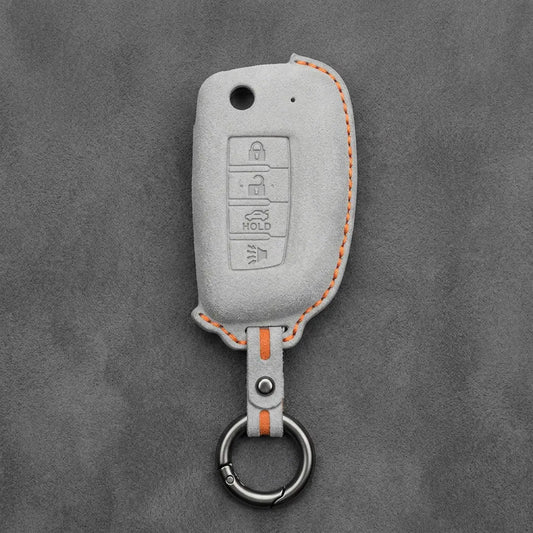
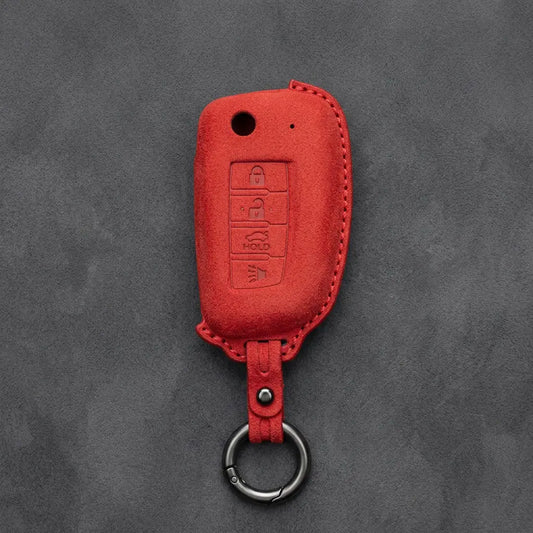

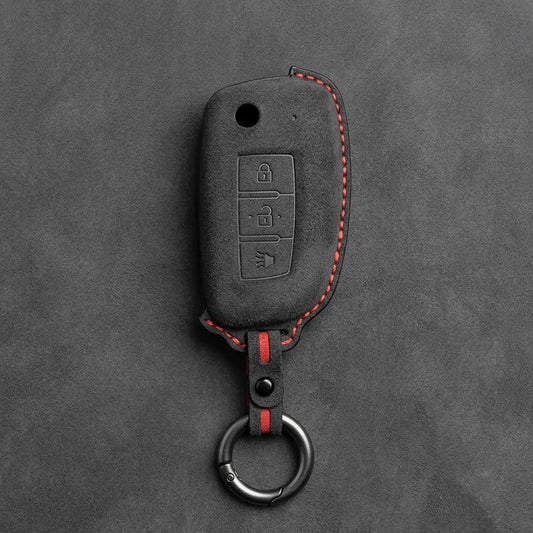
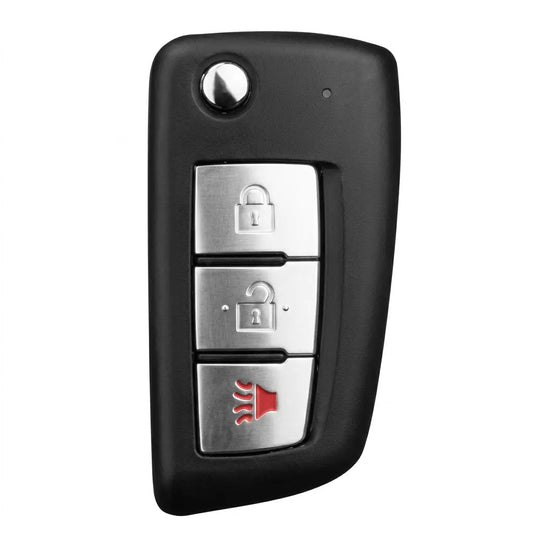
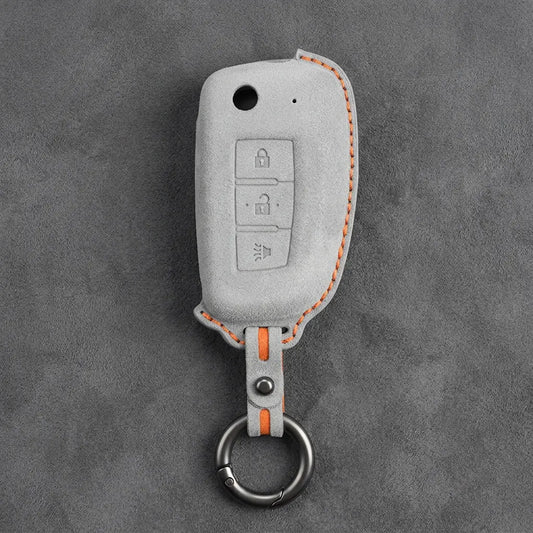
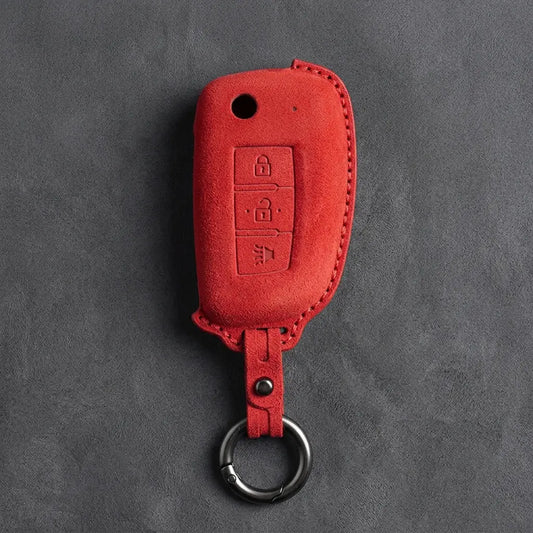
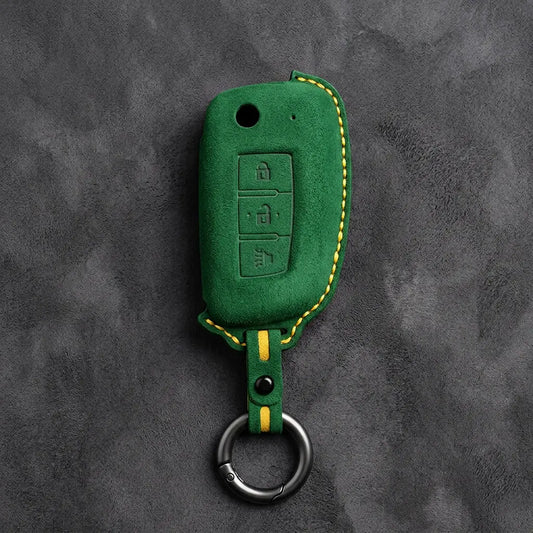
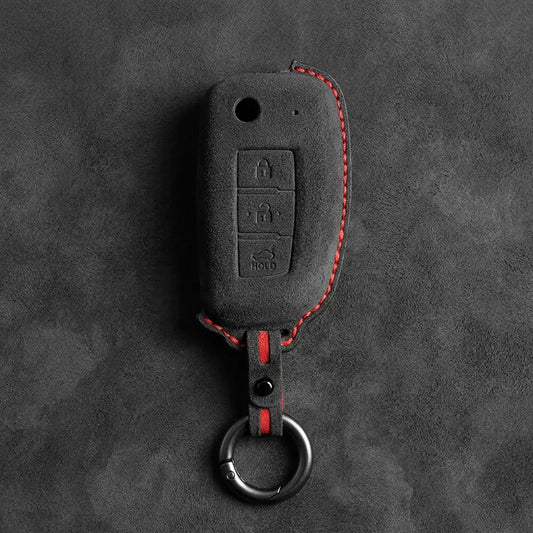
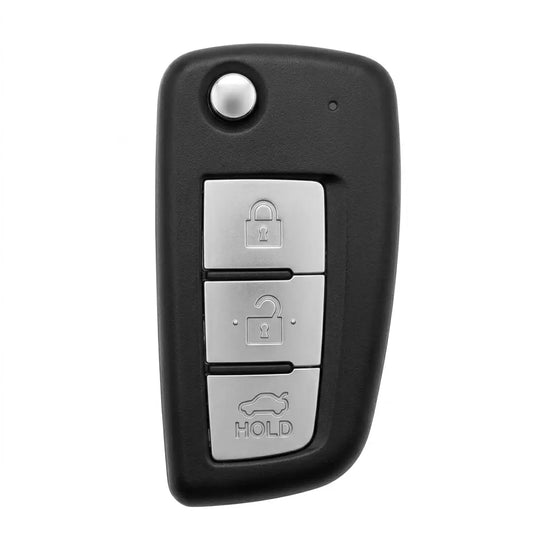
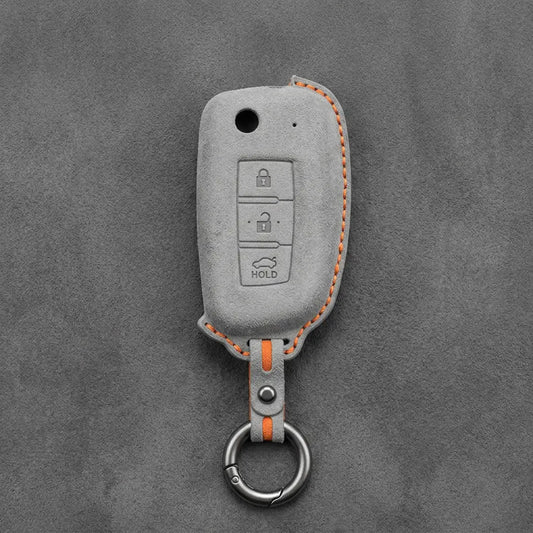
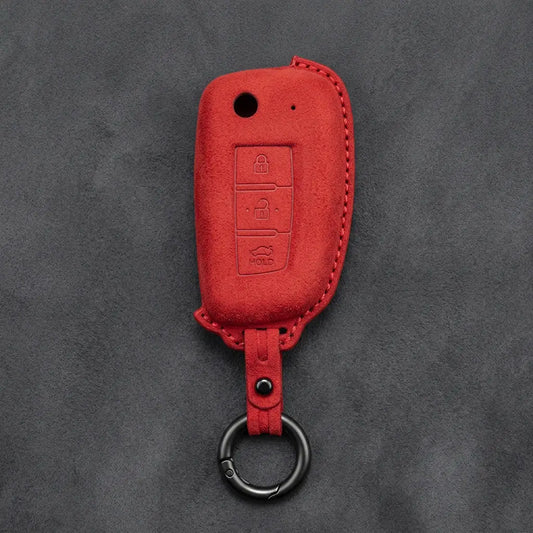
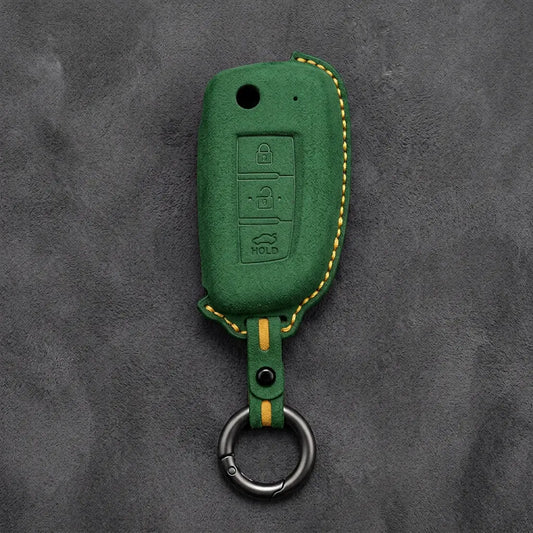
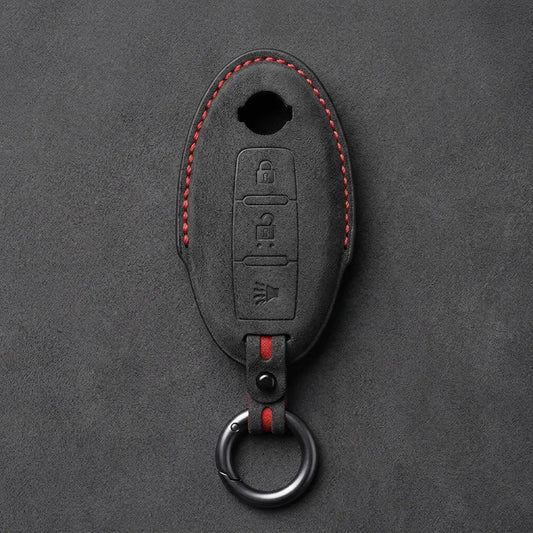

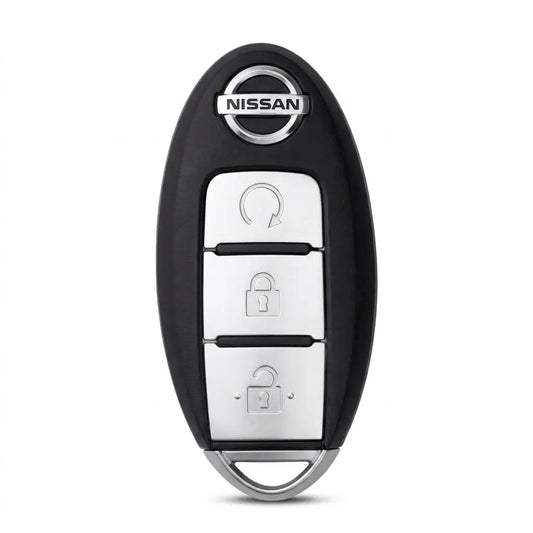
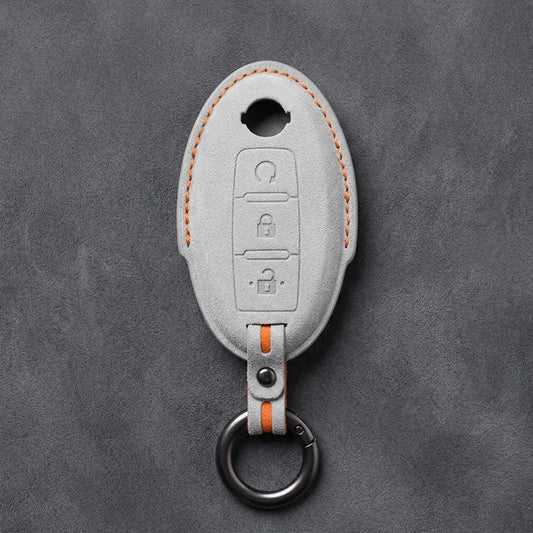
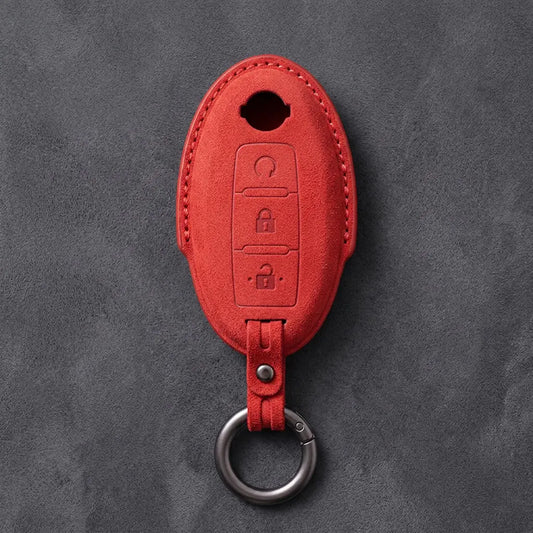
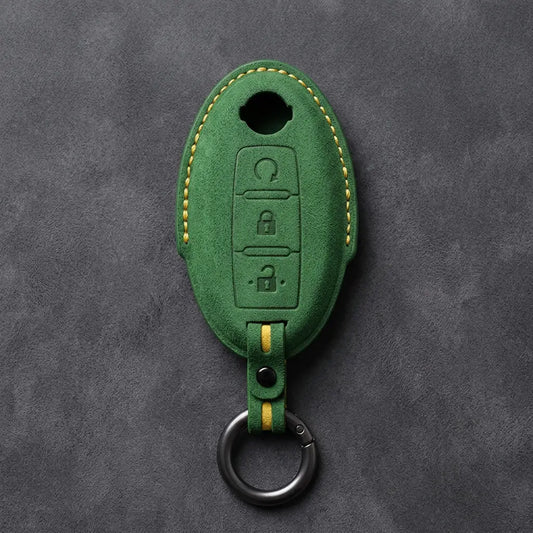
Nissan Key Covers
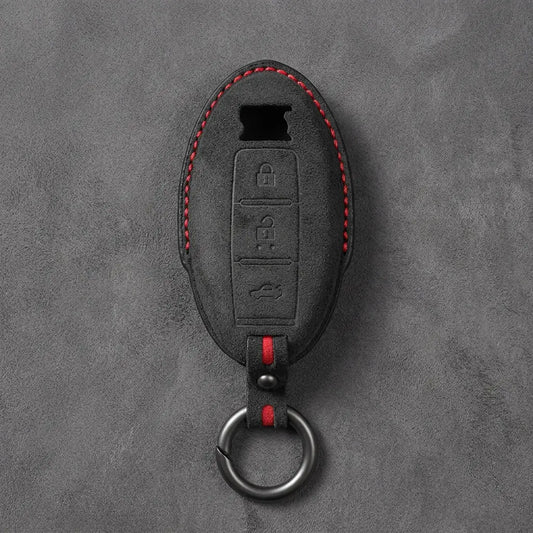
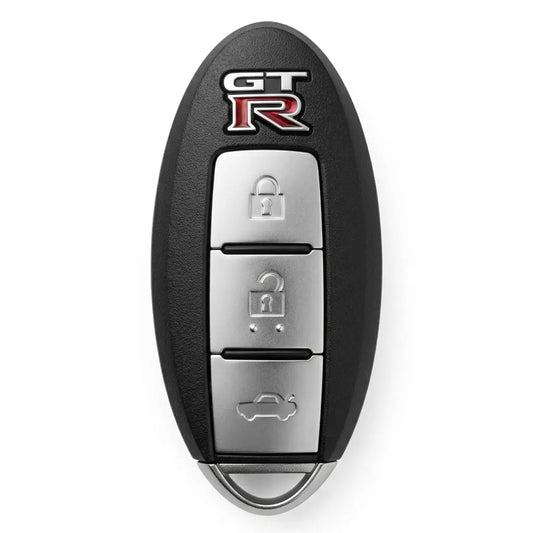
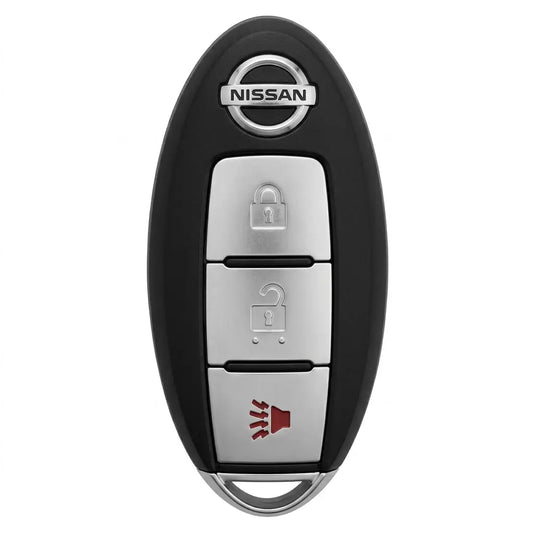
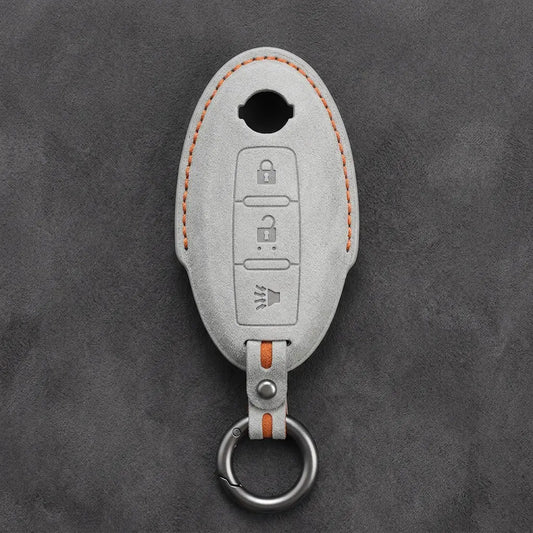
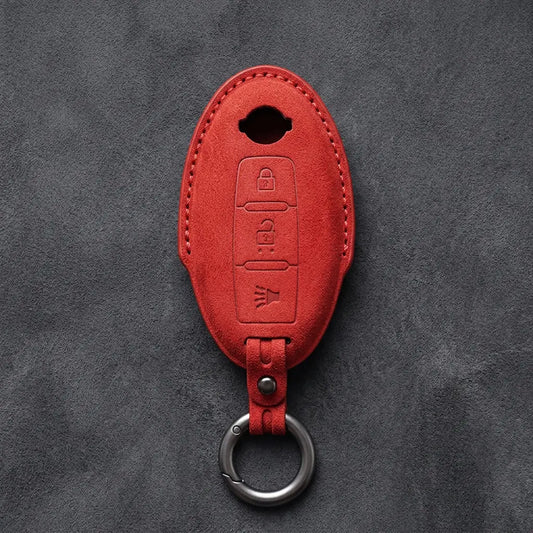
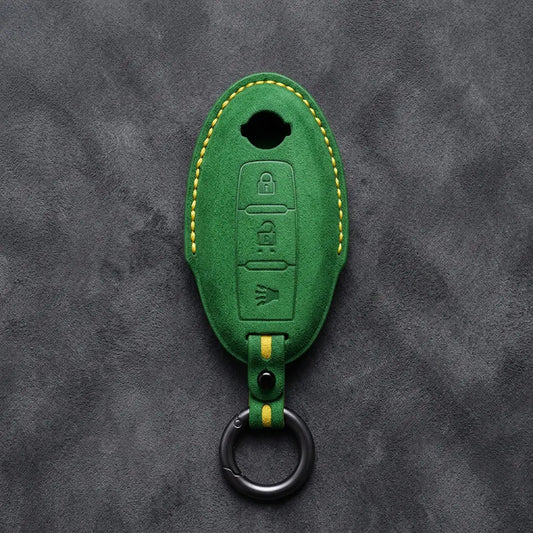
Nissan calls its keyless fob the Intelligent Key, and the manual for the current Qashqai puts its range at 80 cm from each request button. Nissan keys have changed shape more than once, and the 15 covers here follow five of those shapes, from the rounded Oval key to the GT-R R35's own. The covers are Alcantara, stitched by hand; ten of them have a cut-out that keeps the Nissan badge visible.
Nissan key bodies, matched to covers
| Key | How to spot it | Covers by buttons |
|---|---|---|
| Oval | Rounded body with the Nissan badge at the top | 2-Button · 3-Button · 3-Button Panic · Remote Start · 4-Button · 4-Button Remote Start · 5-Button · Dual Sliding Doors |
| Teardrop | Teardrop body with a chrome bezel and the badge at the top | One cover, five layouts from two to five buttons (key types A–E) |
| Modern | Key-release button at the top and a small LED indicator | 2-Button · 3-Button · 3-Button Panic · 4-Button |
| Smart Key 3-Button | The newer smart key we list for the Ariya, Qashqai and X-Trail | Lock, unlock, boot |
| GT-R R35 | GT-R badge at the top | Lock, unlock, boot |
Reading your Nissan key
Start at the top: a key-release button and a small LED mean a Modern key; a Nissan badge means Oval or Teardrop (the Teardrop has a chrome bezel). Then count the buttons and look for extras:
- Remote start button: Oval Remote Start (plus lock and unlock), 4-Button Remote Start (adds boot) or 5-Button (adds boot and panic).
- Panic but no remote start: Oval 3-Button Panic or 4-Button, Modern 3-Button Panic or 4-Button.
- Two sliding-door buttons: Oval Dual Sliding Doors, listed for the Quest and Elgrand.
Our listings put the Qashqai under five covers and the Rogue under eight, so go by the key, not the model name.
What Nissan's manual says about the Intelligent Key
- It goes to sleep: on the current Qashqai (where fitted), a key left unmoved for two minutes or more stops transmitting, and the display may show "No Key Detected". Moving the key wakes it.
- Flat key battery: touch the ignition switch with the Intelligent Key, and after the chime press the switch with your foot on the brake within 10 seconds. The mechanical key comes out when you release the lock knob on the back; Nissan says it's normal for it not to go fully into the driver's door lock.
- Spares: up to four Intelligent Keys can be registered to one car, by a Nissan dealer or qualified workshop.
Can't place your key? Send a photo on WhatsApp (+370 63170051) or to info@vietiki.com and we'll match it to the right cover.
 Buying guide
Car Key Fob Covers: The Complete Guide to Key Types, Materials and Fit
How to choose the right cover for your key
Buying guide
Car Key Fob Covers: The Complete Guide to Key Types, Materials and Fit
How to choose the right cover for your key
Recommended for you
-
Hand-Stitched Alcantara Key Fob Cover for Audi – All Types
Regular price 39,00 €Sale price 39,00 € Regular price 49,00 €-20% Bestseller -
Hand-Stitched Alcantara Key Fob Cover for BMW – All Types
Regular price 39,00 €Sale price 39,00 € Regular price 49,00 €-20% Bestseller -
Alcantara Key Fob Cover for Mercedes-Benz – Teardrop
Regular price 39,00 €Sale price 39,00 € Regular price 49,00 €-20% Bestseller -
Hand-Stitched Alcantara Key Fob Cover for Porsche – All types
Regular price 39,00 €Sale price 39,00 € Regular priceBestseller -
Hand-Stitched Alcantara Key Fob Cover for Audi – Geometric 3-Button Smart Fob
Regular price 39,00 €Sale price 39,00 € Regular price 49,00 €-20% Bestseller -
Hand-Stitched Alcantara Key Fob Cover for BMW – Side-Button Wedge
Regular price 39,00 €Sale price 39,00 € Regular price 49,00 €-20% Bestseller -
Alcantara Key Fob Cover for Mercedes-Benz – Chrome SmartKey 4-Button
Regular price 39,00 €Sale price 39,00 € Regular price 49,00 €-20% Bestseller -
Hand-Stitched Alcantara Key Fob Cover for BMW – Wide-Slot Blade
Regular price 39,00 €Sale price 39,00 € Regular price 49,00 €-20% Bestseller -
Hand-Stitched Alcantara Key Fob Cover for Volkswagen – Asymmetrical Style
Regular price 39,00 €Sale price 39,00 € Regular price 49,00 €-20% Bestseller -
Hand-Stitched Alcantara Key Fob Cover for Land Rover – Rectangular 5-Button
Regular price 39,00 €Sale price 39,00 € Regular priceBestseller -
Hand-Stitched Alcantara Key Fob Cover for Audi – Shield Smart Key
Regular price 42,00 €Sale price 42,00 € Regular price 49,00 €-14% Bestseller -
Hand-Stitched Alcantara Key Fob Cover for Range Rover – Block 5-Button
Regular price 39,00 €Sale price 39,00 € Regular priceBestseller -
Hand-Stitched Alcantara Key Fob Cover for Audi – Aero 3-Button Smart Fob
Regular price 39,00 €Sale price 39,00 € Regular price 49,00 €-20% Bestseller -
Alcantara Key Fob Cover for Mercedes-Benz – Contemporary 2-Button
Regular price 39,00 €Sale price 39,00 € Regular price 49,00 €-20% Bestseller -
Hand-Stitched Alcantara Key Fob Cover for Porsche – Classic Car-Shape
Regular price 39,00 €Sale price 39,00 € Regular price 49,00 €-20% Bestseller -
Hand-Stitched Alcantara Key Fob Cover for Porsche – Signature Car-Shape
Regular price 39,00 €Sale price 39,00 € Regular price 49,00 €-20% Bestseller